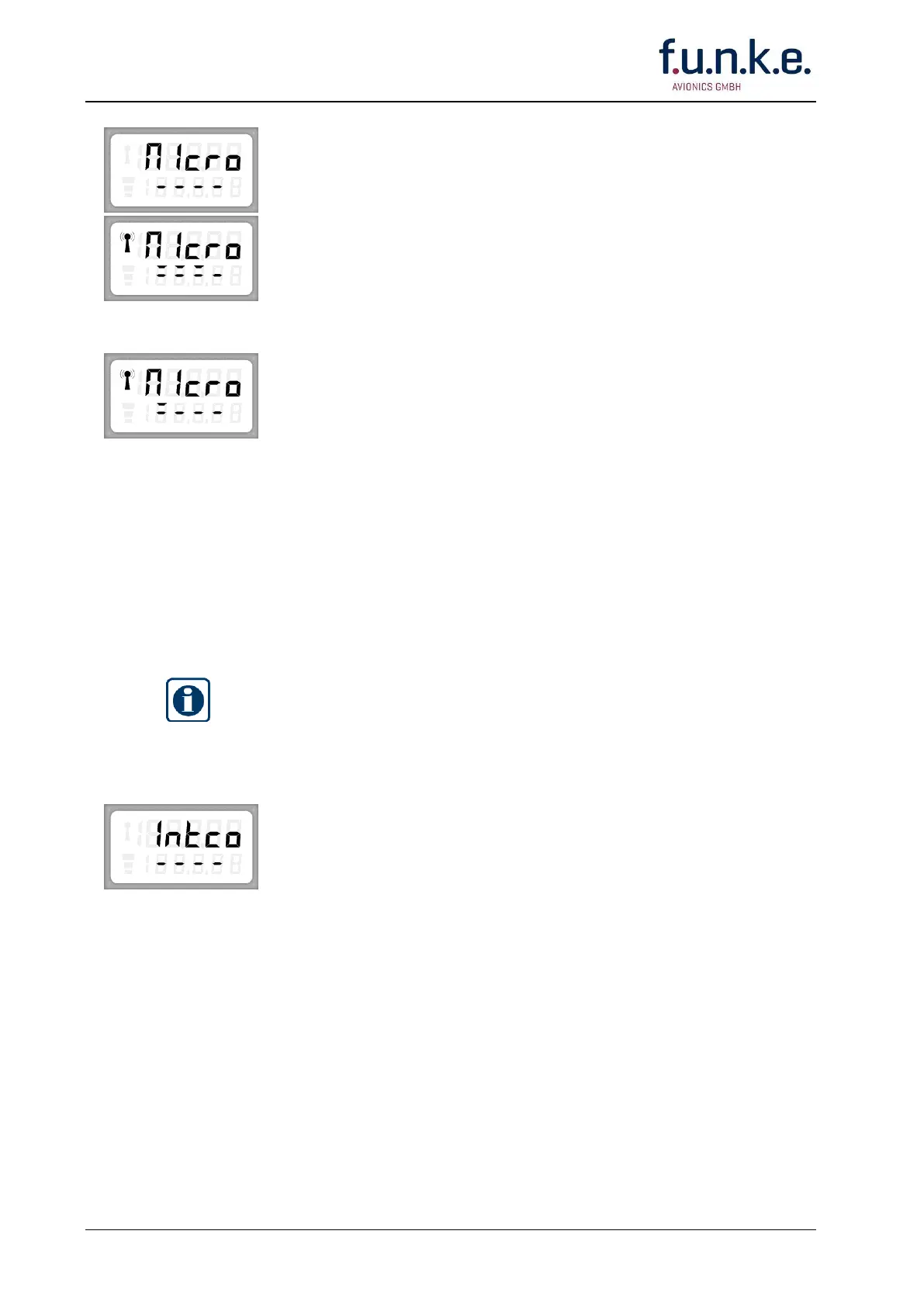
The display shows in the upper line alternately »SET« and
»MICRO«.
ONLY FOR ENGINE POWERED AIRPLANES AND VEHICLES:
RUN THE ENGINE IN IDLE.
Press and hold the PTT key. Talk in a loud, clear voice with the
microphone one or two inches from your lips.
While talking the microphone level is measured. By turning the F/CH
knob left or right set the upper dash line to three to four segments
(the lower dash line shows only informative the actual range).
Release the PTT key and stop talking.
RUN THE ENGINE IN CRUISING SPEED.
Press and hold the PTT key for at least 5 seconds, do not talk!
The upper dash line should show not more than one segment.
If the display shows more than one segment the mic input is too
sensitive. Repeat adjustment with less sensitivity (only two to three
segments visible when talking).
Confirm your adjustment by pushing the STO button!
If you want to carry on with the SET-UP procedure push once or
repeatedly the MD button till the desired menu appears.
IMPORTANT!
Intercom is only possible via headsets (microphones and headphones).
The radio must be wired with an Intercom harness (IC switch) and two
headsets connected.
The display shows in the upper line alternately »SET« and »INTCO«.
Enable Intercom by switching ON the Intercom switch.
Talk in a loud, clear voice with one of the microphones one or two
inches from your lips.
DO NOT PRESS THE PTT KEY!
While talking adjust with the F/CH knob a convenient headphone
volume. The segments show the actual range. If more than four
segments are shown overmodulation occurs.
Confirm your adjustment by pushing the STO button!
If you want to carry on with the SET-UP procedure push once or
repeatedly the MD button till the desired menu appears.



 To Next Page