FSG 90 System
6 Operating Instruction
December 2014 FAV_D10024 51
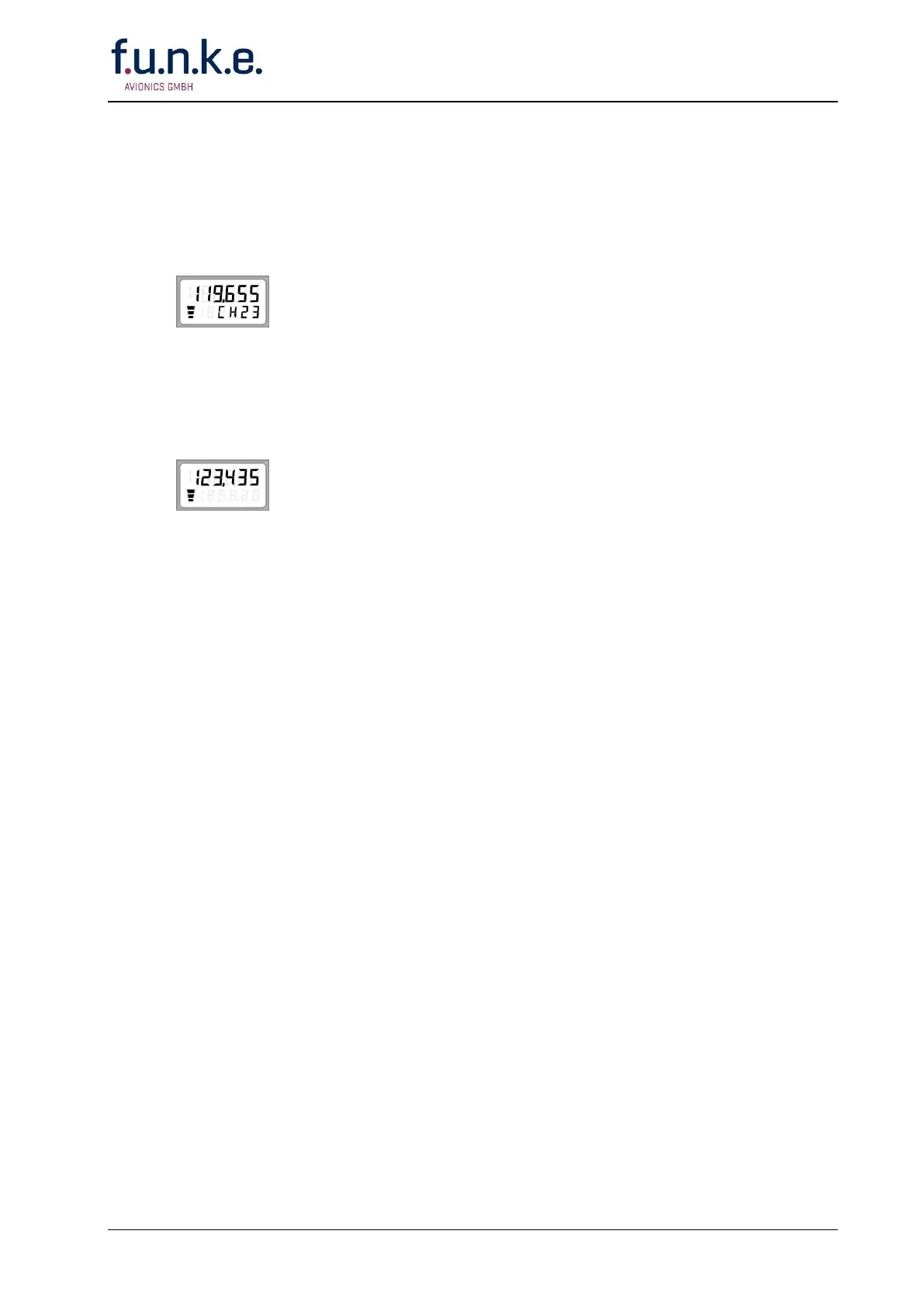
Push the Transfer Button .
The last standby frequency/channel name (lower line) will become the
new active frequency/channel name (upper line) and the last active
frequency/ channel name will become the new STBY frequency/channel
name (lower line).
Channel Mode:
Important: The appropriate operating frequency must be stored
already in a memory channel (refer to Storing a new
Frequency/ Channel Name).
Select appropriate channel memory number together with the associated
frequency/channel name by rotating the F/CH knob.
Direct tune Mode:
Select appropriate kHz portion by rotating F/CH knob. A clockwise
rotation will increment the previous frequency while a counterclockwise
rotation will decrement the previous frequency with rollover at each band
edge.
Push F/CH knob; this changes the access to MHz.
Select appropriate MHz portion by rotating F/CH knob. A clockwise
rotation will increment the previous frequency while a counterclockwise
rotation will decrement the previous frequency with rollover at each band
edge.
The setting is the new active frequency/channel name.
• Rotate ON/OFF-VOL knob (1) clockwise, about half way.
Continue with either Receive or Transmit Operation



 To Next Page