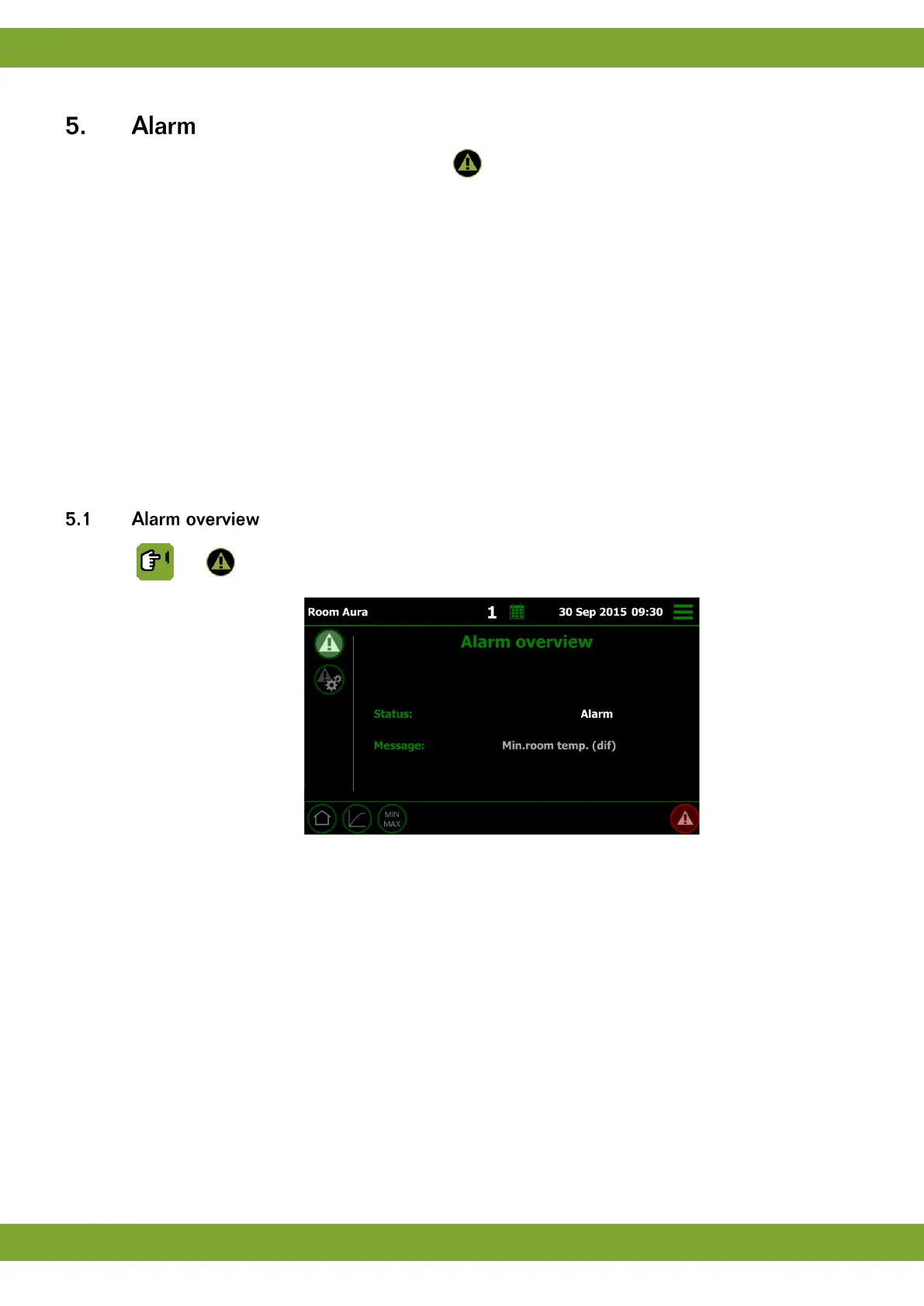
Request the alarm overview using the alarm button .
There are two buttons:
1. Alarm overview to readout the status.
2. Alarm settings to change the alarm settings.
Types of alarm
There are two types of alarm:
1. LOUD: A loud alarm means a report is shown on the screen and a siren is sounded (if connected). Take
action immediately.
2. SILENT: With a silent alarm (warning), a report will appear on the screen. This type of alarm is usually less
serious. An active process can be stopped, if required.
With both types an alarm message will appear on the screen.
Alarms can be set to LOUD or SILENT, if required. For nearly all the alarms the user decides the limits outside
which alarms must be given.
Readout / setting the alarm status:
Alarm stand by: no alarm (stand by mode).
Alarm test: test the alarm and after reset the status will be changed to Alarm
stand by.
Alarm recovered: there was an alarm which has been recovered. The controller
switches off the alarm, but the alarm status remains visible.
Silent alarm: alarm message shown on display only.
Alarm temp. off: switch off the current alarm. When the alarm situation has been
cancelled, this status will automatically become Alarm stand by. Always check
that the status has reverted to Alarm stand by.
Alarm disabled: switch off the alarm entirely. Only do this when houses are
unoccupied. Do not forget to reset the status to Alarm stand by.
Alarm: the type of alarm is shown on the display.
-: function not in use.


 To Next Page