Setting of the software language.
Readout of the net frequency (50Hz of 60Hz). After changing the net frequency,
switch the computer off and on again.
Setting of the communication level master or slave (Master/Slave). The master is the
computer responsible for communication. All the other computers must be set as
slaves.
Communication sent /
receive counter
Readout the number of transmitted messages (Sent counter) and readout
of the number of received messages (Receive counter). (no PC-messages).
These counters can be used to trace faulty communication
connections. In this case set all the counters on all the computers
to "0". Normally these counters increase simultaneously.
Communication has failed between the last computer where the
counters are increasing simultaneously, and the first computer
where the counters are not increasing at the same speed.
Reset to factory settings
Setting to restore the factory settings (YES / NO). Be carefull with this setting!
Setting to calibrate the touch screen (YES / NO). Tap on the dots to calibrate.
Be carefull with this setting!
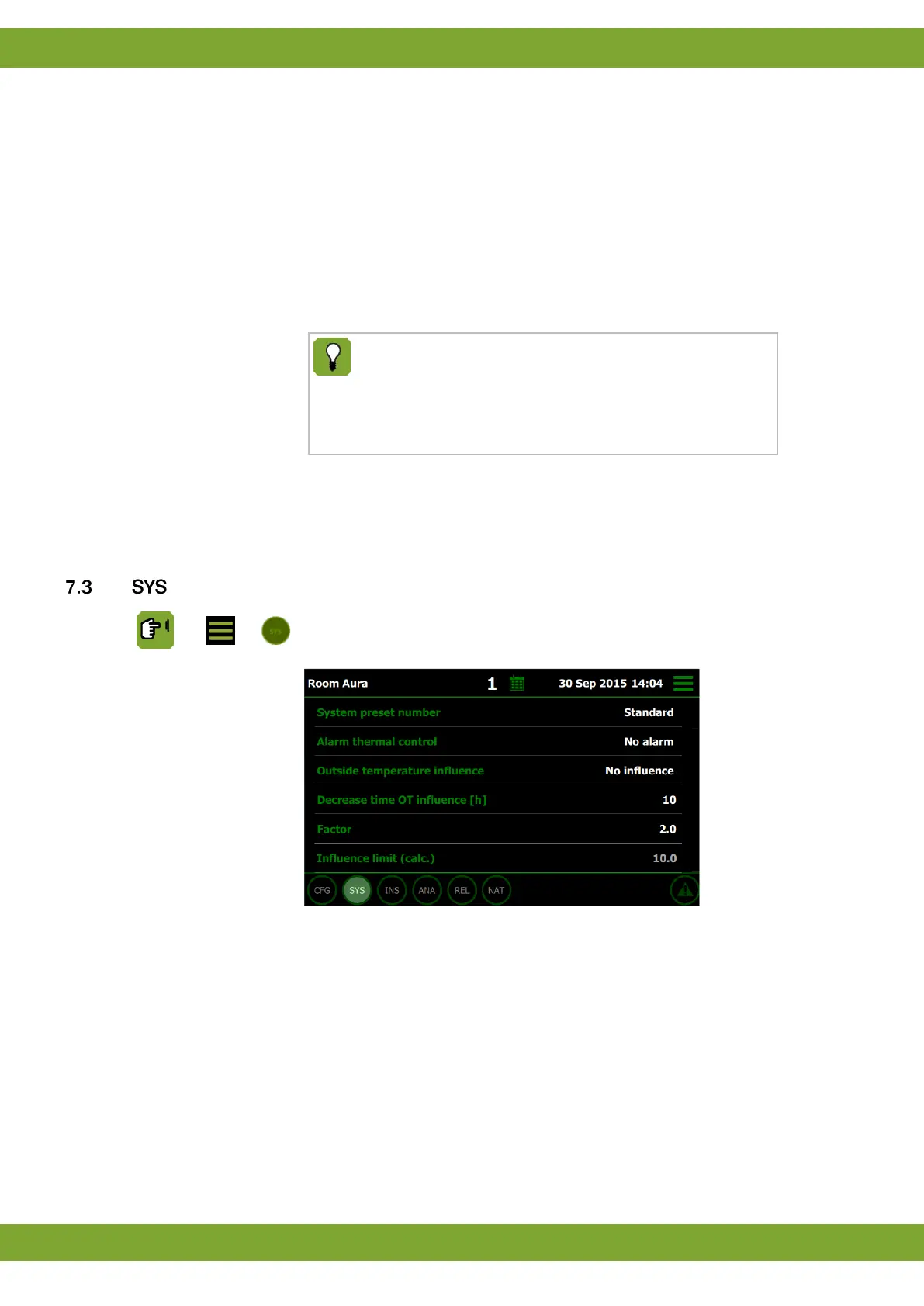
Setting of the pre-settings (see appendix):
0: Standard
1: EasyFlow
2: EasyFlow + influence
3: CentralFlow
4: CentralFlow + influence
5: ProFlow
6: ProFlow + influence
7: iFan ProFlow


 To Next Page