11
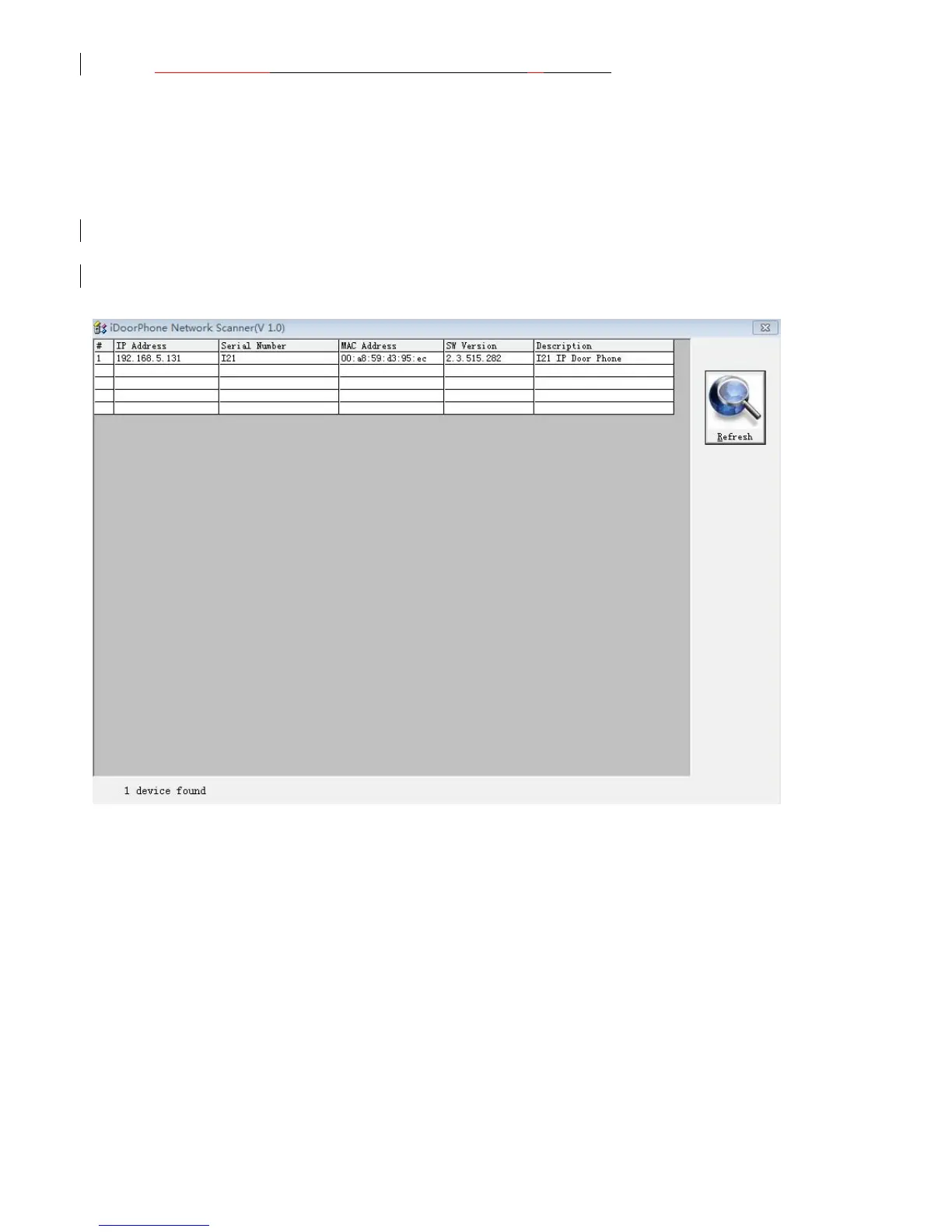
iDoorPhoneNetwork.exe software to search the IP address
2. Use IP address log onto WEB server to configurate.
3. Configurate service provider supplied account on SIP page,user name,service address
and other Registration required parameters.
4. Configurate shortcut key on EGS->Function key page.The advice is set to KEY EVENT type,
value is OK keyboard.
5.Configurate Door Phone parameter on EGS->EGS page frame.
3. I21/I21T Door Phone Basic Operation
3.1. Answering a Call
When calling come,I21/I21T will ring,and configurate the shortcut as OK, then can press
shortcut and answer the call.
3.2. Making a Call
Speed Dial
Configurate shortcut as Memory key and setup a number, then press shortcut can call the
configured number immediately.
Keypad Dialing
Configurate shortcut as Dial key. Input wanted number on the keyboard then press short to call.



 To Next Page