19
Server Name service name, e.g. PPPoE Service provider has no
special requirements, this name can be treated as
default value.
User Please enter your ADSL account.
Password Please enter your ADSL code.
Note:
1)After setting the parameters,need click “apply”to make it effective.
2)f changed IP,web page must have no longer responding,at this time
should enter the new address in the address bar can be connected to the
phone.
3)If system boot and use DHCP to get IP,and DHCP server network address are
the same with system LAN network address,then after server get DHCP IP, add 1
to the last of LAN network address,meanwhile modify LAN DHCP Server allocate
IP address field;After system reboot,WAN access DHCP log on,and DHCP server
provided network address is the same as LAN provided,then WAN will not be
able to get IP access networks.
4.3.2.2. Qos Config
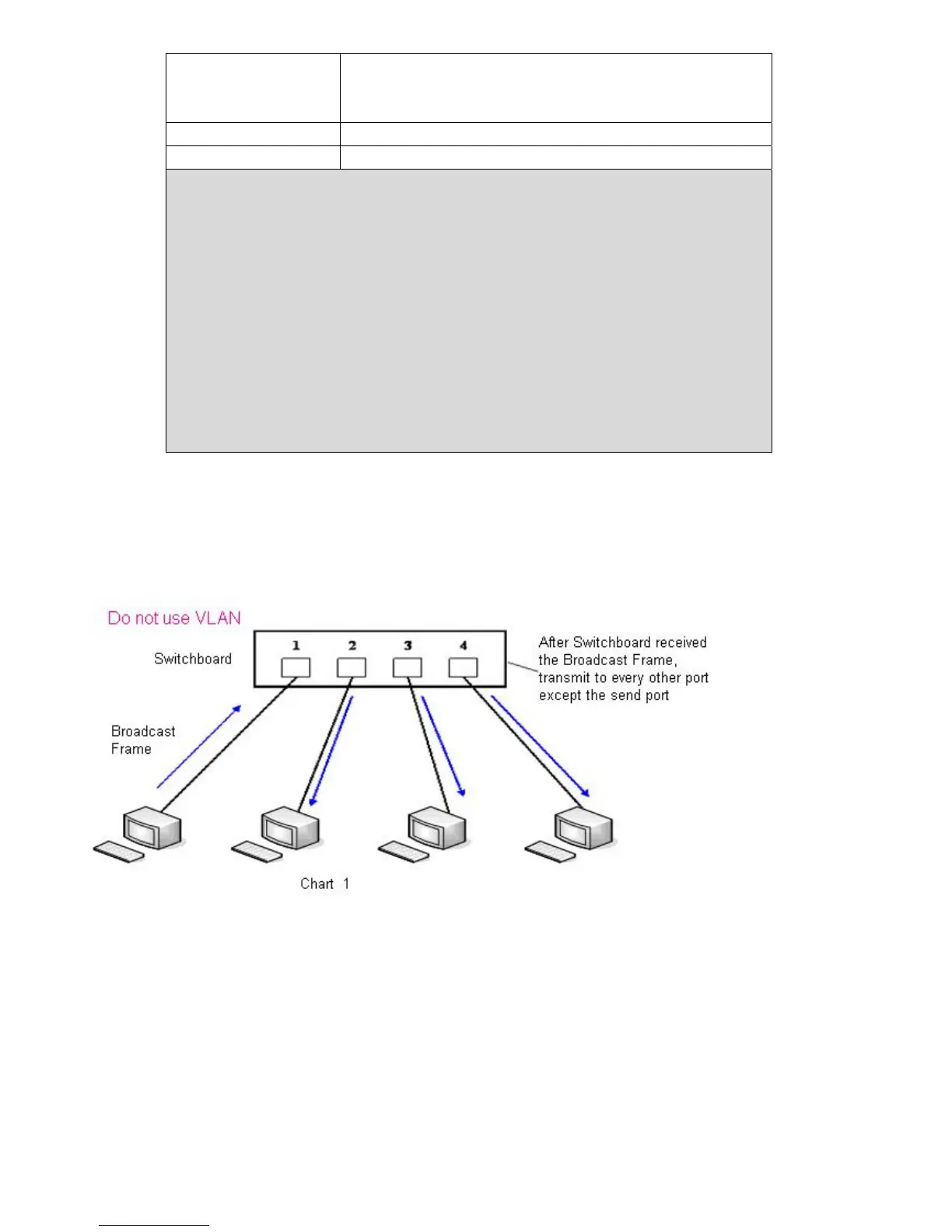
I21/I21T Terminal system support802.1Q/P protocol,support DiffServ configuration. Meanwhile,
VLAN function can configurate Voice VLA and Data VLAN use different VLAN I.System
configuration Data VLAN,can process the signalling、Audio stream and system and other data
stream with different VLAN ID,which let the applications of VLAN is more flexible.(Below chart is
helpful for your understanding the VLAN using advantages.)



 To Next Page