13
Manager mode:
User Name:admin
Password :admin
4.2. Setting via web browser
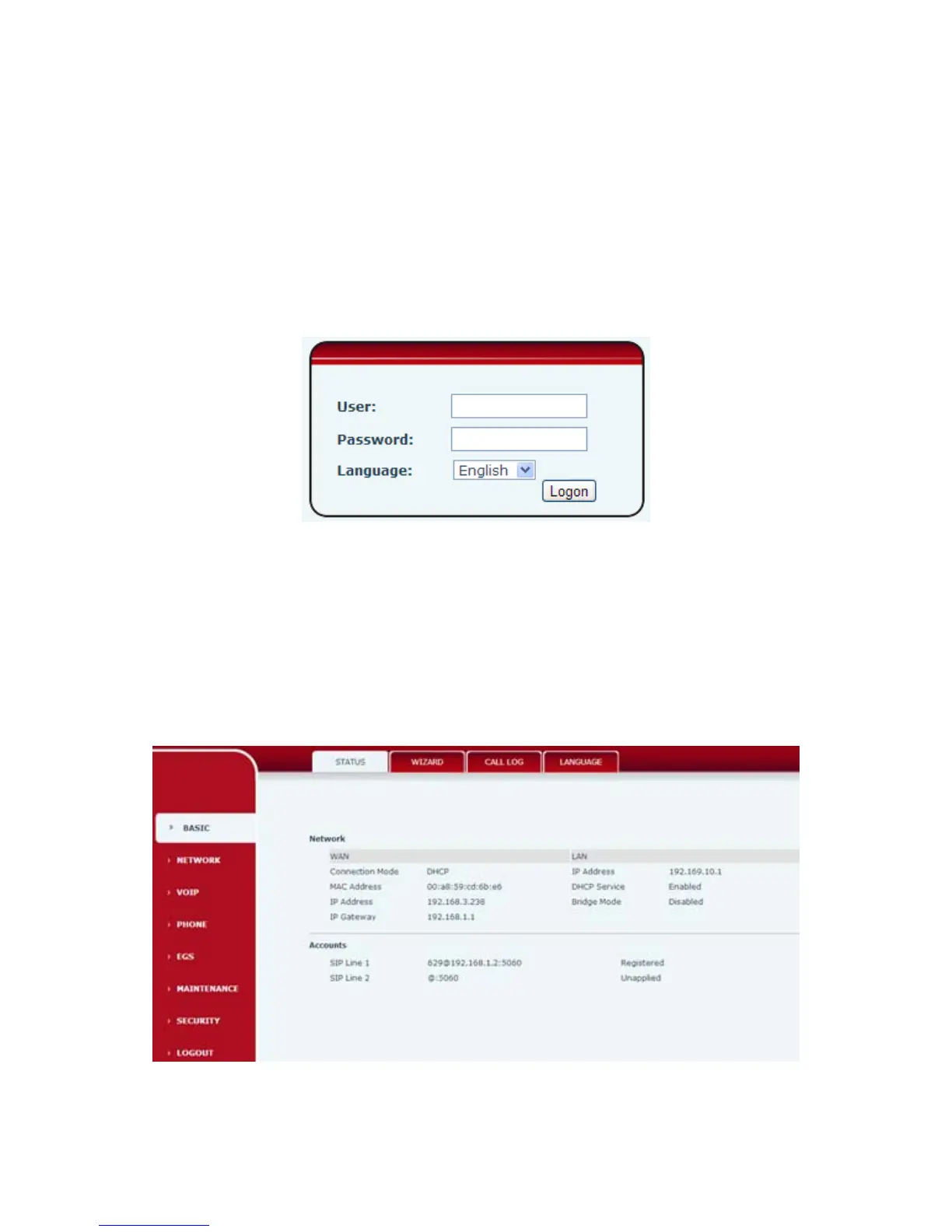
When I21/I21T and PC are connected to network,input phone IP address into Internet Explorer(IP address
can obtain via pressing sysinfo key)http://xxx
.xxx.xxx.xxx/,(if the web log on port is not 80 standard port,then need input http:
//xxx.xxx.xxx.xxx:xxxx/,otherwise it will show can not find a server
)You can see the web management interface login screen(as below image)。Enter the user name and password
and click on the【Logon】button then can enter into the set menu.
※:If you do not save the settings you changed,next power boot it will back to the previous state unchanged. If
you want to save the settings,after you made the change,please click Maintenance-Config-save then all are
saved,in the process, the phone will immediate effect without reboot.
4.3. WEB Page Functional Explanation
4.3.1. BASIC
4.3.1.1. Status



 To Next Page