37
Visitor message;
Calling indoor extension for two-way conversation;
Software upgrading on line;
WEB remote management of Terminal malfunction or status;
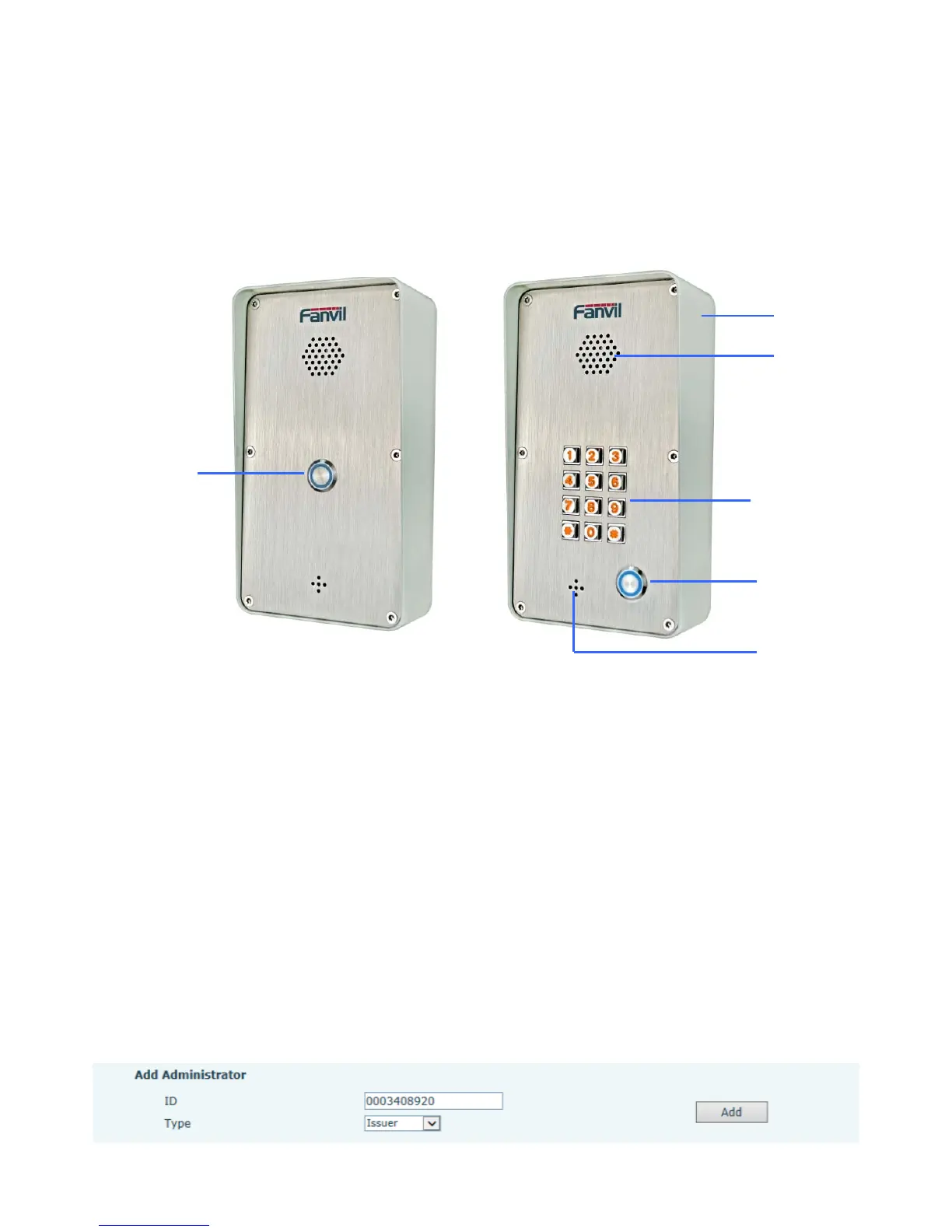
5.1.3. Schematic Diagram
i21 i21T
5.2、Owner Remote Opens the Voice Access Controller by VOIP Phone
1)Owner calls the Voice Access Controller by VOIP Terminal.
2)the Voice Access Controller answers the call automatically.
3)Owner enter Authentication code by VOIP Terminal’s keypad to open the door.
5.3、Card Management
5.3.1
Issue Card Management
(1) Issue <issue administration card>
Input available card number to ID input field, choose Issuer, then press Add to add Issue
Administration Card.
S



 To Next Page