38
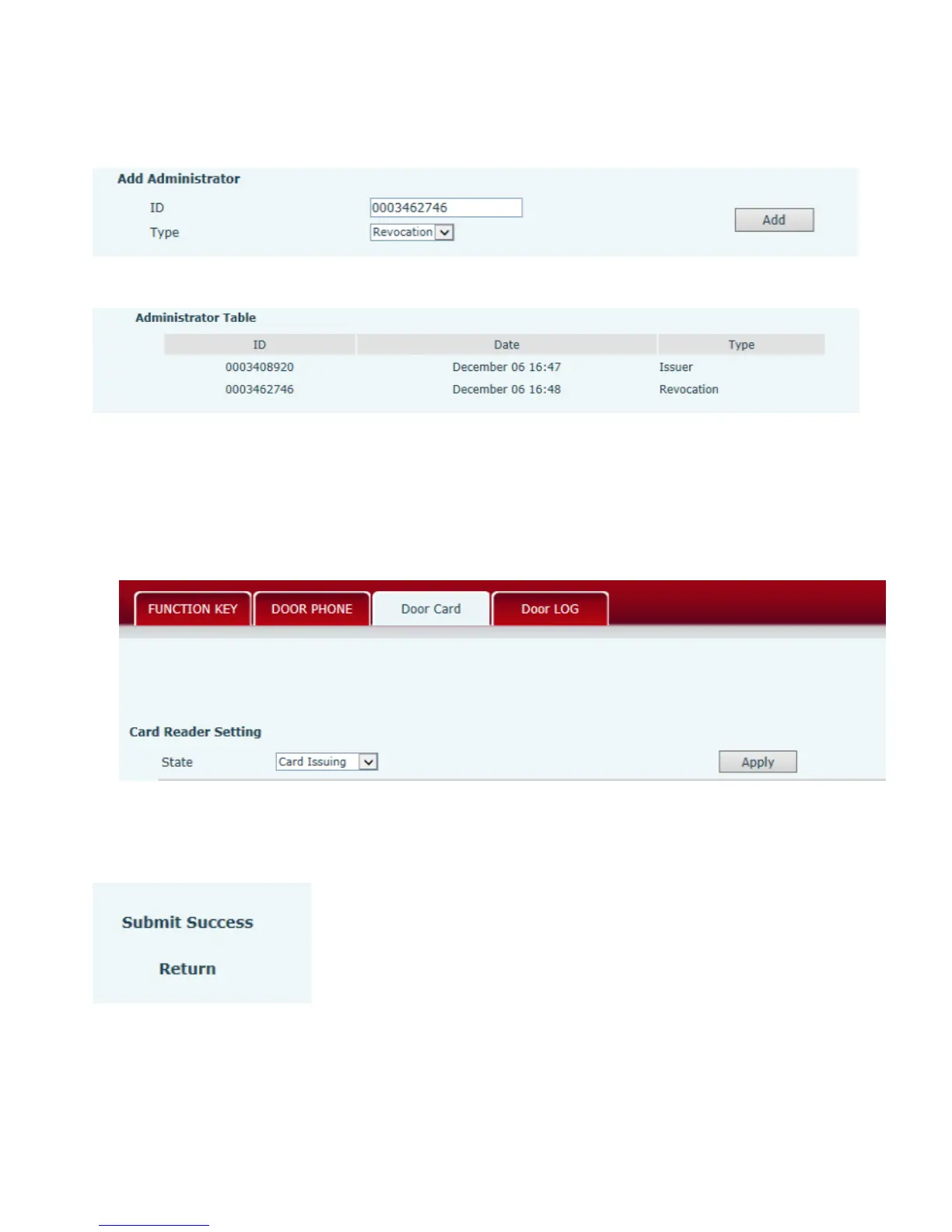
(2)Issue <Delete administration card>
Input available card number to ID input field, choose “Revocation”, then press Add to add Delete
Administration Card.
(3)Administration Card List
5.3.2Issue User Card
Issue User Card (method 1):
1) Choose “Card Issuing” in “Door Card”.
2) Press “Apply” to submit new User Card.
3) Put IC card on the Reader Sensing Area, and make sure the reader responded.
4) Choose “Normal” in the Card Reader Setting.



 To Next Page