39
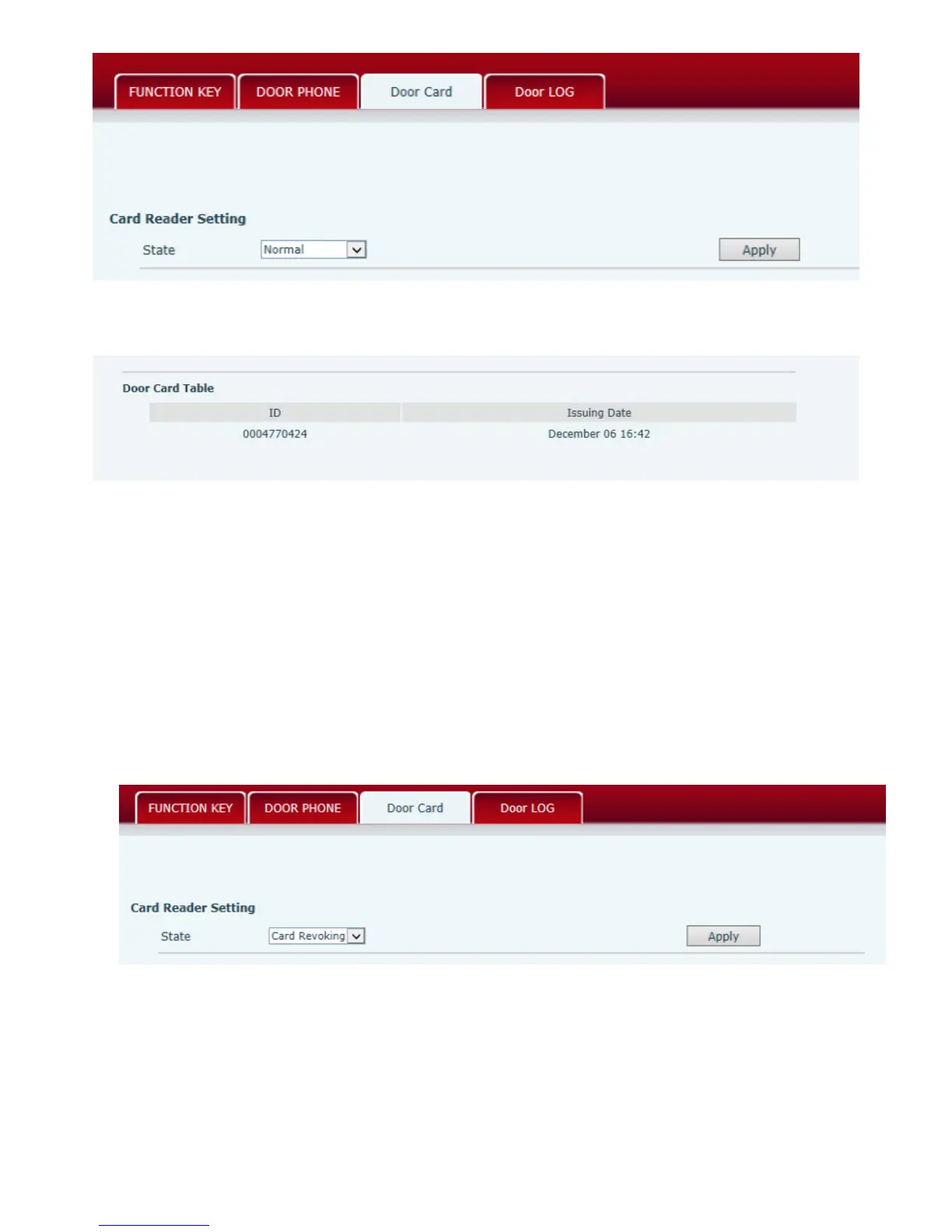
5)Press “Apply”.
6)You can check the issuing records in “Door Card Table”
Issue the User Card (Method 2):
1) Put Issue Administration Card on the Reader Sensing Area, the controller is on the state of
issuing.
2) Put IC card on the Reader Sensing Area, and make sure the reader responded.
3) Put Issue Administration Card on the Reader Sensing Area again to sign out issuing, then the
reader is back to the normal state
5.3.3 Delete the user card (Method 1):
1) Choose “Card Issuing” in “Door Card”.
2) Press “Apply” to enter the state of deleting card,



 To Next Page