40
3) Put IC card on the Reader Sensing Area, and make sure the reader responded.
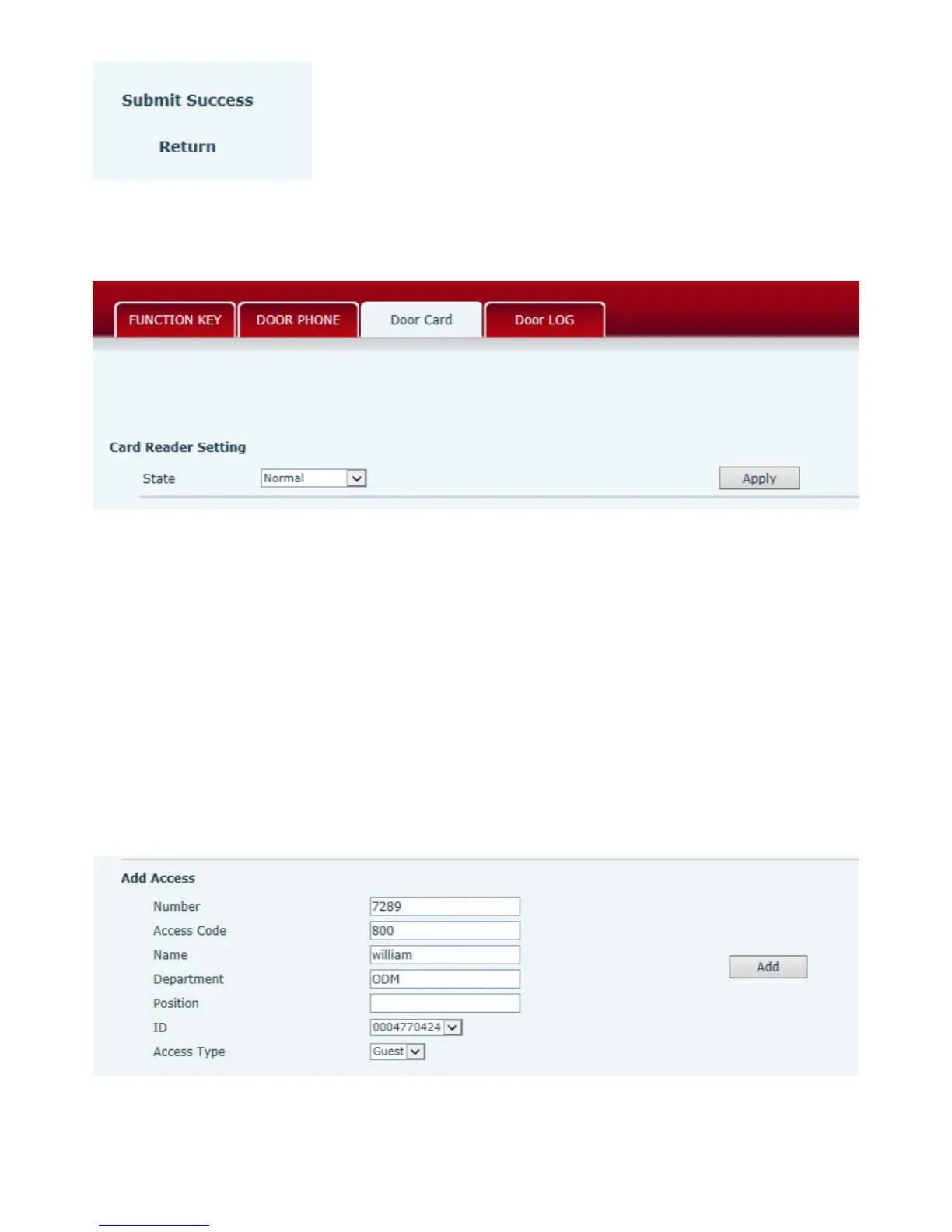
4) Choose “Normal” in the “Card Reader Setting”.
5)Press “Apply” .
Delete the user card (Method 2):
1) Put Issue Administration Card on the Reader Sensing Area, the controller is on the state of
deleting.
2) Put IC card on the Reader Sensing Area, and make sure the reader responded.
3) Put Issue Administration Card on the Reader Sensing Area again to sign out deleting, then the
reader is back to the normal state.
5.3.4、Add Remote Visit Data
(1)Add new number
After finish filling accounts, choose the number for the user, press “Add”.
(2)Remote Visit Table



 To Next Page