6
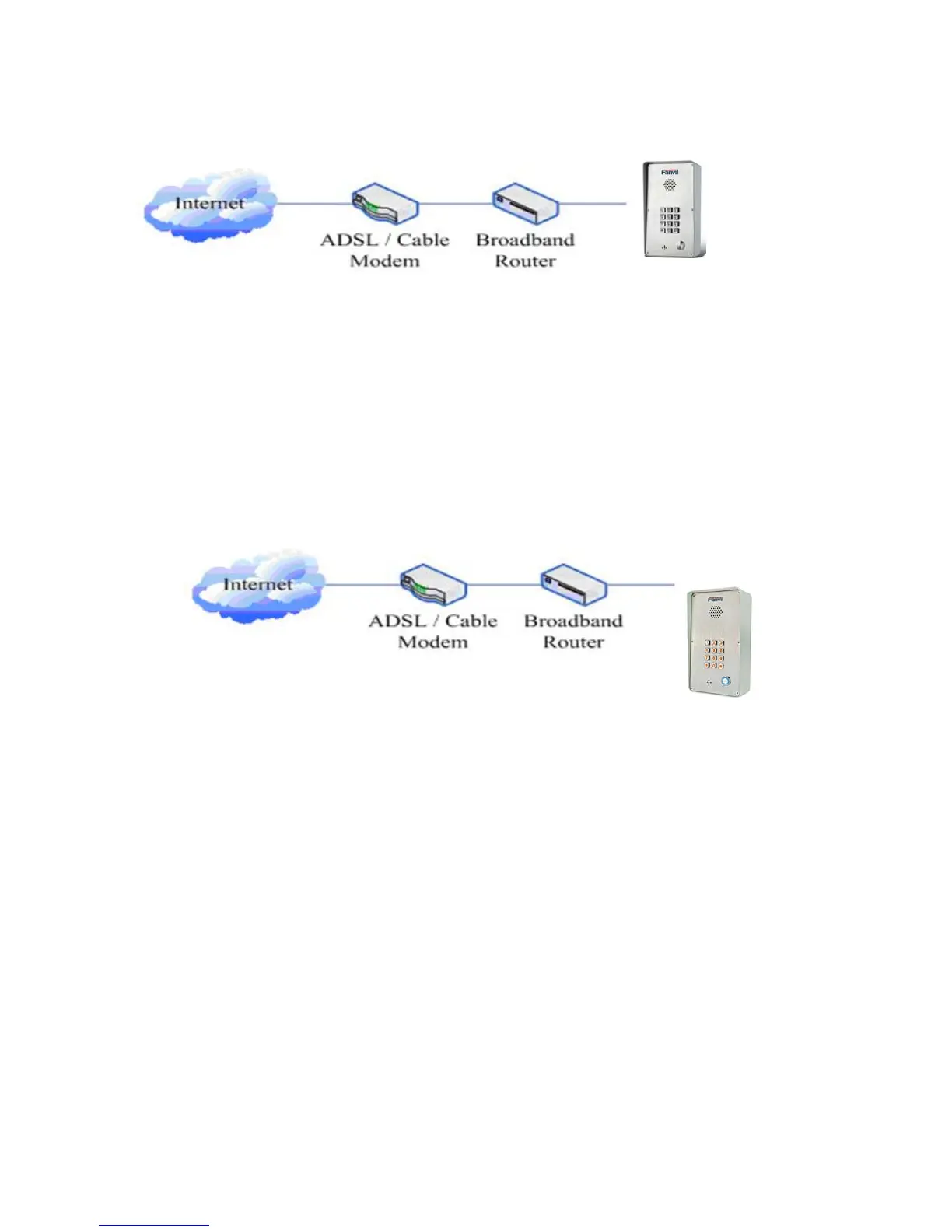
Connect network one end with I21/I21T WAN port,connect the other end with your broadband
router LAN port,then network hardware connection is completed. In most cases,you must set your
I21/I21T network as DHCP mode.Please refer to the detailed setting ways 3.2.1, set network.
2. wireless broadband router
Connect network one end with I21/I21T WAN port,connect the other end with your ADSL
modem
LAN port,then network hardware connection is completed. In most cases,If you are using the
TV cable broadband,you must set your I21/I21T network as DHCP mode:if you are using ADSL,
then you must set your I21/I21T network as PPPoE mode.Please refer to the detailed setting ways
2.1.2, set network.
2.1.2、Interface Description
2.1.2.1
Network, Power Switch, Electric Lock Connection



 To Next Page