5
1. Acquaint I21/I21T
Voice Intercom I21/I21T voice entrance guard is a full digital network door phone,its core part adopt Fanvil
mature Voip solution(Broadcom1190 chipset), stable and reliable performance, Hands-free adopting digital
full-duplex mode,Voice loud and clear;generous appearance, solid durable, easy for installation, comfortable
keypad, low power consumption.
I21/I21T voice entrance guard support entrance guard control、Voice Intercom、keypad remote to open the
door.
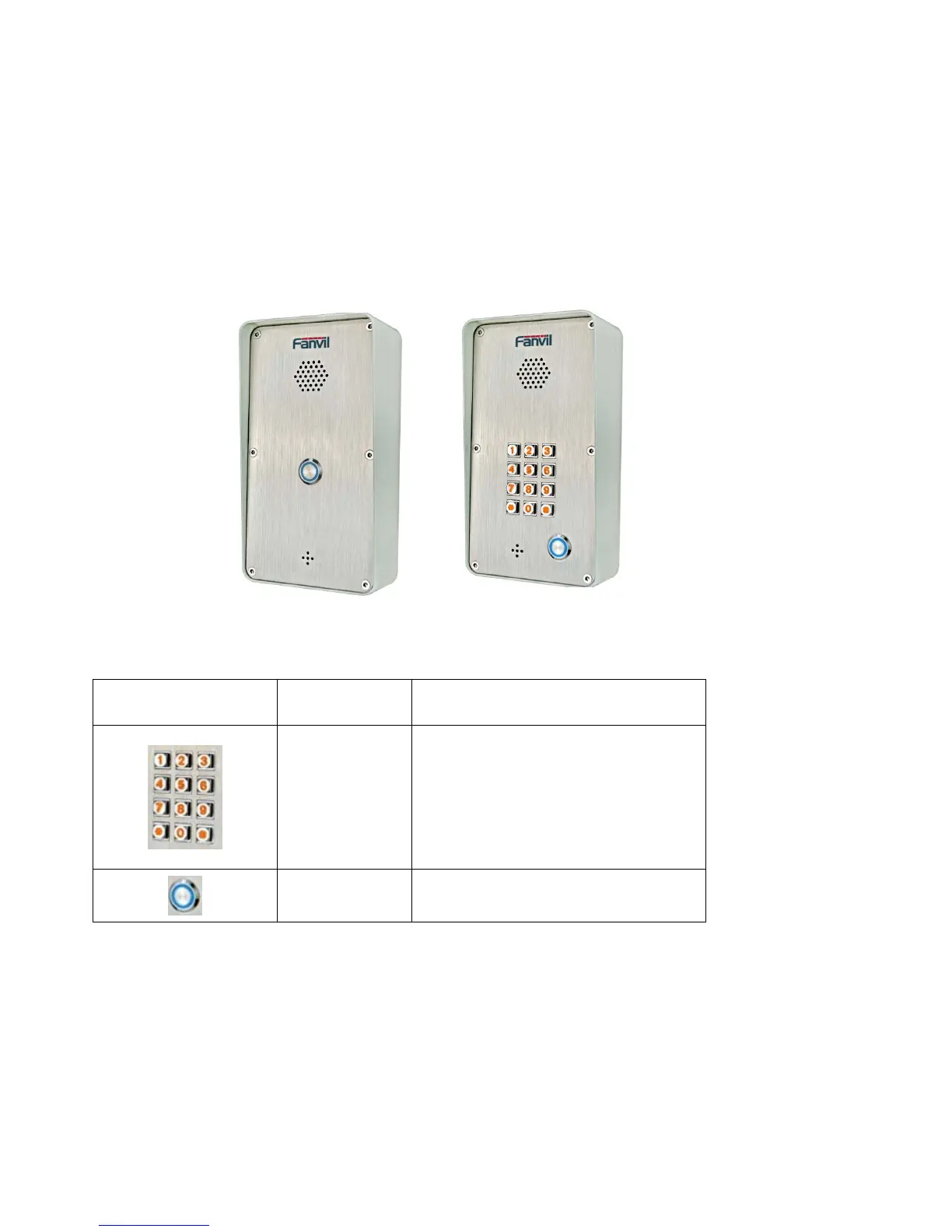
1.1. I21/I21T Front
i21 i21T
1.2.
Key Description
Key Chinese
Specification
Function
digit keyboard
enter the password to open the door
Or make a calling
Programmable
keyboard
Can be set to a variety of functions,to
meet the needs of different occasions
2. Start Using
Before you start to use I21/I21T,please make the following installation:
2.1. Connect the power supply and the network
2.1.1. Connect Network
In prior to this step, please check if your network can work normally and have capacity
of broadband internet access.
1. Broadband Router



 To Next Page