Page 21
iLiL
iLiL
iL
OFT DUOOFT DUO
OFT DUOOFT DUO
OFT DUO
XX
XX
X
iLiL
iLiL
iL
OFT DUOOFT DUO
OFT DUOOFT DUO
OFT DUO
XX
XX
X
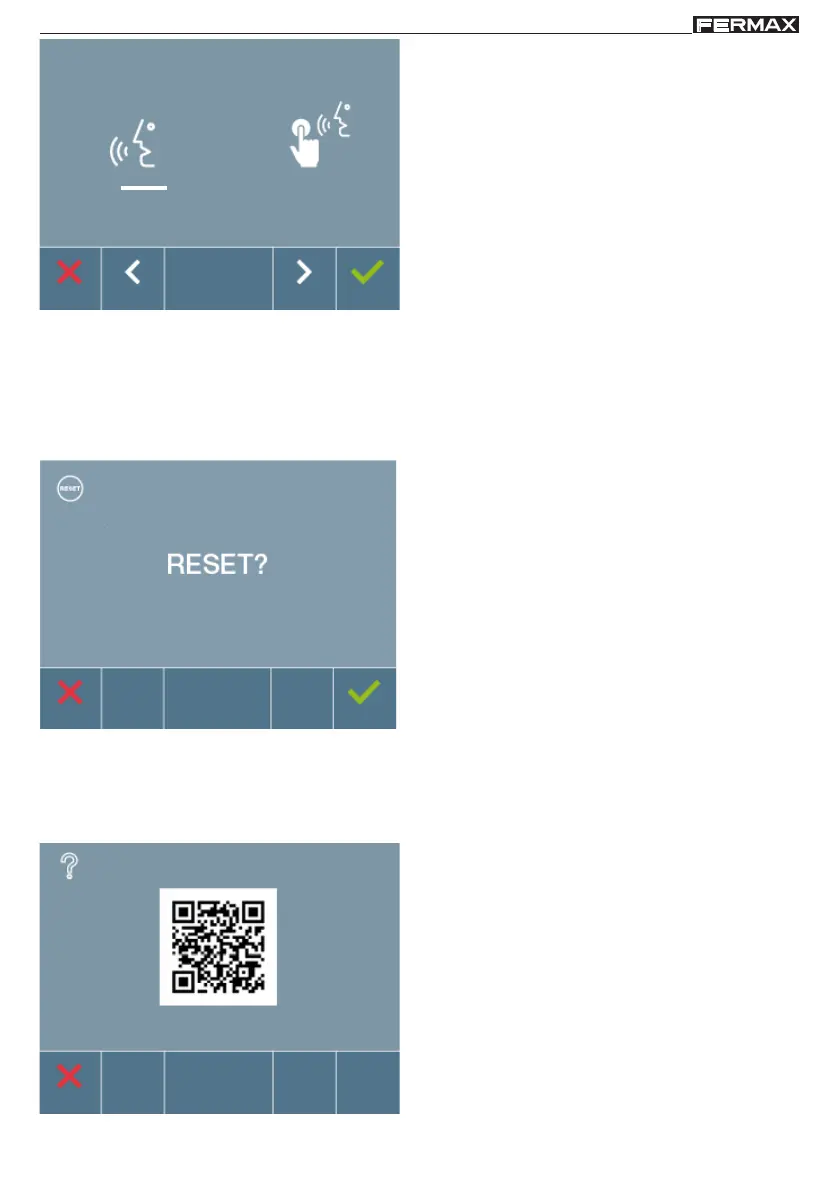
4.3 USER RESET
If you want to reset it, confirm this option.
With this option you can reset all configuration parameters to default values, saving the
programmed address on the monitor and the activation of the induction loop. Selecting and
confirming the option.
By default handsfree mode is selected, see
Operating chapter: Answering a call.
Note: Upong pressing:
- X (cancel): exit the screen without changes
-
(confirm): all changes made are saved and
you exit the ringtone selection menu
4.4 HELP
The screen displays a QR code that allows you to access a promotional link that explains in
detail the DUOX digital system created by FERMAX.














 To Next Page