Page 23
iLiL
iLiL
iL
OFT DUOOFT DUO
OFT DUOOFT DUO
OFT DUO
XX
XX
X
iLiL
iLiL
iL
OFT DUOOFT DUO
OFT DUOOFT DUO
OFT DUO
XX
XX
X
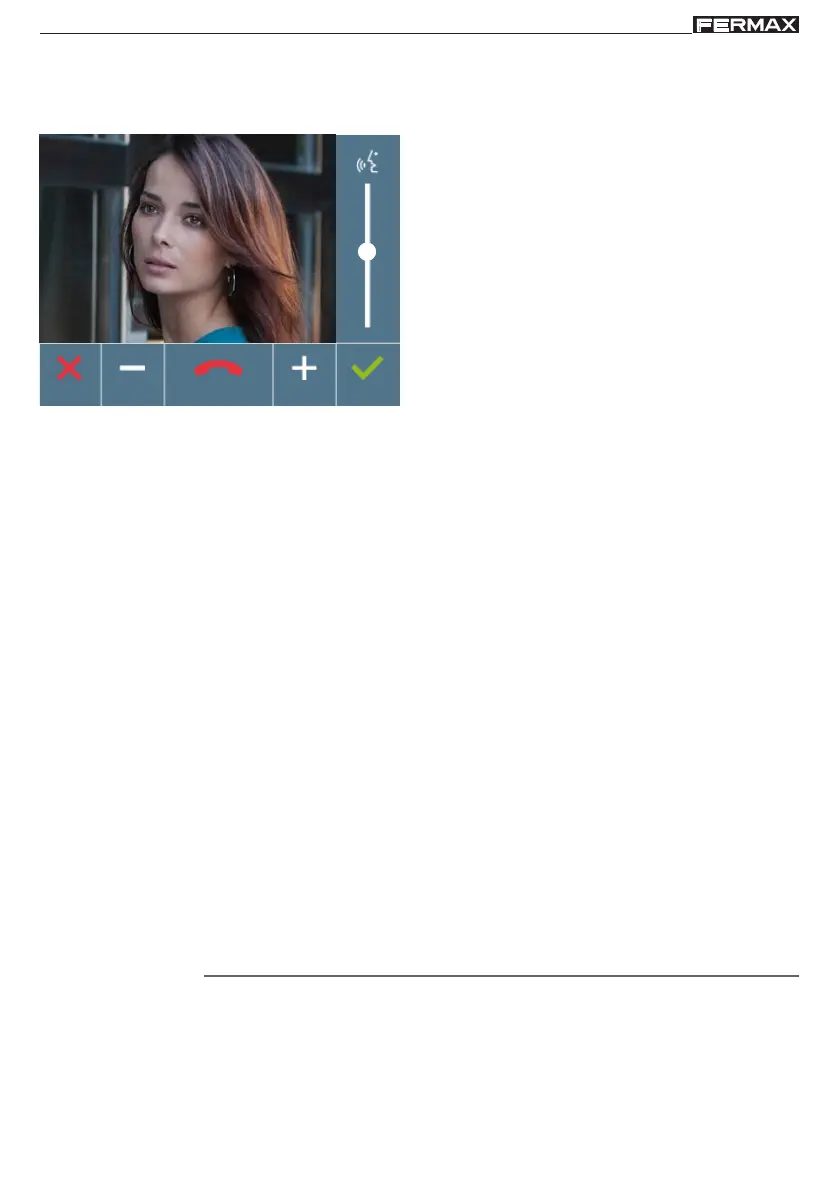
Audio settings
While the audio channel is open the audio volume can be regulated. In order to set the audio,
press MENU and a menu screen appears for this settingajuste.
In the audio settings, use the arrows to increase
or decrease until reaching the desired setting.
From this screen you can also deactivate the
audio (hang-up).
Note: The time to perform the Audio Settings is
90 seconds, after this time the monitor returns
to stand-by.
Operating














 To Next Page