Page 26
iLiL
iLiL
iL
OFT DUOOFT DUO
OFT DUOOFT DUO
OFT DUO
XX
XX
X
iLiL
iLiL
iL
OFT DUOOFT DUO
OFT DUOOFT DUO
OFT DUO
XX
XX
X
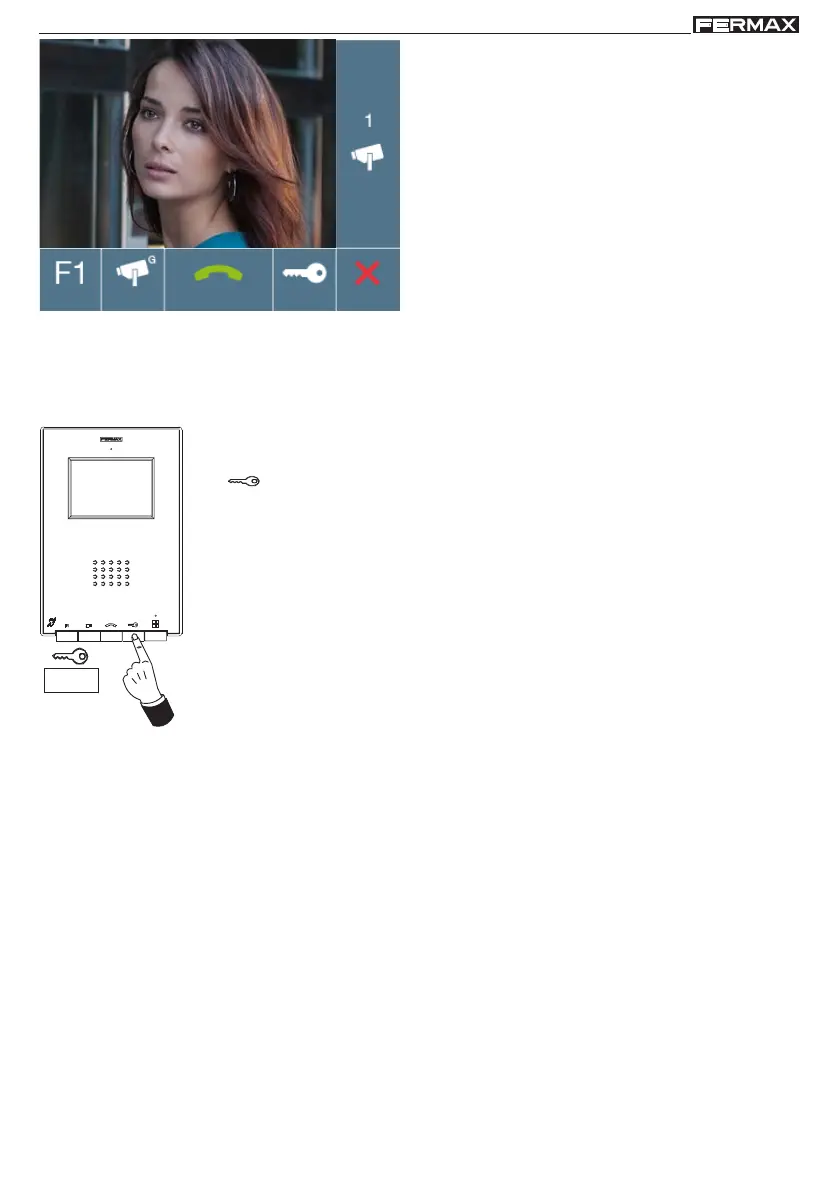
From these screens you can also:
- activate the audio (pick-up).
- open the door.
- activate function F1.
Note: If communication is not established with the entry panel, the monitor will automatically go off after
30 seconds.
Door lock-release
While in conversation with the Street Panel (only video or audio+video), pressing
the button will activate the open door lock-release.
Note: If the phone is not answered you have 30 seconds to open the door. If
communication is established with the street panel, during the conversation (limited
to 90 seconds).














 To Next Page