6. Commissioning
36 © Festo Didactic GmbH & Co. KG
6.9.2 Festo controller
Controller: Festo FEC FC640, IPC CPU HC02, IPC CPU HC20
Programming software: Festo FST Version 4.02
1. Connect PC and PLC using the TTL-RS232 programming cable
2. Switch on power supply unit
3. Switch on the compressed air supply
4. Release the EMERGENCY-STOP pushbutton (if available)
5. Wait until the PLC has carried out its test routines
6. Start the PLC programming software
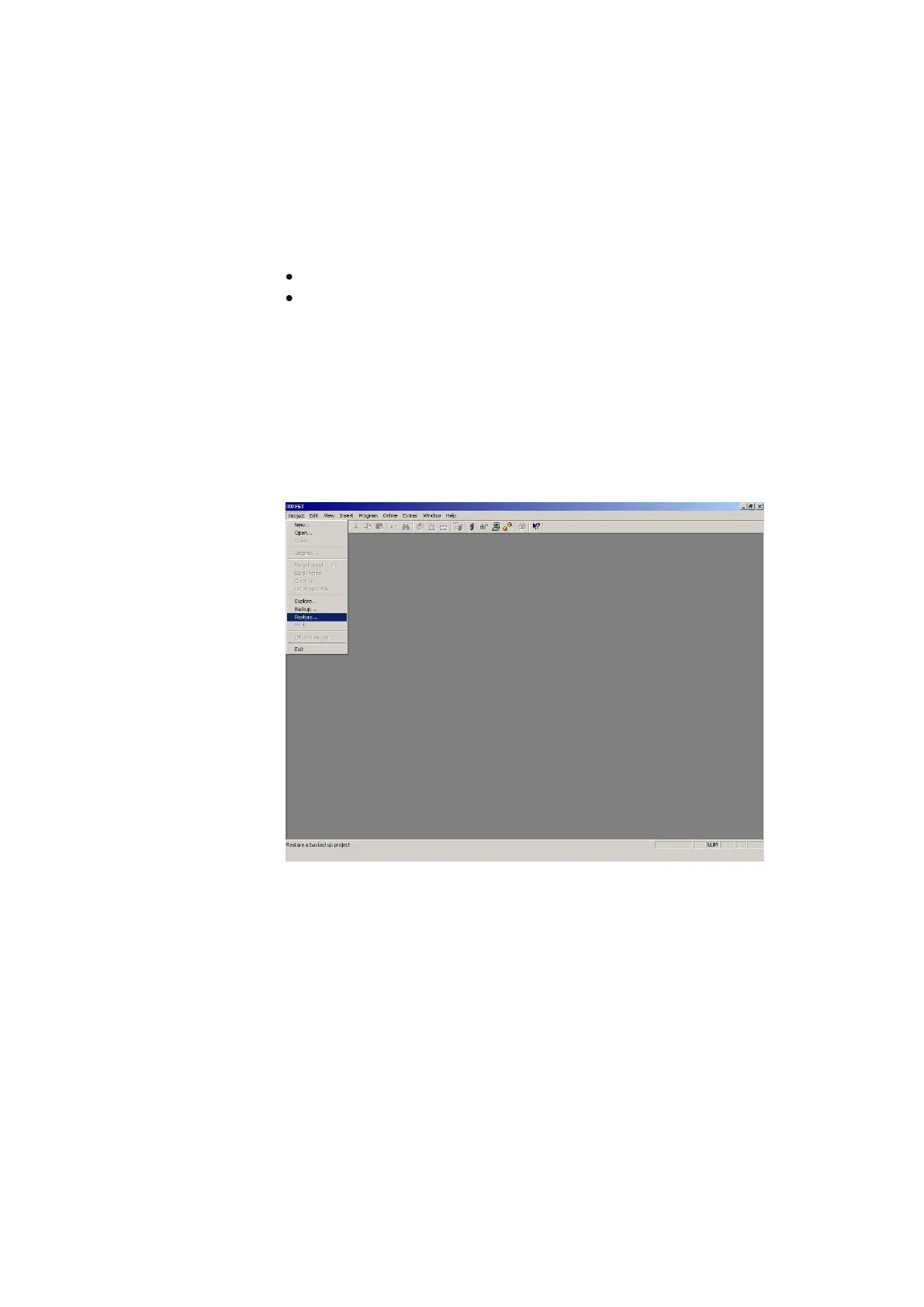
7. Restore the file 01VE_FEC.zip
Project Restore … Open 01VE_FEC.zip Open Restore Project, Name: 01VE_FEC OK



 To Next Page