6. Commissioning
© Festo Didactic GmbH & Co. KG 41
6.9.4 Mitsubishi/MELSEC controller
Controller: Mitsubishi FX1N
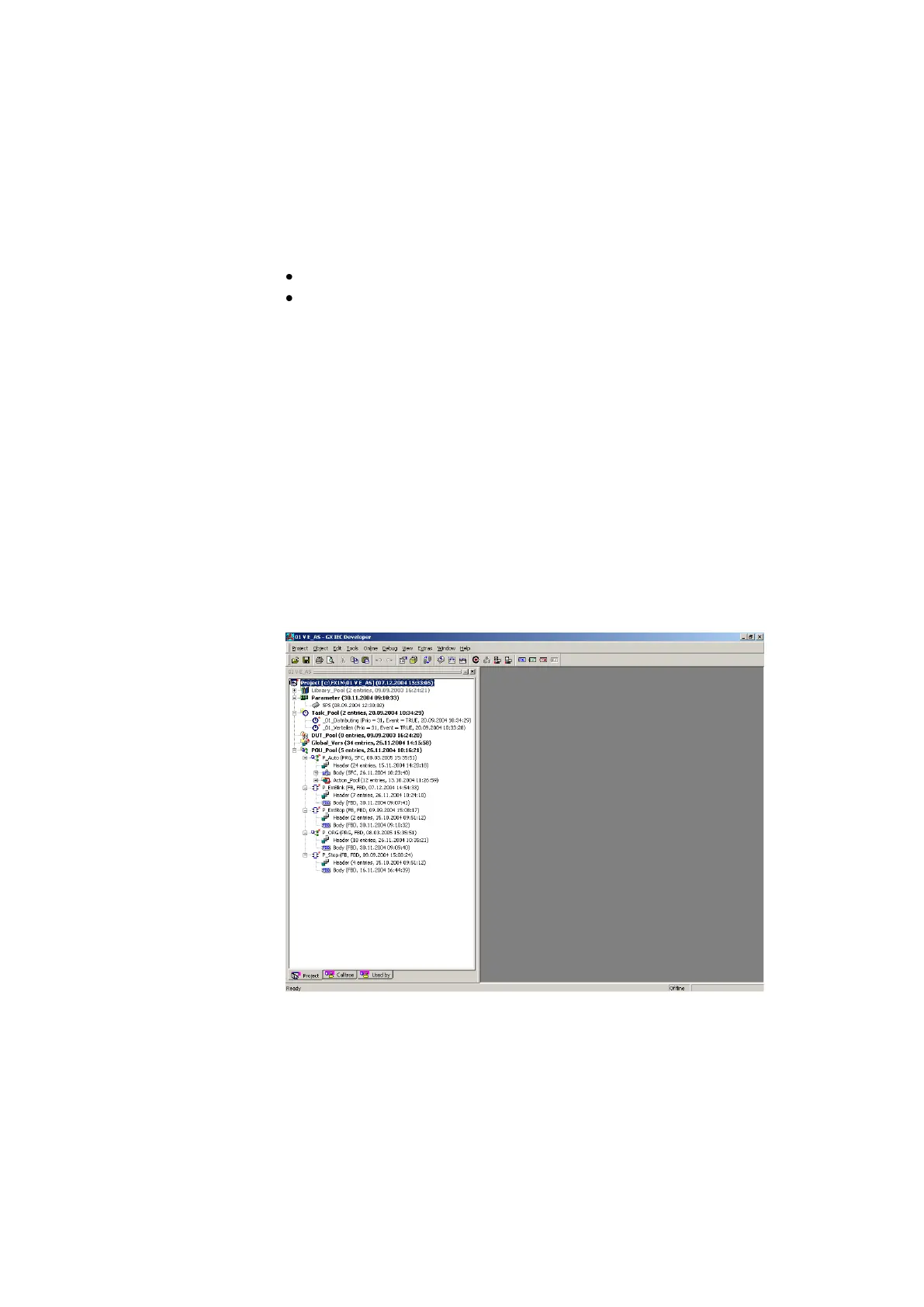
Programming software: GX IEC Developer 6.01 or higher
1. Connect PC and PLC using the RS232/RS422 programming cable with PC adapter
2. Switch on power supply unit
3. Switch on the compressed air supply
4. Release the EMERGENCY-STOP pushbutton (if available)
5. Overall reset PLC memory:
Wait until the PLC has carried out its test routines.
CPU FX1N
Turn the mode selector switch to STOP.
Start the PLC programming software.
Select Online PLC Clear All and confirm with Yes.
The memory reset is completed.
The PLC is ready for program download.
6. Restore the file 01_VE_AS.pcd or 01_VE_FUP.pcd
Extras Project Restore … select a project file 01_VE_AS.pcd or 01_VE_FUP.pcd Open Select destination
directory OK Confirm the following note OK



 To Next Page