14.1 Print Output & Formats
If Manual is selected in F16 and/or F17, refer to 5.5.3.1 (Lab 1), 5.5.3.2 (Lab 2) and 5.5.3.4 (LP-50 / TSC /
Sbarco) for details.
14.2 Auto 1~3 Output & Formats
If Auto 1~3 is selected in F16 and/or F17, refer to 5.5.4 for details.
14.3 PC Output & Protocol
If PC is selected in F16 and/or F17, then select also the preferred output protocol.
14.3.1 Predefined output protocols
9 predefined output protocols (Prot 1~9) are available. If PC is selected in F16 and/or F17, refer to Appendix
B1 for protocol details.
14.3.2 Custom output Protocol
Refer to Appendix B2 for details about custom output protocol format and setting procedures.
14.4 Sending Keyboard Commands from Computer
When Comport 2 is assigned as CMD, keyboard commands can be sent by an external device to this instrument.
Refer to Appendix A for details.
14.5 Requesting Operation Results & System Parameters by Computer
To obtain operation results and system parameters by computer, set F17 to CMD.
• Refer to Appendix C for details to obtain operation results.
• Refer to Appendix D for details to obtain system parameters.
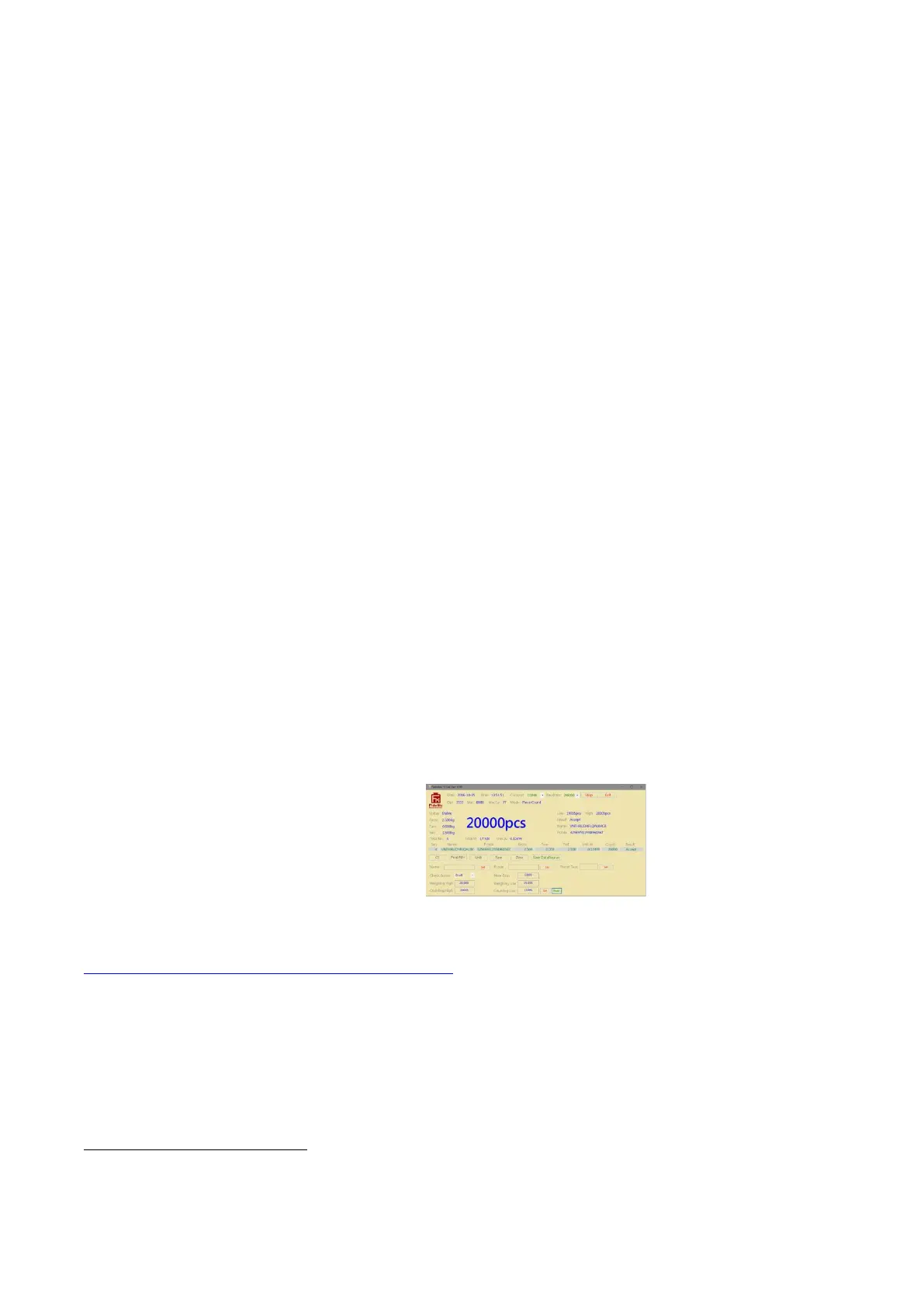
14.6 PC Software (Rathohan 19e-II End User Program)
A PC software is built to work with this instrument. This software enables users to preform: -
• Real Time Operation Status Monitoring
• Operation Parameters Setting
• Real Time Process Monitoring
• Individual and Totalized Record Storage
• Database File Output
Click / visit the below link to down this software and operation manual of it.
www.fi-measurement.com/resource/driversnsoftwares
Before using this software, read carefully the Software License Agreement of using this software. Do not use it
if you do not agree with all terms and conditions listed on the License Agreement. It is assumed that by using
this software, user agrees with all content of the License Agreement.


 To Next Page