TWINFLEX
®
pro² Control Panel Engineering and Commissioning Manual
33
Access Level 3 (Engineer): Controls Enabled LED flashing quickly
At Access Level 3A (Engineer), the main Fire Alarm Controls are enabled, and the following System
Controls are accessible. To change options contained within the engineer menu, enter Access Level
3B. This is done by removing the right hand cover and moving the write enable switch to the ON
position.
Note: A system reset must be done after any changes are made in order for them to take effect.
4. Set Time and Date
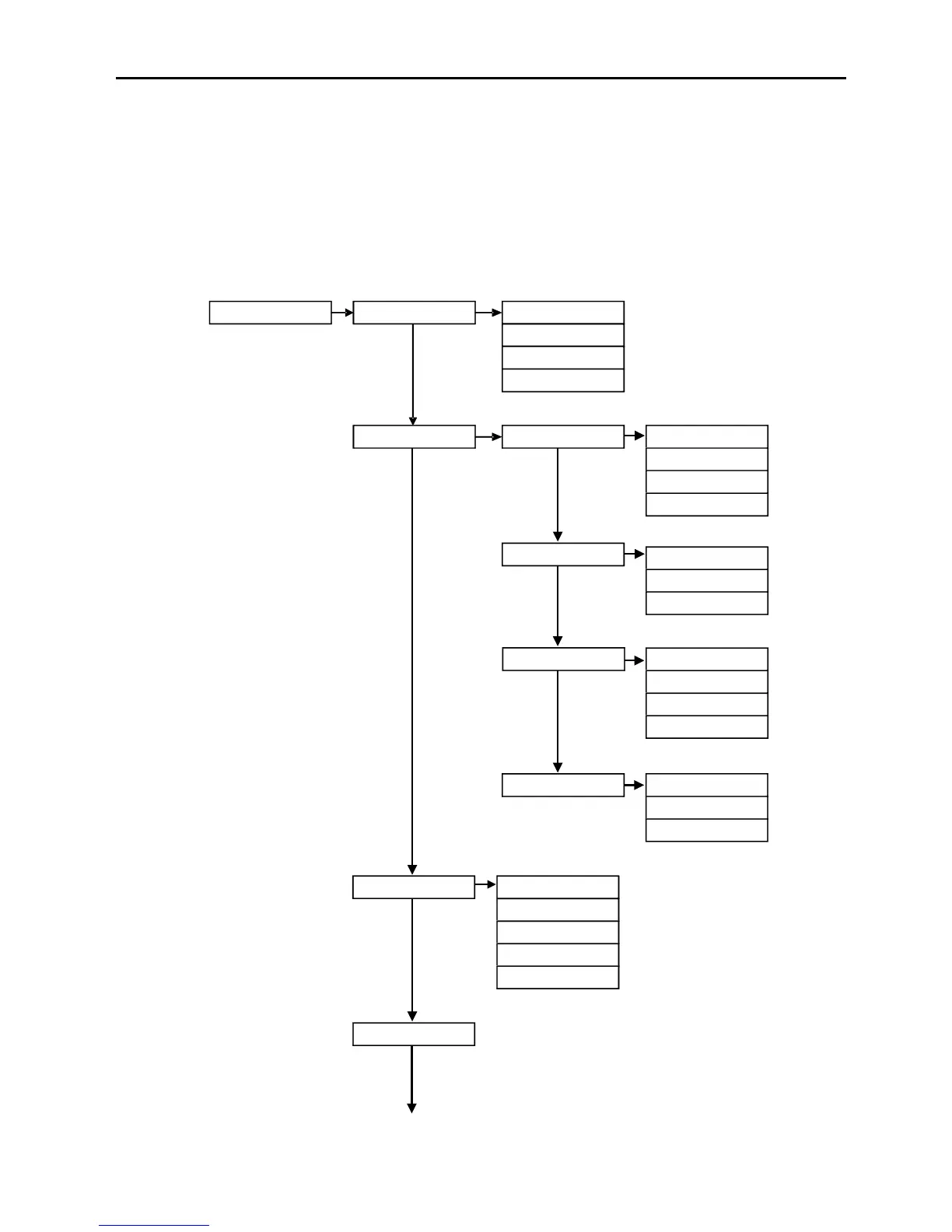
ENGR (3647) 1. View Current Events 1. Current Fires
2. Current Faults
3. Enable/ Disable
1. Remote Fires
2. All Sounders
4. Zone
5. Peripheral Buss
3. Current Disables
4. Current Warnings
1. Test Cntrl & Disply
2. Test Zone
2. Test Modes 1. Test LCD Display
2. Test LEDs
3. Test Buzzer
4. Test Keyboard
1. Silent Test
2. Audible Test
3. System Test
3. Activate Outputs
1. Fire Relay
2. Fault Relay
3. Monitored O/P 1
4. Monitored O/P 2
4. Test Inputs 1. Prog Input 1
3. Monitored Input
2. Prog Input 2
3. Re-Sound Alarm



 To Next Page