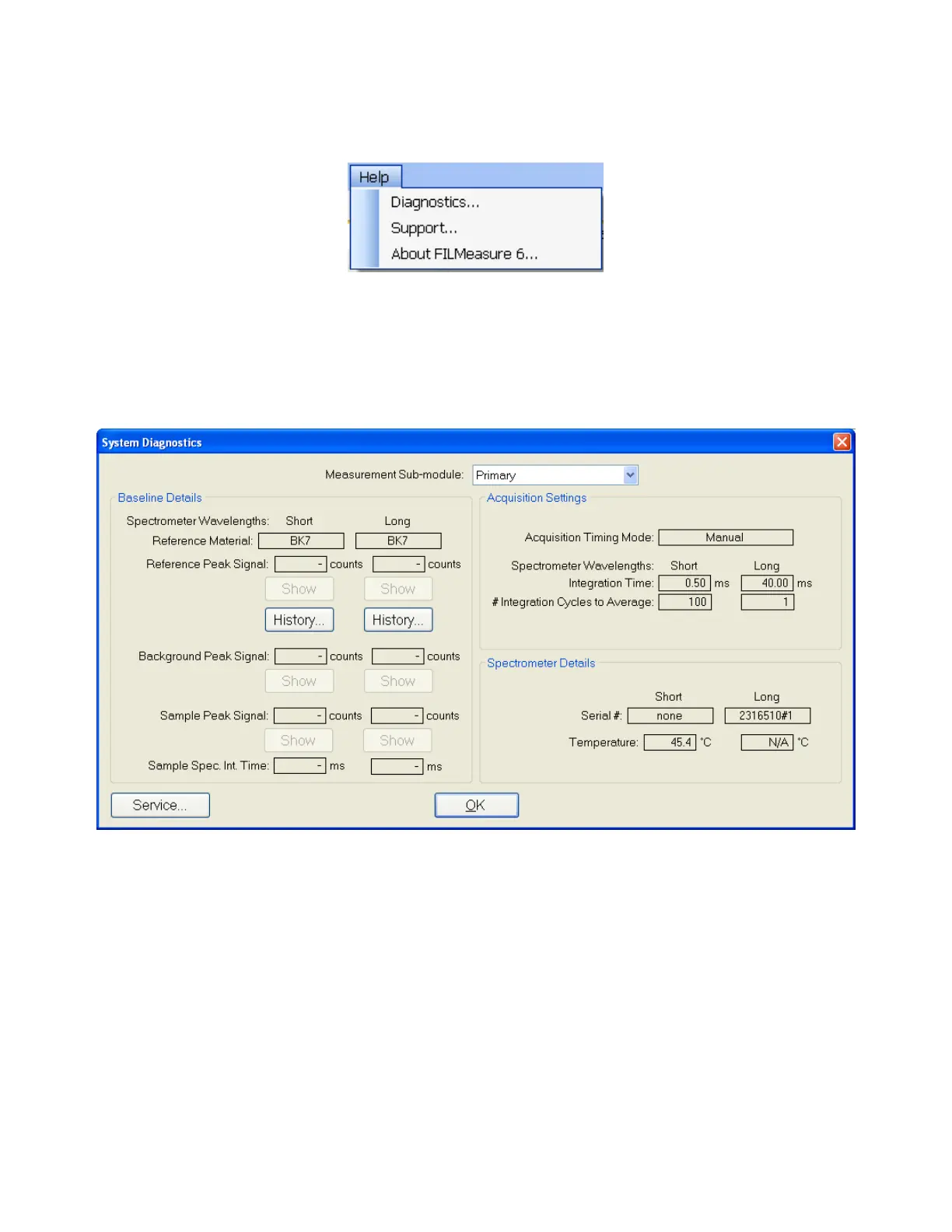
Help Menu
Diagnostics
The diagnostics window gives information regarding the data taken during baseline routine. Ref-
erence and background counts are shown (this useful to see how much signal the system is getting;
good signals typically are between 2500-3500 counts). Data for the transmittance baseline can be
viewed by changing the Measurement Sub-module.
Help>Diagnostics shows the user information regarding the data taken during the baseline routine.
Help > About FILMeasure
Information about the hardware and software versions and the system serial number can be found
here. Please have this information available when calling Filmetrics for technical assistance.


 To Next Page