34Fläkt Woods 8666 GB 2010.06
Specifications are subject to alteration without notice
Installation and maintenance instructions
Control equipment
DX cooling
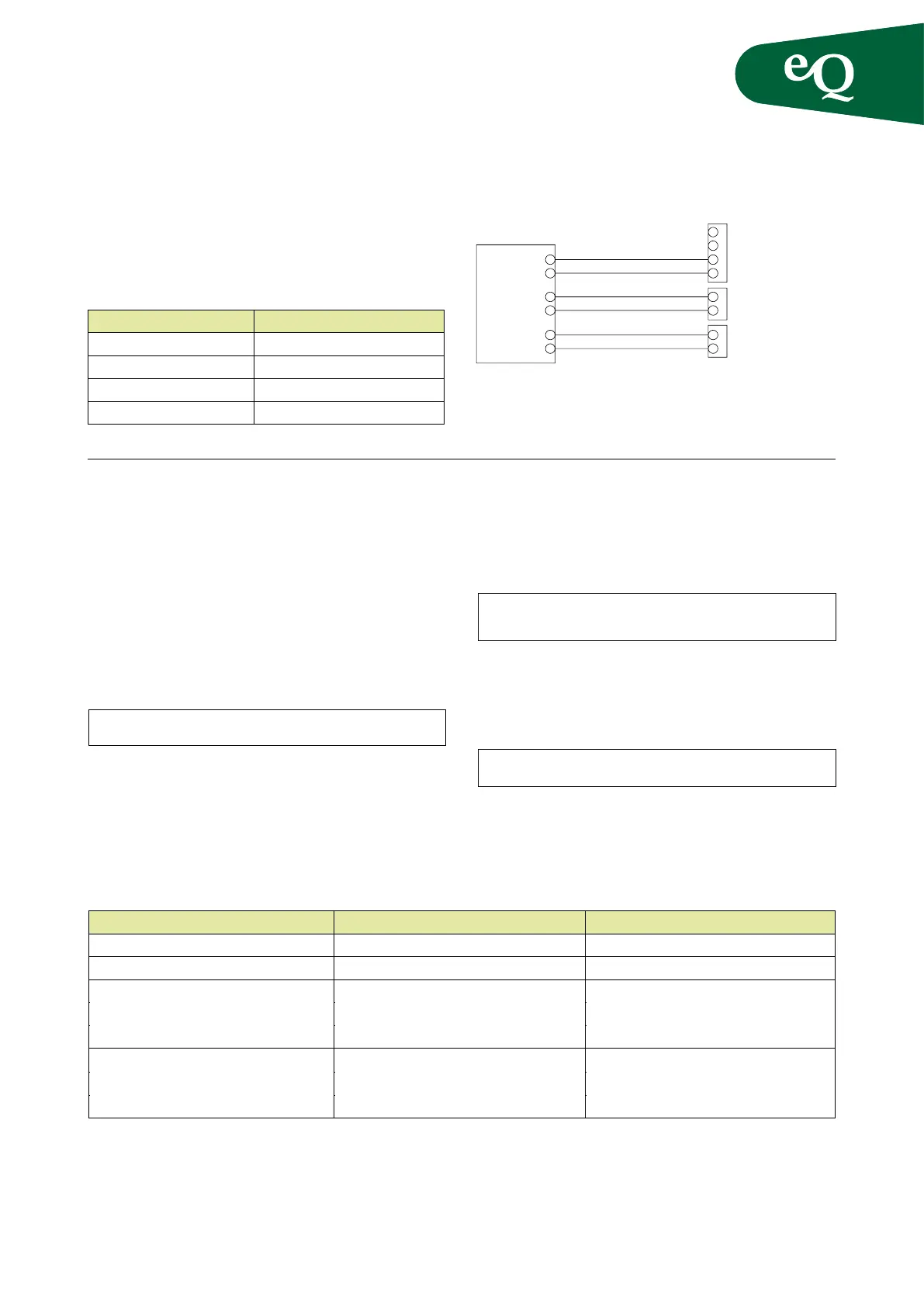
The control signal can be wired to the eQ in various ways
depending on how many capacity steps the DX coil has.
The build-in controller can manage 1-step, 2-step and
binary DX cooling (3-step).
Z sensor
The air handling unit is equipped with a Z input that can
be used as a temperature sensor input for calculating heat
exchanger efciency, as an input for a pressure monitor
across the heat exchanger or as an input for an external
setpoint. Connect the signal to the Z input as set out in the
table, or using a quick-t connector.
The desired function must then be activated in the control-
ler. Access rights are required by logging in.
MAIN INDEX CONFIGURATION
In order for the new function to take effect the congura-
tion must be saved and the unit restarted.
If the Z input is to be used for the heat exchanger pressure
monitor, set the minimum speed for the heat exchanger under:
MAIN INDEX UNIT TEMP CONTROL
HEAT RECOVERY
If the Z input is to be used for an external setpoint, set
the setpoint values for 0 - 10 V or Ohms under:
MAIN INDEX UNIT INPUTS OTHER
Terminal block Signal Component
Z (G) 24 VAC (phase) Power supply
Z (G0) 24 VAC (neutral) Power supply
Z (M) Measurement signal (neutral) Setpoint offset,
temperature sensor,
heat exchanger, pressure controller
Z (Y)
Measurement signal (
Ω, 0-10 VDC)
Setpoint offset,
temperature sensor,
heat exchanger pressure controller
NOTE! Activating the external setpoint function overrides the setpoints in the controller.
NOTE! Prior to physically connecting control accessories not supplied with the unit they must be configured in the controller.
Some examples for using Z sensors:
a
aa
a
a
aa
Function Configuration
1-step Dx cooling Start 20% Stop 10%
2-step Dx cooling Start 40% Stop 30%
3-step Dx cooling Start 80% Stop 70%
Alarm NO
Steg 1
Steg 2
Larm
Alarm
NO
C
NO
C
N
L
Cooling Start
Cp2/Dx1
Start/Dx2
CP2/DX
Step 1
Step 2
Alarm



 To Next Page