Flashforge Corporation
Dreamer User Guide | www.flashforge.com
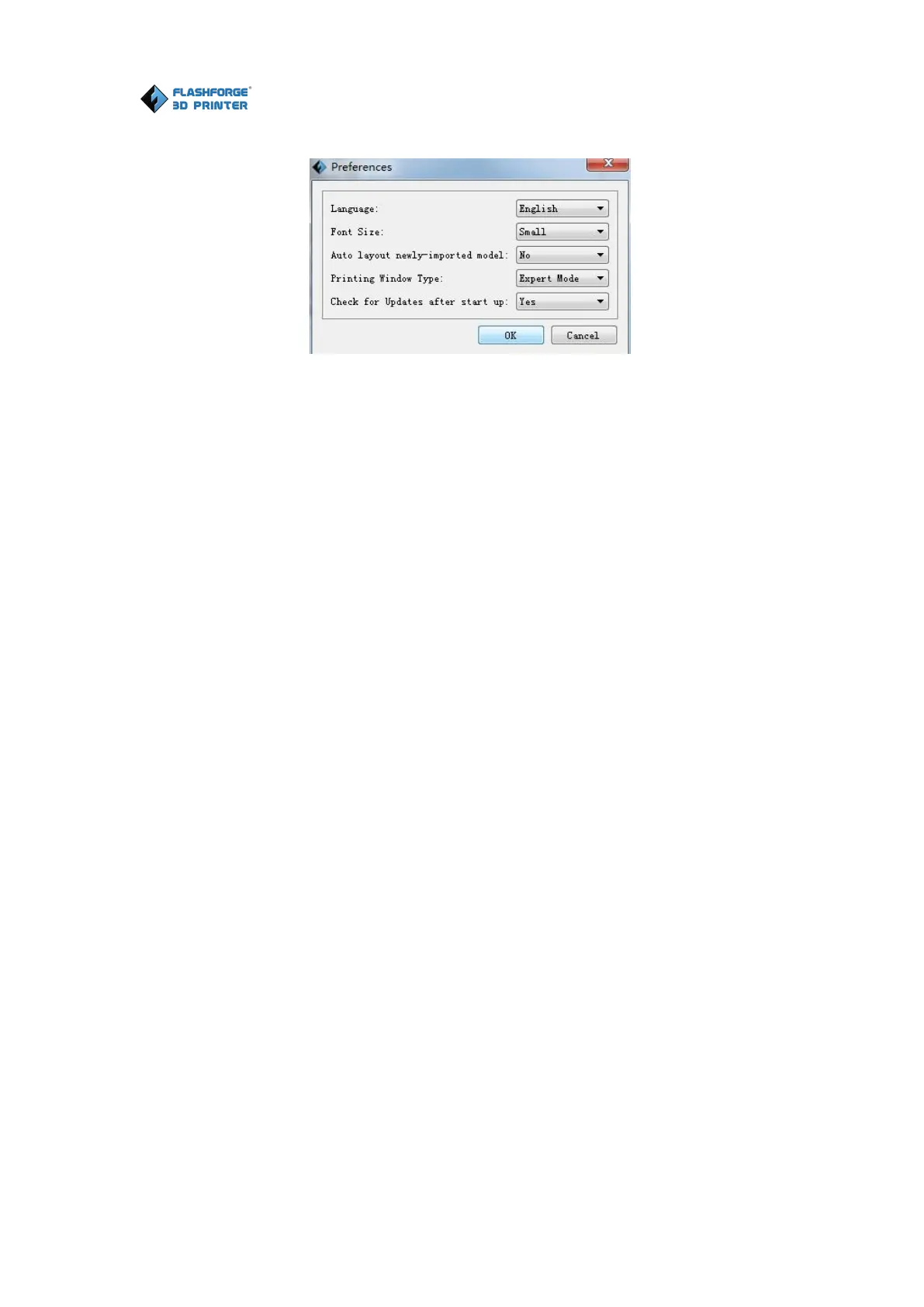
● Language: The software supports multi-languages.
● Font Size: Set the font size.
● Auto layout newly-imported model: Set Yes or No.
● Pr inting Window Type: Including Base Mode and Expert Mode.
● Check for Update after start up: It is used to preset if it is necessary to activate
the online automatic update function, if choose yes, every time when you open
software, it can online detect if it is a new version software, once new version found,
it will reminds users to download and install new version firmware.
6.2.13 Edit Menus
① Undo
Allows users to undo the recent edits by the following two methods:
Method 1: Click [Edit]--[Undo].
Method 2: Press the shortcut Ctrl+Z.
② Redo
Allows users to redo the most recent edit you have undone to your model file by the
following two methods
Method 1: Click [Edit]--[Redo]
Method 2: Press the shortcut Ctrl+Y.
③Empty Undo-stack















 To Next Page