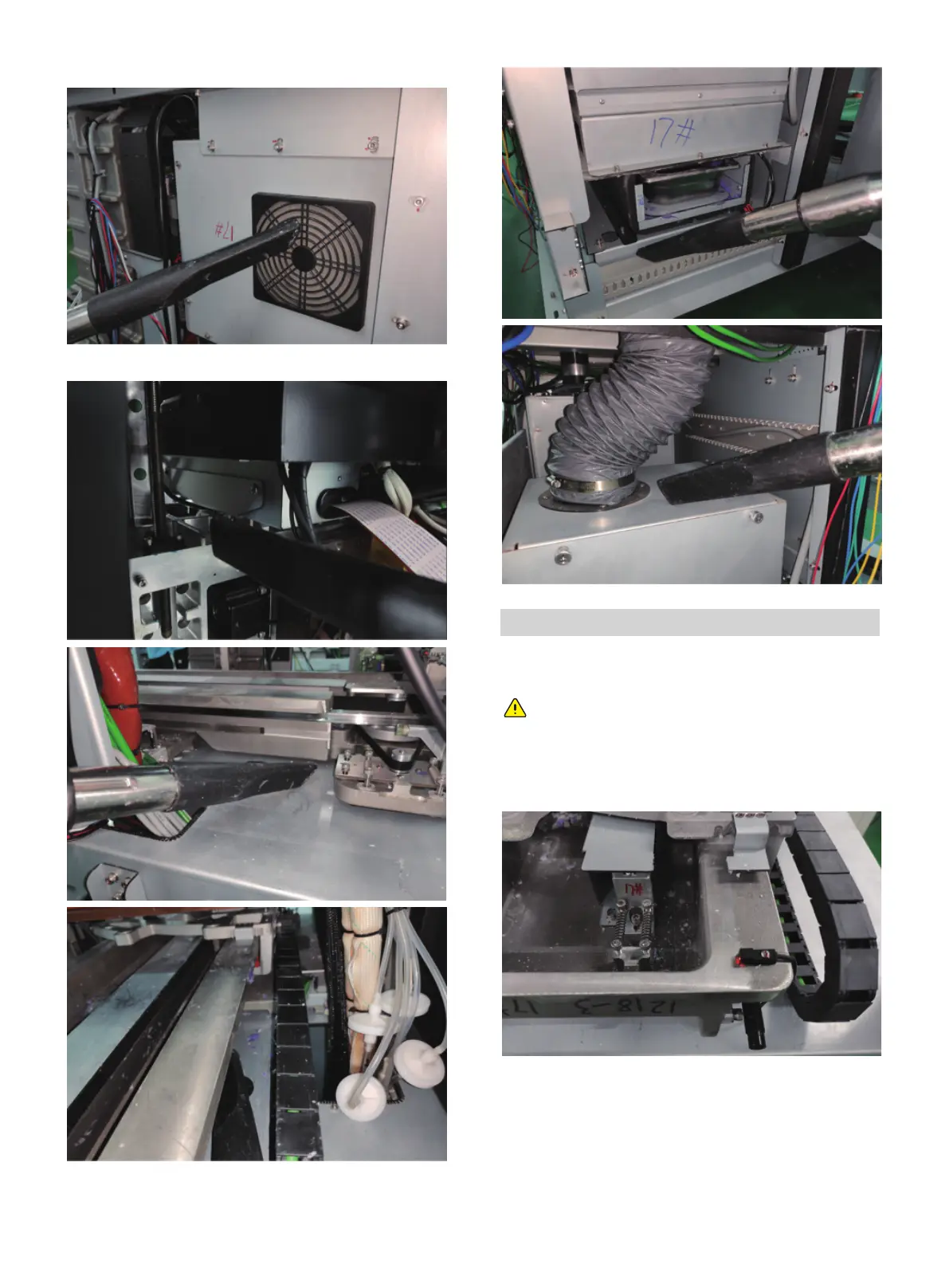
Use a vacuum cleaner to clean the internal dust of the printer.
Always wear rubber gloves when cleaning the
proximity sensor.
Clean dust around the sensors
After long-term use, dust is deposited near the sensor and
cleaned up. Follow the procedure below to clean.
1. Open the printing chamber.
2. Find the home sensor and the maximum position sensor.
Clean photoelectric switch in the front of X-axis.
01 02 03 04 05 06 07 08
09 10 11 12 13 14 15 16 17
18 19 20 21 22 23 24 25 26
27 28 29 30 31 32 33 34 35
36 37 38 39 40
41 42 43
44 45 46 47 48 49 50 51
52 53 54
55 56 57 58 59 60 61
62 63 64 65 66 67 68 69
70 71 72 73 74 75 76 77
78 79 80 81 82 83 84 85
86 87 88 89 90 91 92 93
94 95 96 97 98 99 100 101
102 103















 To Next Page