FOM16 Installation Description
FOM16-V2.0-20021114
-36-
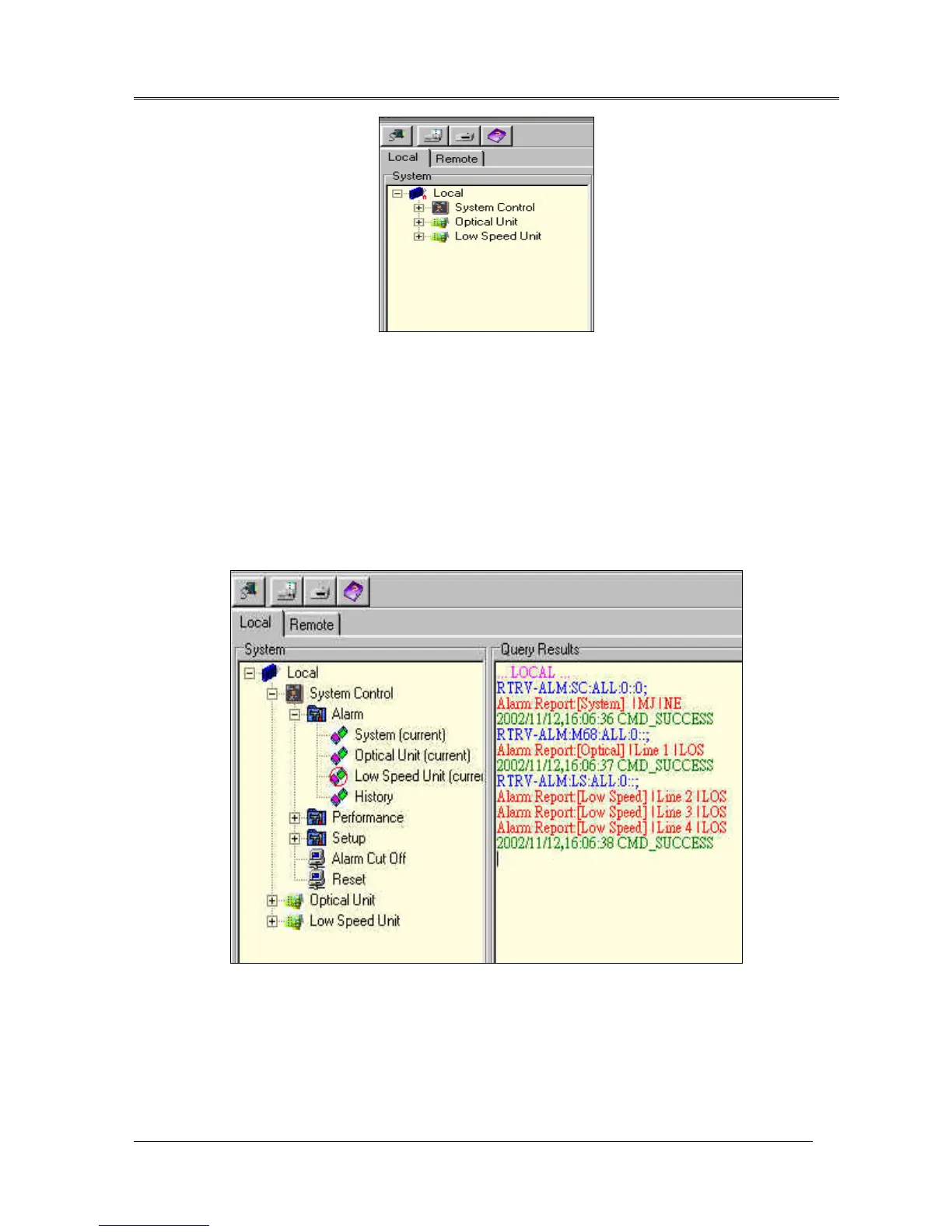
Fig.17 System tree command
System Control
When the system control node is expanded, the form is shown in Fig.18. The system control provides
alarm report, performance monitoring, system setup, alarm cut off, and system reset.
Alarm report
provides system alarm, optical unit alarm, and low speed unit alarm. When the selected
node is clicked, the alarm report is listed. The system is able to store up to 30 records. If there are alarms
in the FOM16, alarm is displayed by red color to warn the user. The alarm report example is shown in
Fig.18.
Fig.18 Alarm report
Performance monitoring
provides an interface to monitor performance parameters in the FOM16. It
consists of two parts: optical unit and low speed unit. Each unit is selected and the new window is
shown in Fig.19. There are monitor, period, type, and item to choose. Monitor Period provides some
options to choose current 15 minutes, current 1 hour, current 1 day, previous 15 minutes (24 hours),



 To Next Page