FOM16 Installation Description
FOM16-V2.0-20021114
-38-
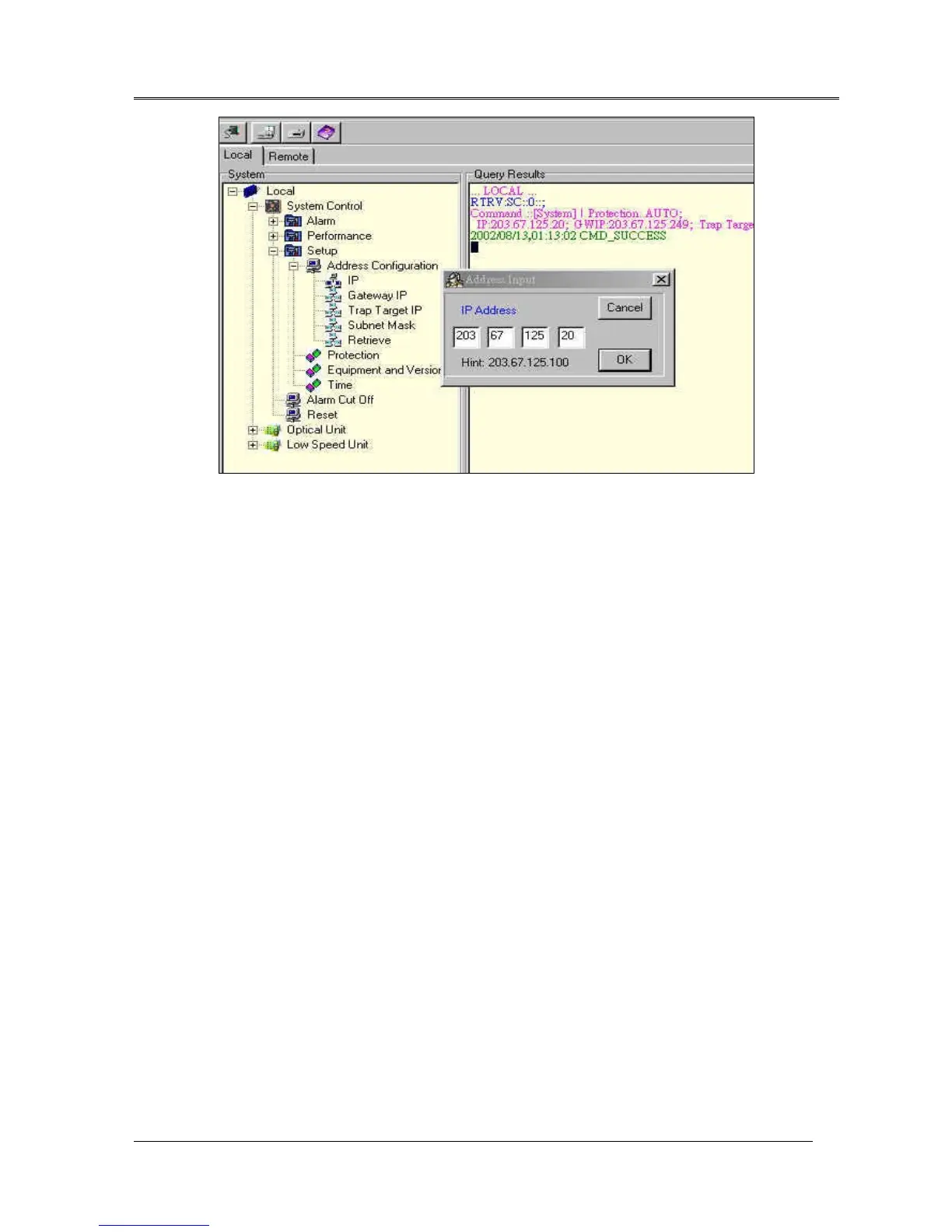
Fig.21 IP Input Command
Protection
provides optical link manual and auto protection switch function.
Equipment and Version
provides information of the system equipment and version.
Time
sets PC time to the system time of FOM16.
Alarm cut off
provides a cut off mechanism for audio alarm during the alarm period.
Reset
command restarts theFOM16.
Optical Unit and Low Speed Unit
Optical unit and low speed units provide the same user interface to control each unit. The general input
form is shown as Fig.22.



 To Next Page