Main control screens
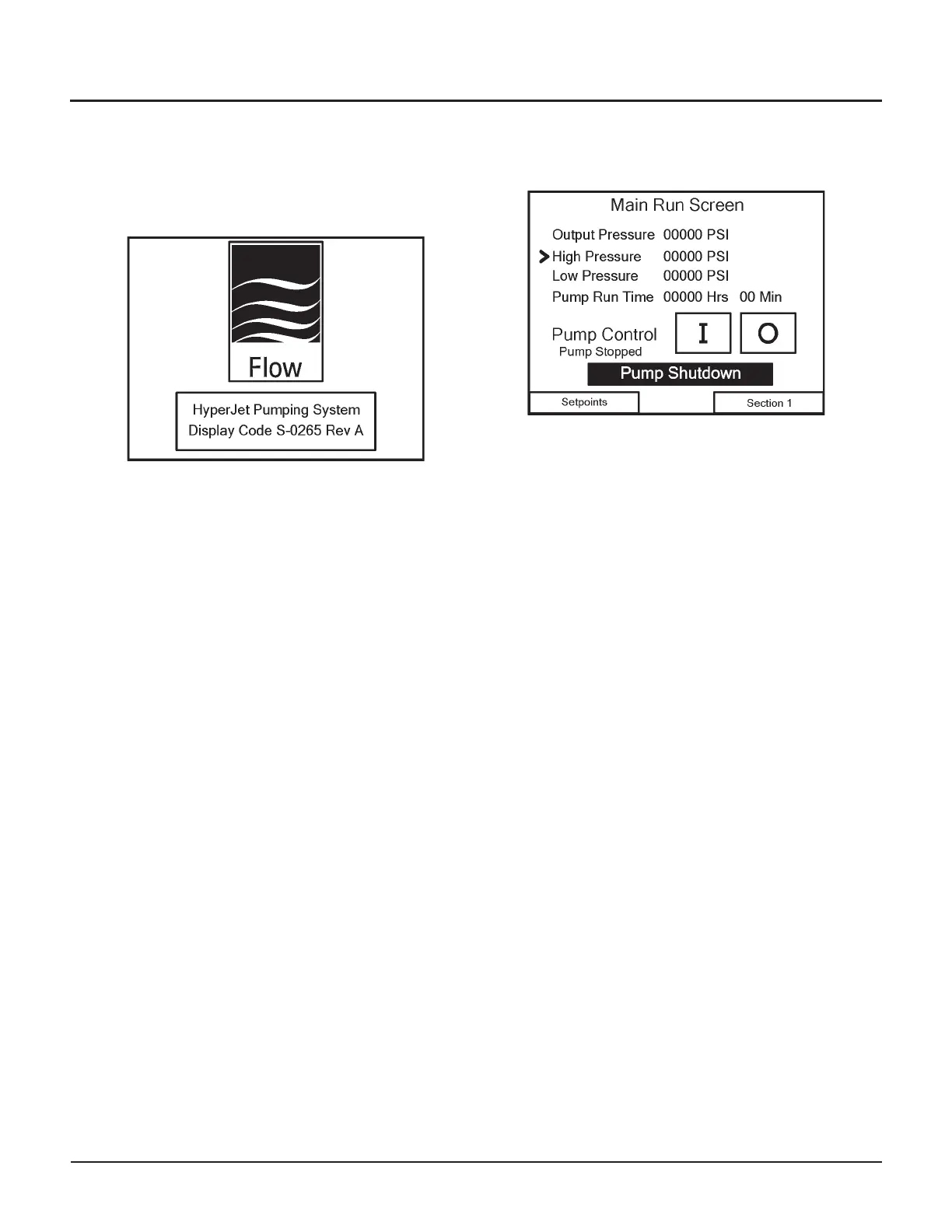
Start Screen
The Start Screen shows the Flow logo and a single
button.
Note: The revision letter may be different for your
machine.
Navigation
•
Touch the button to continue to the Main Run
Screen
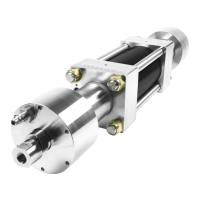
Main Run Screen
From the Main Run Screen, you can start [I] and stop
[O] the pump. The screen also shows the pump’s main
parameters: output pressure, high- and low-pressure
settings, pump run time, pump status (stopped or running),
and whether there is a warning or shutdown condition
present.
The arrow Ø indicates whether the pump is in high- or
low-pressure, based on the status of the Dual Pressure
command.
If any warnings or shutdowns occur, a message will be
displayed on this screen. Touch the message to continue
to the Pump Shutdowns screen or Pump Warnings
screen for more information.
Navigation
•
Touch the Setpoints button to continue to the
Change Pressure Setpoints screen
•
Touch the Section 1 button to continue to the
Pump Status 1 screen
22 | M-390 © Flow International Corporation
HYPERJET™ 94i-S AND 94i-D PUMPS


 To Next Page