STRADA PAL – MAINTENANCE MANUAL
122/149
8.7.3 Replacing the banknote stacker sensor
8.7.3.1 Preliminary operations
A. Ask an operator to perform a first collection of the banknotes to remove the
banknote stacker.
B. Ask the collection operator to perform a second collection so that it unlocks the
collection compartment.
C. Turn off the terminal
8.7.3.2 Replacement
A. Remove the printer
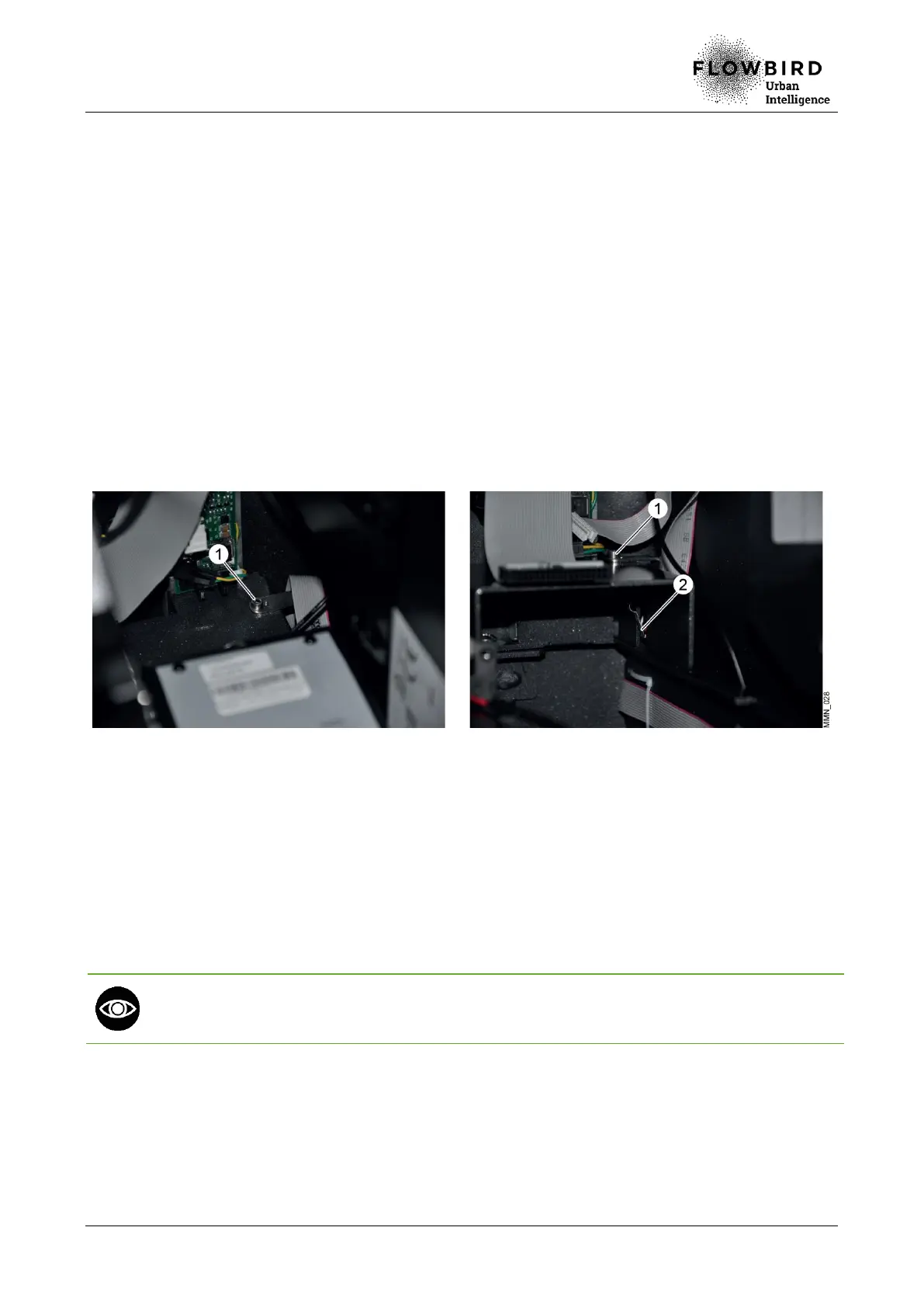
B. Remove the ticket roll Remove the screw (1).
C. Unplug the sensor cable and remove the banknote stacker sensor (2).
Replacing the banknote stacker sensor
8.7.3.3 Installation
A. Repeat the previous steps in reverse.
8.7.3.4 End of procedure
A. Turn on the terminal
B. Check that the banknote stacker sensor works.
If the banknote stacker is badly positioned, it will trigger the reader protection fault and the
machine will no longer accept banknotes (the green LED at the end of the collection and
the status written on the ticket show that the payment with banknotes is disabled).
C. Close the maintenance door



 To Next Page