STRADA PAL – MAINTENANCE MANUAL
57/149
8.2.7 Replacing the lower front panel
8.2.7.1 Preliminary operations
A. Open the maintenance door
B. Turn off the terminal
8.2.7.2 Replacement
A. Remove the bank card keypad
B. Remove the 2 nuts (1) of the steel panel (2) and remove the panel (2).
Replacing the lower front panel (1/4)
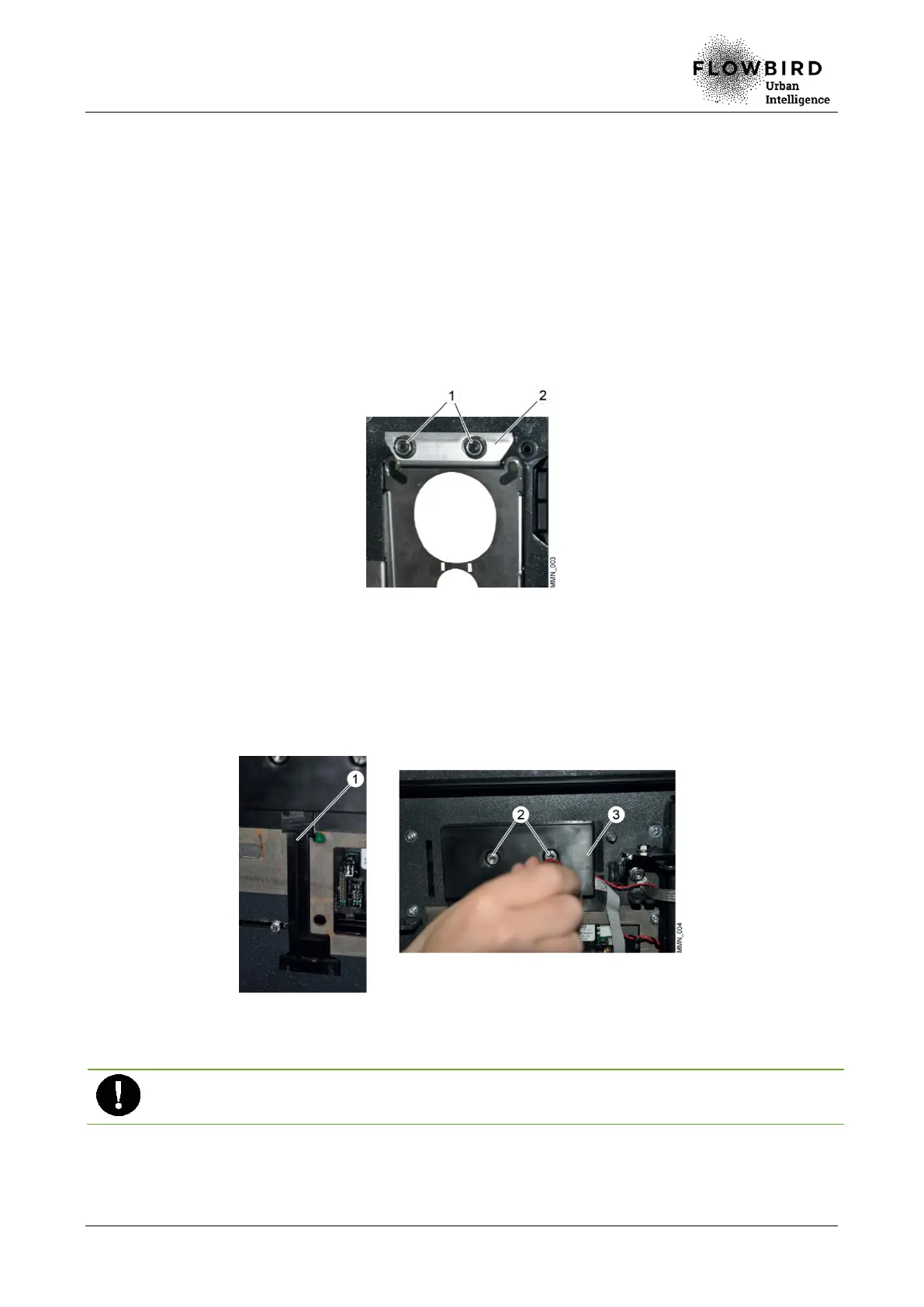
C. Remove the strand connected to the keypad card:
a. Remove the keypad flat cable protection (1).
b. Loosen the 2 nuts (2) on the protective cover (3)
c. Remove the protective cover (3).
Replacing the lower front panel (2/4)
D. Unplug and remove carefully the strand (1).
Ensure that you grab the connector while disconnecting: do not pull the cable.
E. Unscrew the nut (2).
F. Remove the electrostatic latch (3) by rotating it.



 To Next Page