STRADA PAL – MAINTENANCE MANUAL
96/149
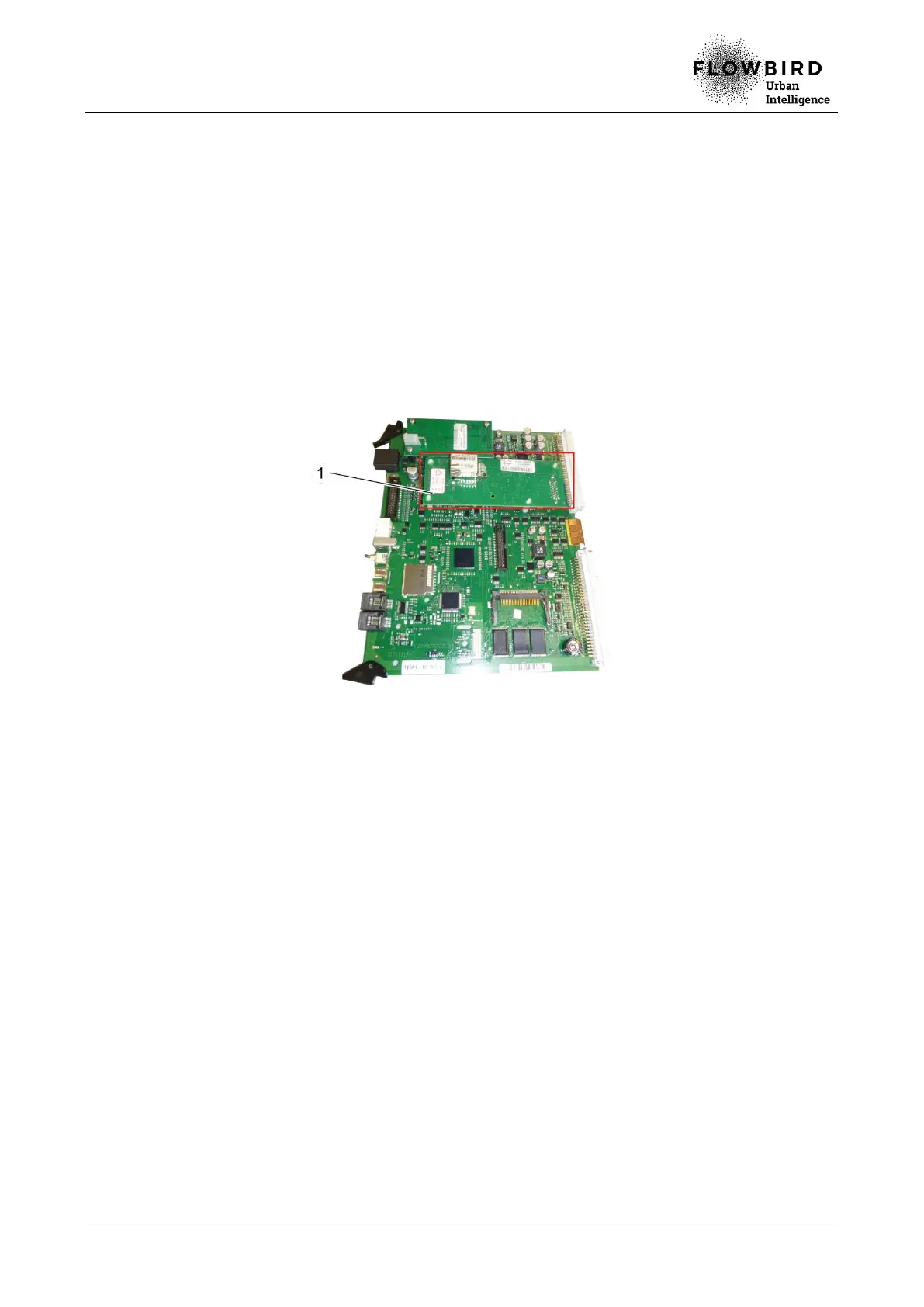
8.4.4 Replacing the Modem board
8.4.4.1 Preliminary operations
A. Open the maintenance door
B. Turn off the terminal
8.4.4.2 Replacement
A. Remove the main board
B. Disconnect the modem antenna.
C. Unclip with extra care the 3 clips of the modem board that hold it on the main board.
Replacing the Modem board
8.4.4.3 Installation
A. Repeat the previous steps in reverse.
8.4.4.4 End of procedure
A. Turn on the terminal
B. Run function 80 (initialisation).
C. Perform function 40 (communication test with the Parkfolio server and the banking
server).
D. Close the maintenance door



 To Next Page