STRADA PAL – MAINTENANCE MANUAL
99/149
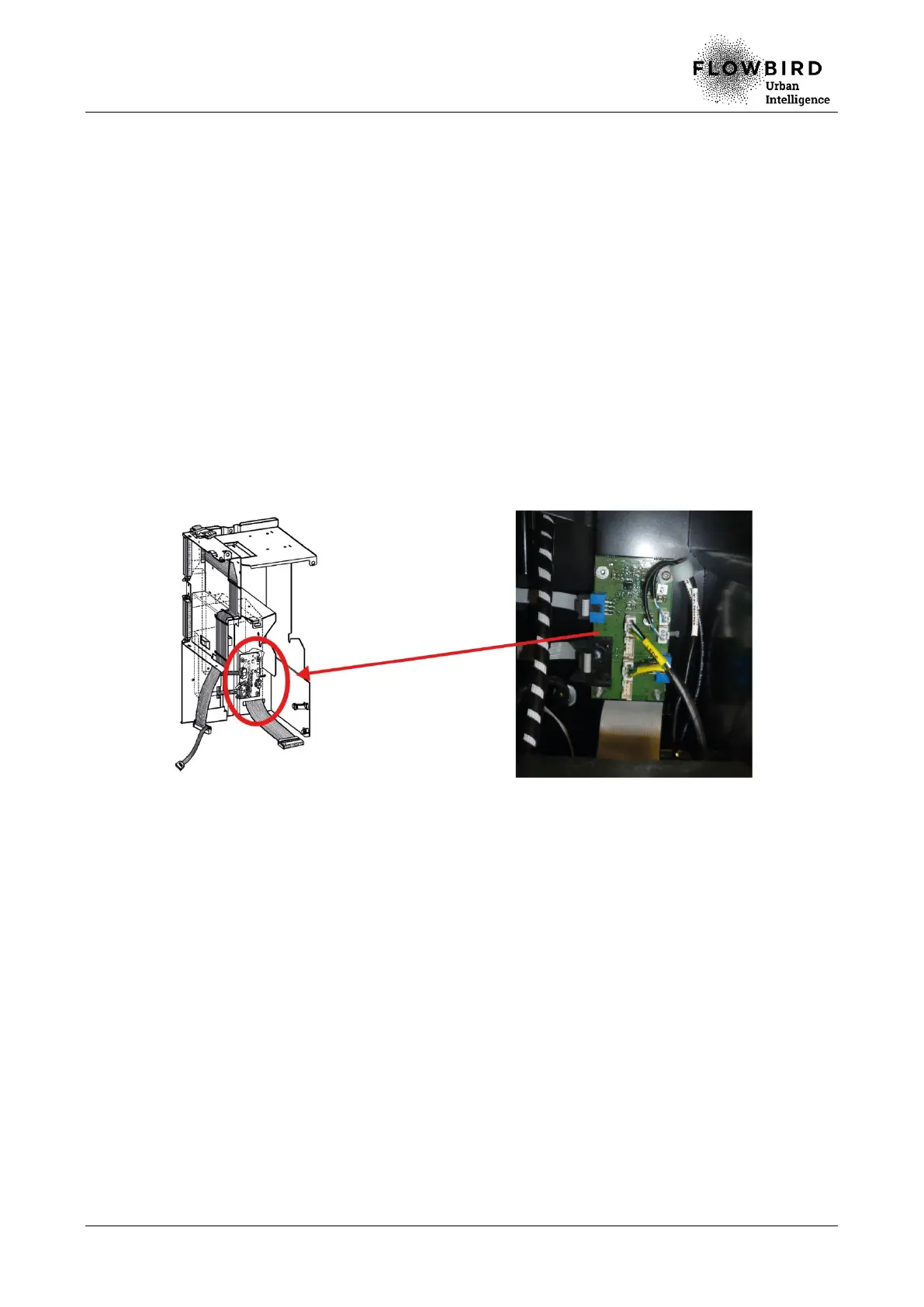
8.4.7 Replacing the relay board
8.4.7.1 Preliminary operations
A. Open the maintenance door
B. Turn off the terminal
C. Remove the ticket roll
D. Disassemble the printer
8.4.7.2 Replacement
A. Unplug all the cables connected to the relay board.
B. Loosen the clamping screws on the relay board.
C. Unclip with care the relay board from the 2 plastic supports.
D. Remove the relay board.
Replacing the relay board
8.4.7.3 Installation
A. Repeat the previous steps in reverse.
8.4.7.4 End of procedure
A. Turn on the terminal
B. Close the maintenance door



 To Next Page