Chapter 3: Operation
Connect the Hyperion Tissue Imager to Helios
28 Hyperion Imaging System: User Guide
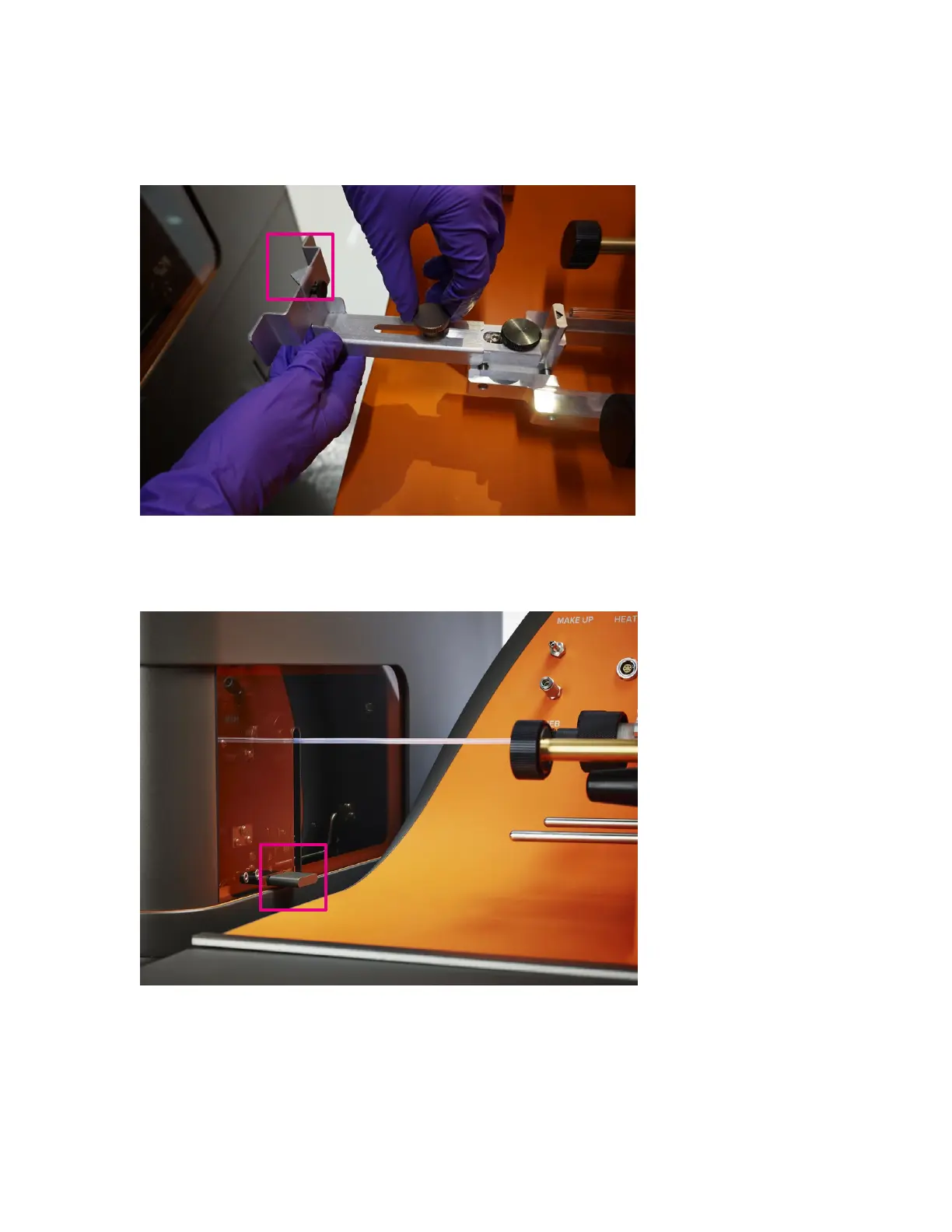
9 Loosen the knob and extend the arm of the alignment tool fully. Tighten the knob to
lock the arm in place.
10 Raise the Hyperion Tissue Imager completely by pressing the up arrow on the wheel
retraction switch until the tissue imager is fully in the raised position. Lift the coupling
window using the gray tab.
11 Carefully move the Hyperion Tissue Imager toward the tool so that the ablation
chamber gently touches the two extended pads of the alignment tool arm. This will help
ensure that the tissue imager is parallel with Helios. The arrow on the alignment tool
(pink box in the photo) should point toward the center of the coupling insertion on the
Hyperion Tissue Imager.



 To Next Page