Chapter 3: Operation
Connect the Hyperion Tissue Imager to Helios
Hyperion Imaging System User Guide
29
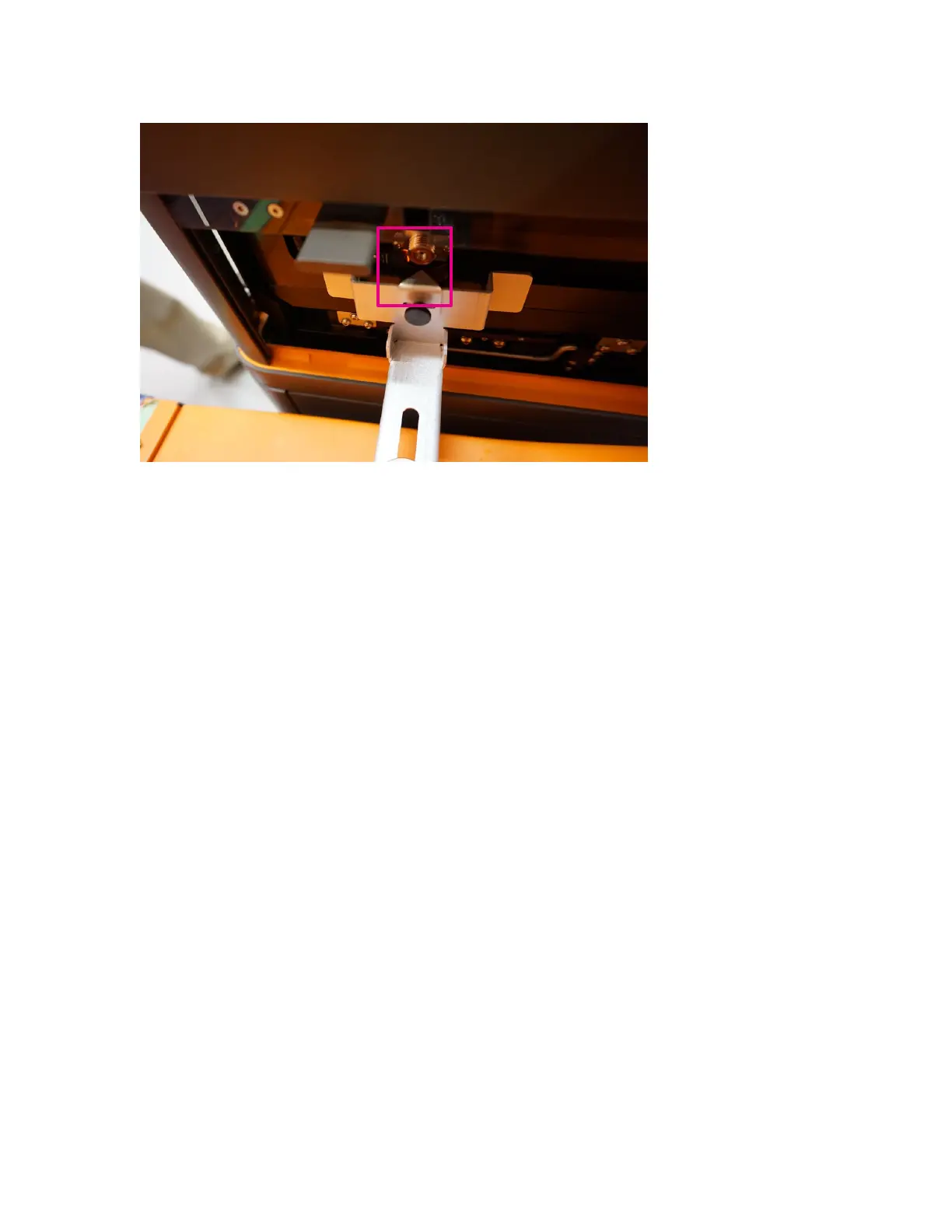
12 Loosen the knob on the alignment tool and push in the arm of the alignment tool all the
way back toward the Helios instrument.
13 With an arm over the top of the Hyperion Tissue Imager, press down on the wheel
retraction switch to lower the module until it is seated on the ground. Watch for any
shifting of the Hyperion Tissue Imager as it settles.
14 If the Hyperion Tissue Imager settles significantly to the left or right of the Helios
instrument, loosen the small black thumbscrew at the end of the arm and offset the
alignment arrow right or left to adjust for the settling. Repeat Steps 10 through 14 as
necessary.
15 Carefully remove the alignment tool from the heater guide pins. Lift the tool off the
guide pins and then slide it out and away from the Torch Assembly horizontally below
the pins.



 To Next Page