Chapter 3: Operation
Disconnect the Hyperion Tissue Imager from Helios
44 Hyperion Imaging System: User Guide
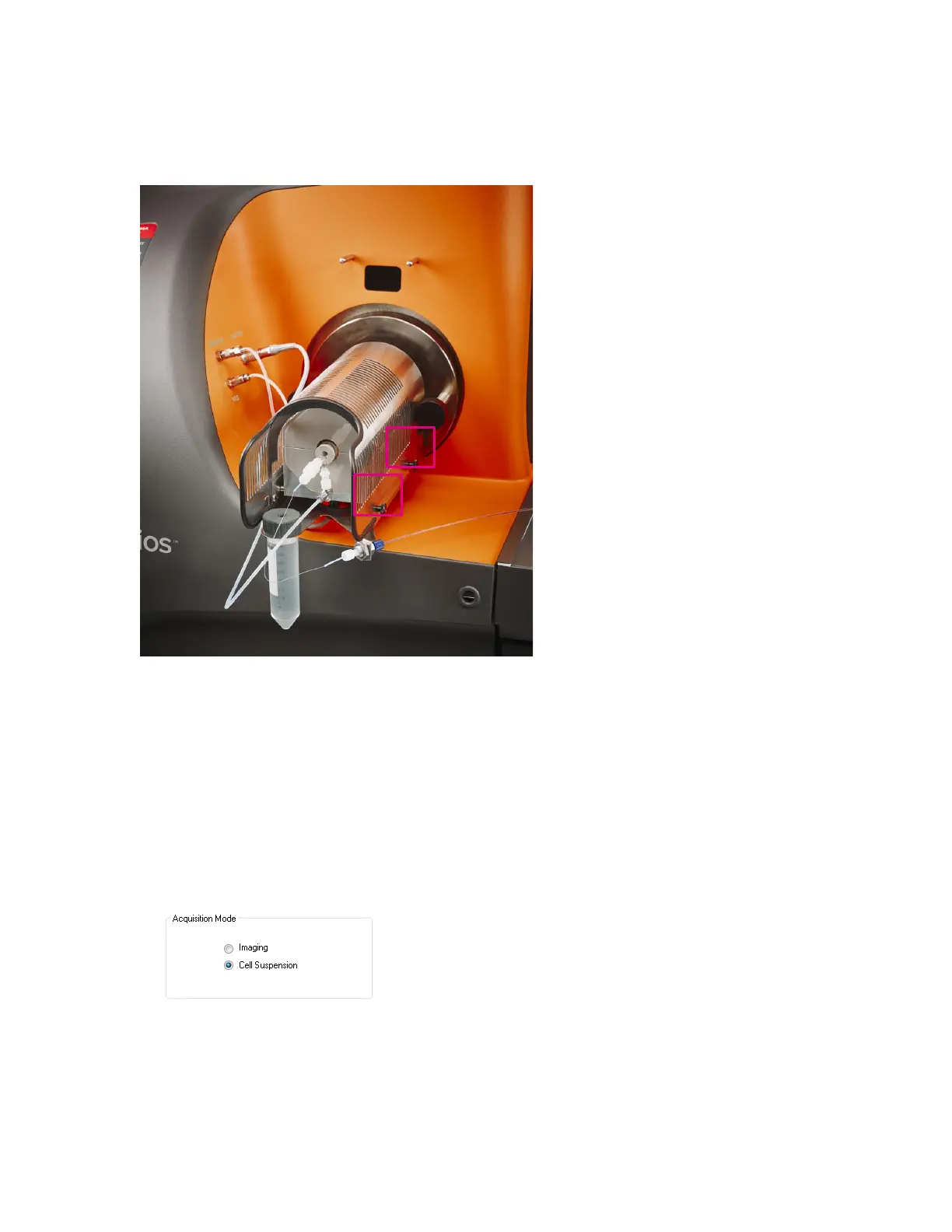
6 Place the heat shield onto the heater and tighten the four thumbscrews, two on each
side of the shield.
Figure 9. The heat shield on the Helios heater box. There are four screws, two on each side of the shield,
which must be tightened before replacing the shield.
7 Connect the heater connection to the front face of the instrument.
8 Start CyTOF Software. Log on with your user name and password.
9 Set the Acquisition Mode to Cell Suspension.
a On the
57TInstrument Control57T tab, click 57TControl Panel57T.
b On
57TControl Panel57T, click the 57T Devices57T tab, and under 57TAcquisition Mode57T, click 57T Cell
Suspension
57T.
c On
57TControl Panel57T, click 57TSet Configuration57T. CyTOF Software restarts and the log on
dialog box is displayed. Enter your account credentials and click
57TLog on57T. The
software opens in Cell Suspension mode.



 To Next Page