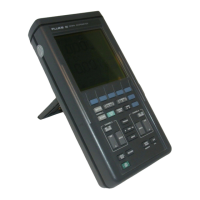
DISASSEMBLING THE SCOPEMETER 6-5
3. The digital A1 PCB and metal screening
are secured to the top cover with four
M3
Torn
screws
(item 33). Two of these screws contain
small standoffs. 6e sure to reinstall them In the correct
place when the ScopeMeler is reassembled.
Use a Torx screwdriver to remove the screws.
8. Remove ihe metal A1 screening from
the digital A1 PCB.
9. Remove the digital A1
PCB from of the lop cover. Be careful not to damage the infrared
LED and
phototransistor of the optical interface.
NOTE: When reaseembUng ihe digital A 1 PCB,
make sure that the infrared LED and phototran&stor
are exactly aligned with the holes in the
top
cover.


 To Next Page