Chapter 3 Basic Settings FTA5102/FTA5101 User Manual
6.The web management interface automatically logs out the user after 5 minutes of inactivity.
WAN port Login
1.Ensure your PC is connected to the router’s WAN port correctly.
2.Obtain the IP addresses of WAN port using Voice prompt or by logging into the device web management
interface via a LAN port and navigating to Network > WAN.
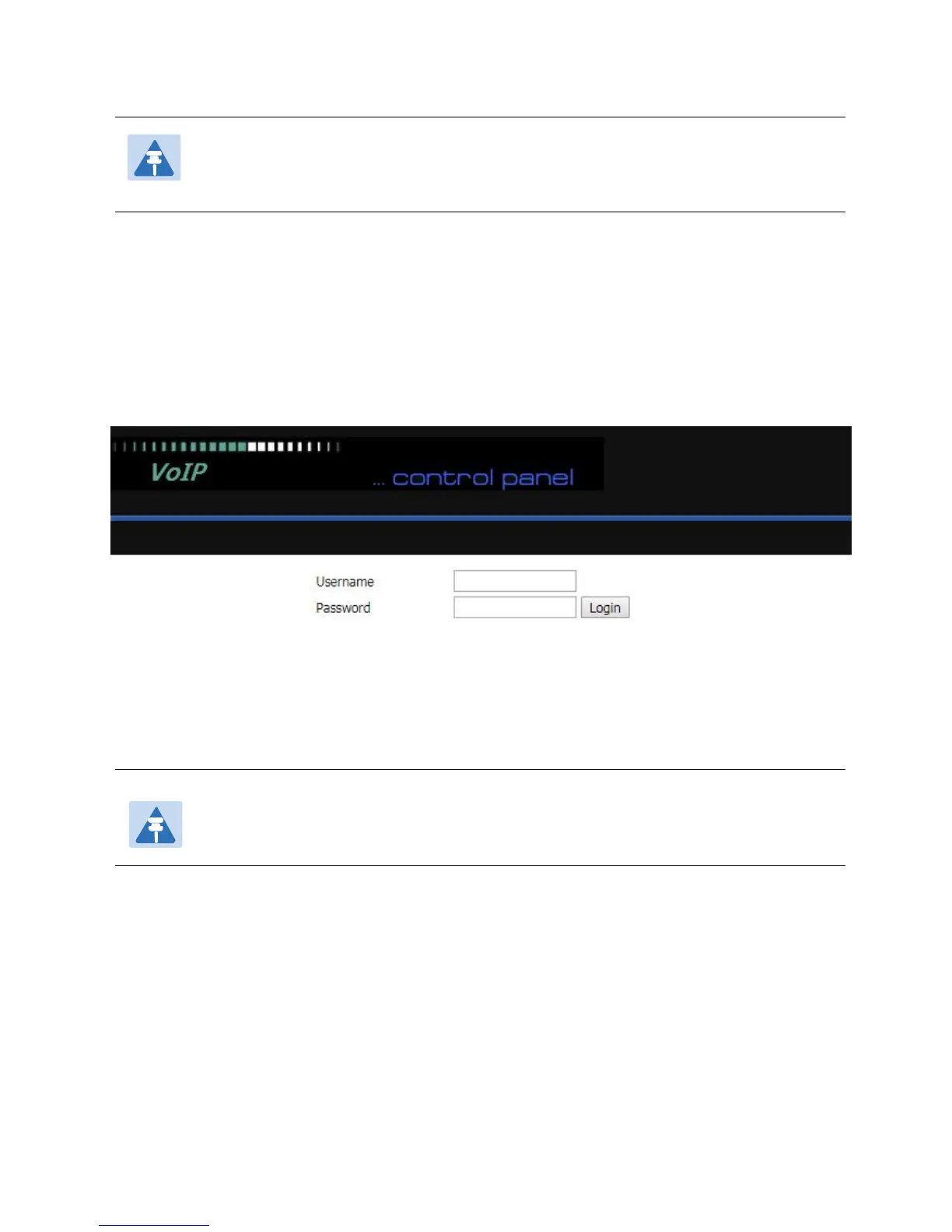
3.Open a web browser on your PC and input http://<IP address of WAN port>. The following login page
will be opened to enter username and password.
4.For administrator mode operation, type admin/admin on Username/Password and click Login to begin
configuration.
5.For user mode operation, type user/user on Username/Password and click Login to begin configuration.
6.The web management interface automatically logs out the user after 5 minutes of inactivity.
Note
If you are unable to access the web configuration, please see Chapter 5: Troubleshooting
Guide for more information.
Note
If you fail to access to the web configuration, see Chapter 6: Troubleshooting Guide for
more information.



 To Next Page