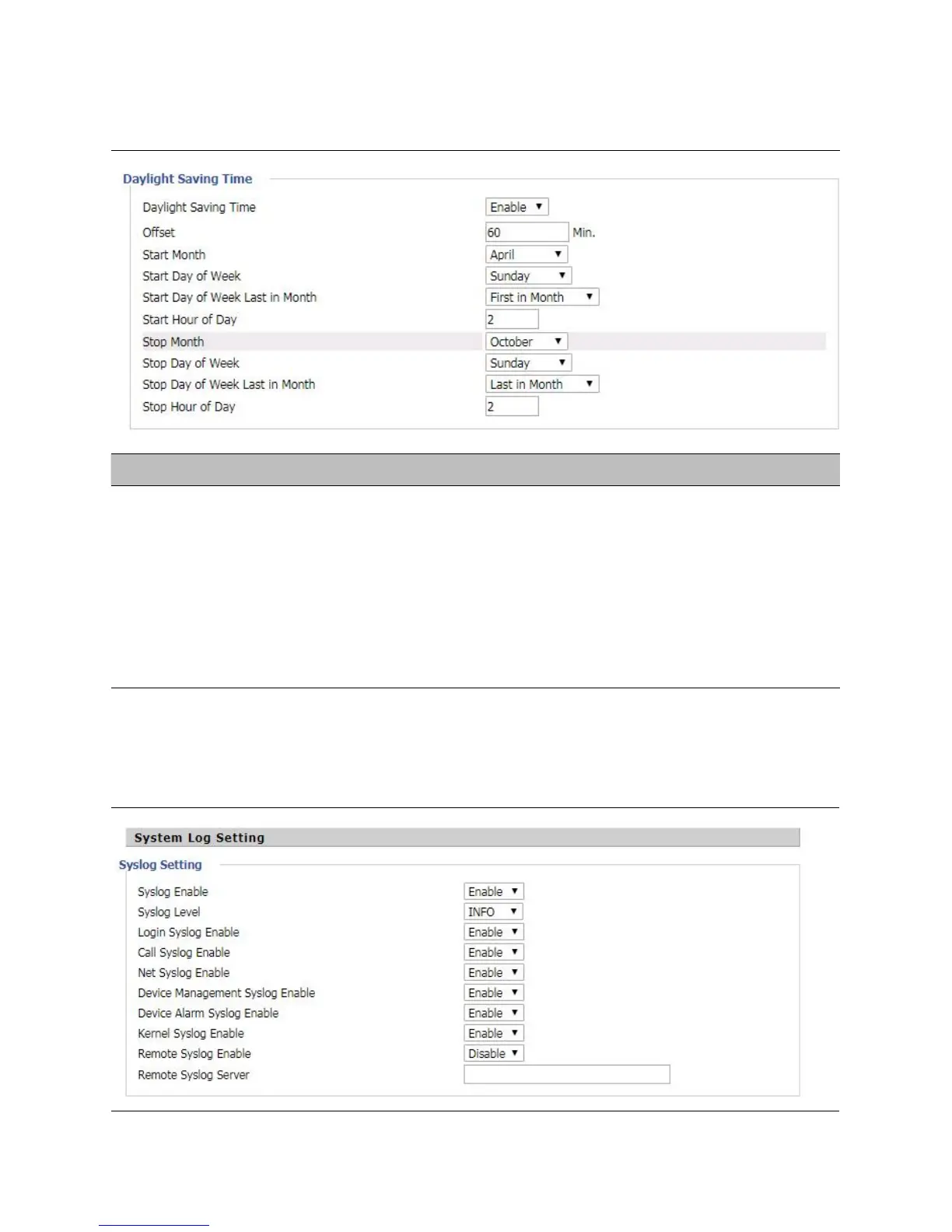
S
tep 1. Enable Daylight Savings Time.
Step 2. Set value of offset for Daylight Savings Time
Step 3: Set starting Month/Week/Day/Hour in Start Month/Start Day of Week Last in Month/Start Day of
Week/Start Hour of Day, analogously set stopping Month/Week/Day/Hour in Stop Month/Stop Day of Week
Last in Month/Stop Day of Week/Stop Hour of Day.
Step 4.Press Saving button to save and press Reboot button to active changes.



 To Next Page