Chapter 3 Basic Settings FTA5102/FTA5101 User Manual
About Password
Our device supports two levels of management: administrators and users.
(1) Administrator mode can browse and set all configuration parameters.
(2) User mode can set all configuration parameters except SIP1/2 that some parameters can not be
changed, such as server address and port.
Default user with administrator mode:Username: admin, Password: admin
Default user with user mode: Username: admin, Password: user
URL Format
FTA5102 / FTA5101 has a built-in web server in response to HTTP get / post requests. Users can use a web browser,
such as Microsoft's IE, to log in to the FTA5102 / FTA5101 page and configure the FTA5102 / FTA5101.
LAN port Login
1.Ensure your PC is connected to the router’s LAN port correctly.
Note
You may either set up your PC to get an IP dynamically from the router or set up
the IP
address of the PC to be the same subnet as the default IP address of router is 192.168.1.1.
For detailed information, see Chapter 5: Troubleshooting Guide.
2.Open a web browser on your PC and input “http://192.168.1.1”.
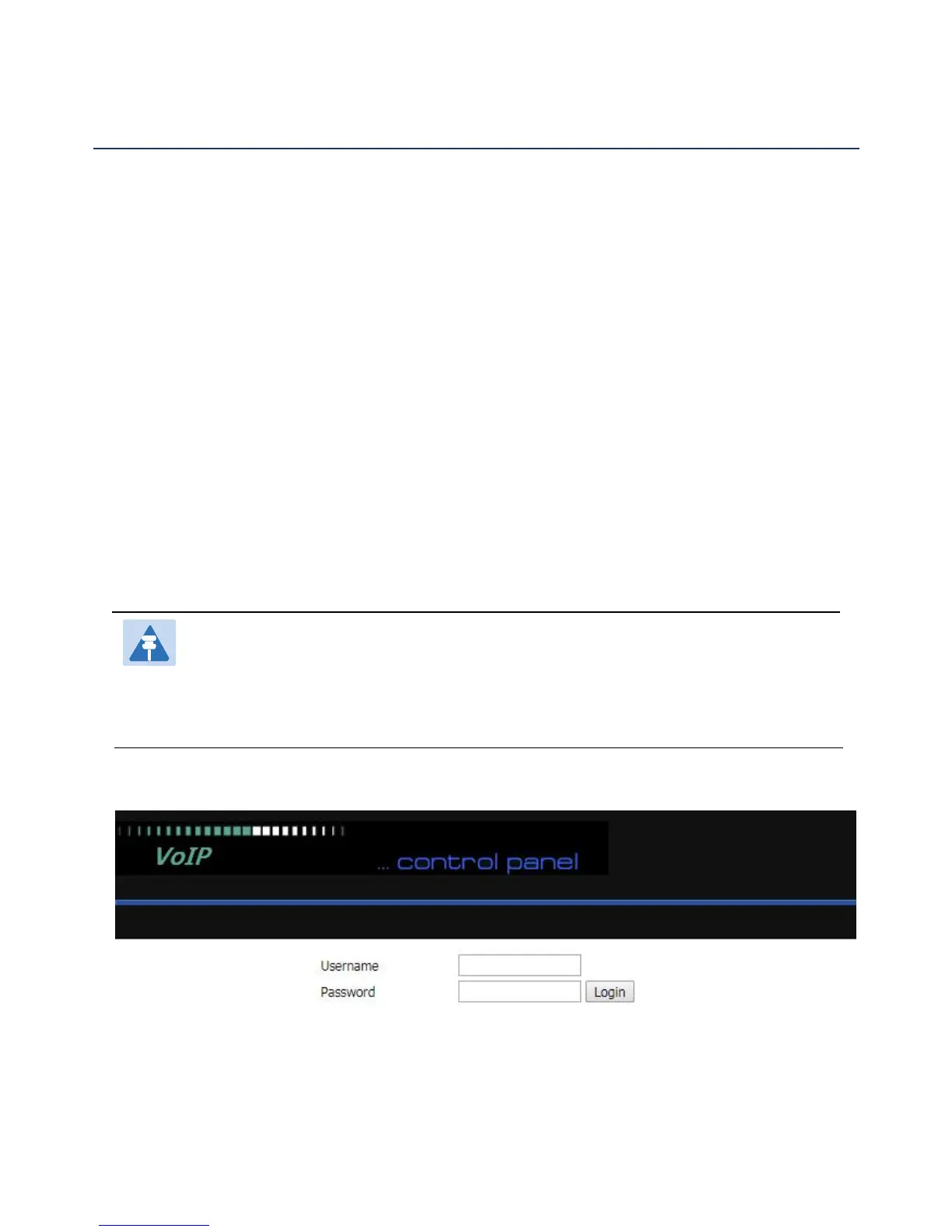
3.The following window appears and prompts for username , password.
4.For administrator mode operation, please type admin/admin on Username/Password and click Login to
begin configuration.
5.For user mode operation, please type user/user on Username/Password and click Login to begin
configuration.



 To Next Page