Chapter 4 Web Interface FTA5102/FTA5101 User Manual
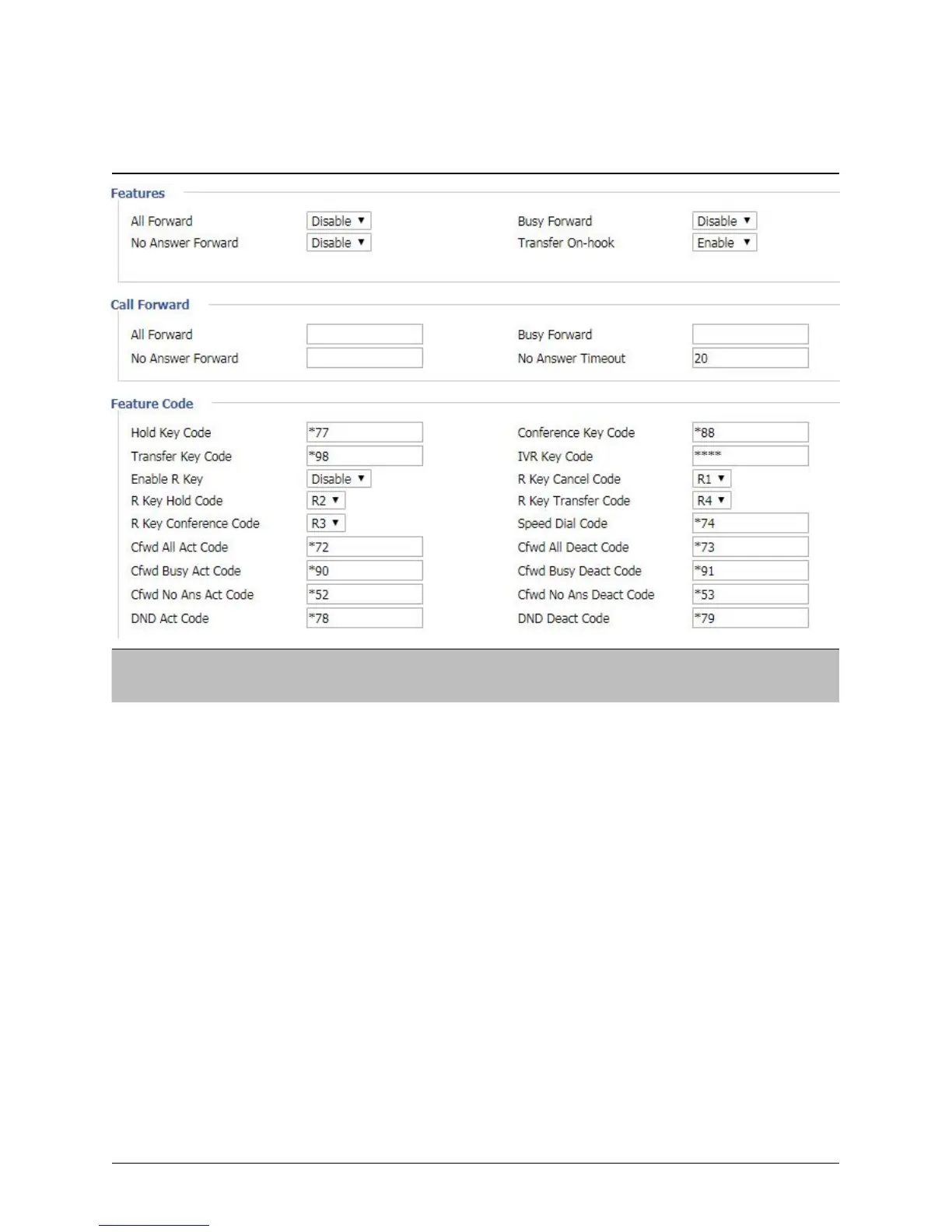
Features and Call Forward
Table 36
F
eatures and call forward
Enable/Disable forward all calls
Enable/Disable busy forward.
Enable/Disable no answer forward.
Set the target phone number for all forward.
The device will forward all calls to the phone number immediately
when there is an incoming call.
The phone number which the calls will be forwarded to when line
is busy.
The phone number which the call will be forwarded to when
there's no answer.
The seconds to delay forwarding calls, if there is no answer at your
phone.
Call hold signatures, default is *77.
Signature of the tripartite session, default is *88.
Call forwarding signatures, default is *98.



 To Next Page