Chapter 4 Web Interface FTA5102/FTA5101 User Manual
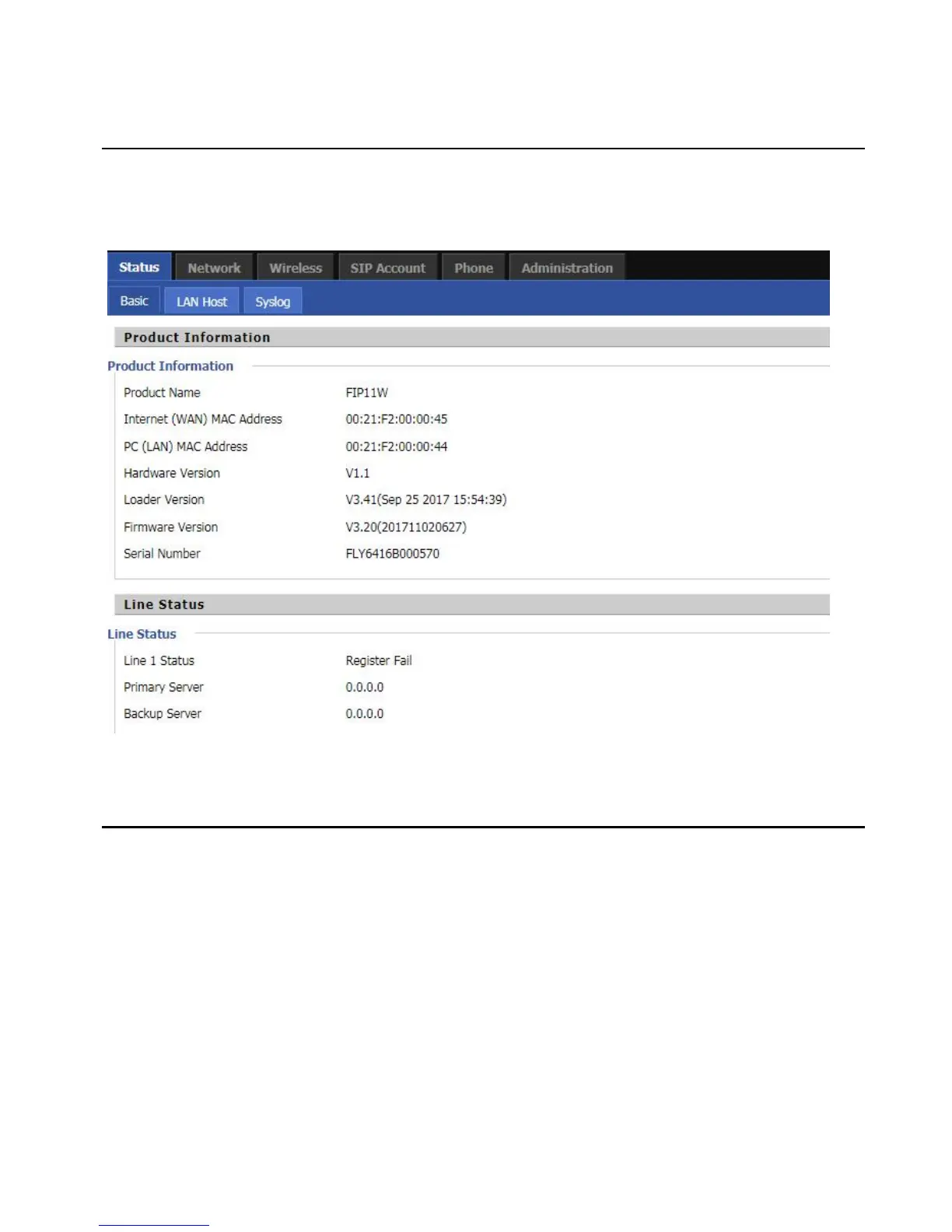
This webpage shows the status information about the Product, Network, SIP Account Status, FXS Port Status,
Network Status,Wireless Info and System Status
You can configure the WAN port, LAN port, DDNS, Multi WAN, DMZ, MAC Clone, Port Forward and other
parameters in this section of the web management interface.
WAN
This page allows you to set WAN configuration with different modes. Use the Connection Type drop
down list to choose one WAN mode and then the corresponding page will be displayed.
1.Static IP
This configuration may be utilized when a user receives a fixed public IP address or a public subnet,
namely multiple public IP addresses from the Internet providers. In most cases, a Cable service provider
will offer a fixed public IP, while a DSL service provider will offer a public subnet. If you have a public
subnet, you can assign an IP address to the WAN interface.



 To Next Page