Chapter 3 Basic Settings FTA5102/FTA5101 User Manual
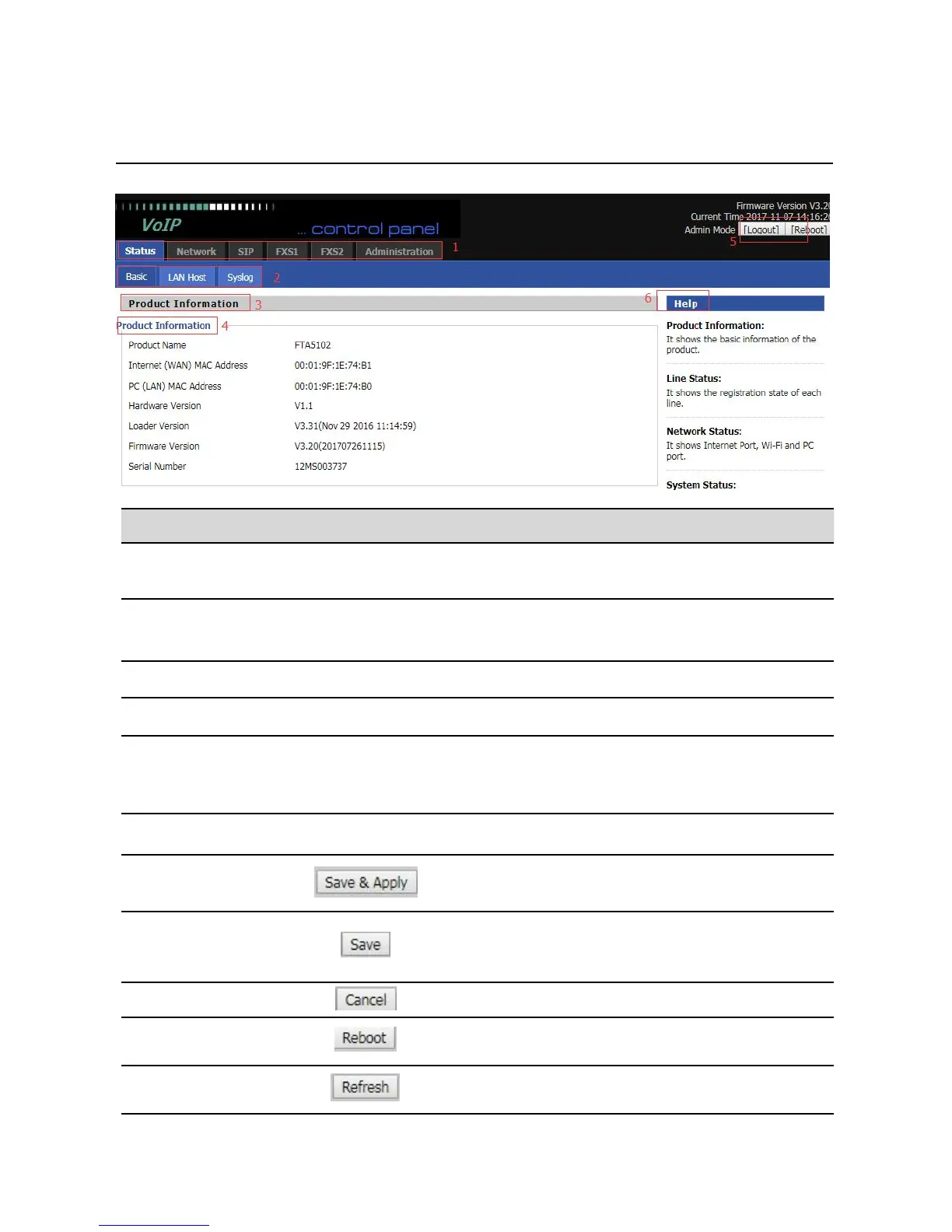
WEB Interface Introduction
Table 7
WEB Interface Introduction
Click navigation bar, many sub-navigation bar will
appear in the place 2
Click sub-navigation bar to enter to configuration
page
Display the firmware version, DSP version, Current
Time, and user can change login level (mode) to
return to login page by press blue Switch button.
Display the main information for configuration; user
can get help from it directly.
Use this button,conifg will be saved and take effect.
After changing the parameters, you need to click this
button to save. After you click Save, there is a need to
restart the device.
Click to cancel the change



 To Next Page