Chapter 5 IPv6 address configuration FTA5102/FTA5101 User Manual
IPv6 Advance
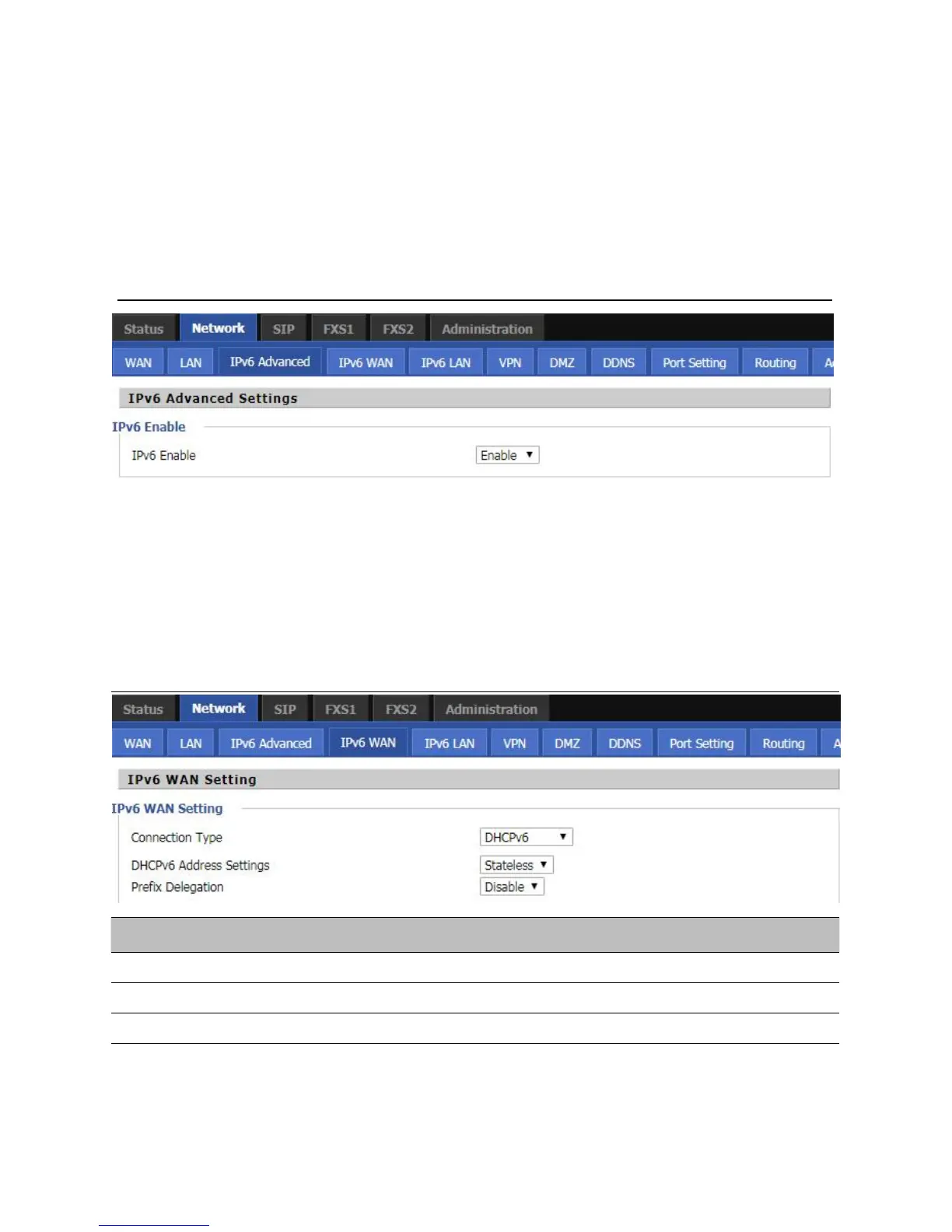
To enable IPv6 functionality:
Navigate to Network > IPv6 Advanced page.
Select Enable from the IPv6 Enable drop-down list.
Click Save.
Table 56
E
nabling IPv6
Configuring IPv6
Configuring Statefull IPv6
1. Navigate to Network > IPv6WAN page. The following window is displayed:
Table 57
Configuring Statefull IPv6
Set it to statefull mode.



 To Next Page