ADVANCED OPERATIONS IP SETUP FOR A COMPUTER OR LAPTOP
127
Now you are ready to import new, updated software or jpeg images to and from your MX-4.
Details about how to transfer files are described in further detail in “Transferring Files TO or
FROM the MX-4” on page 128.
To connect to a network (Dynamic IP):
1 Set the IP address to 0.0.0.0 to indicate that you want DHCP, or it will stay static.
2 Power down the MX-4.
3 Connect the MX-4 to your network with a standard 10Base-T Ethernet cable, just as you
would network a computer.
4 Power up. DHCP is the default mode. To determine if an IP address has automatically been
assigned, press
SHIFT+SETUP/FTP.
A non-zero number should appear on the screen. Contact your network administrator if this
doesn’t occur, to verify that your network has a working DHCP server.
5 To prevent unauthorized users from corrupting your system, use the password setting within
the MX-4 ftp menu. FOCUS Enhancements recommends that while using a DHCP IP address,
you arrow down and type in from your number keypad a code to lockout unauthorized users. If
the password is set to “222” on the mixer, for example, then you should apply “222” to the
access section of your ftp page.
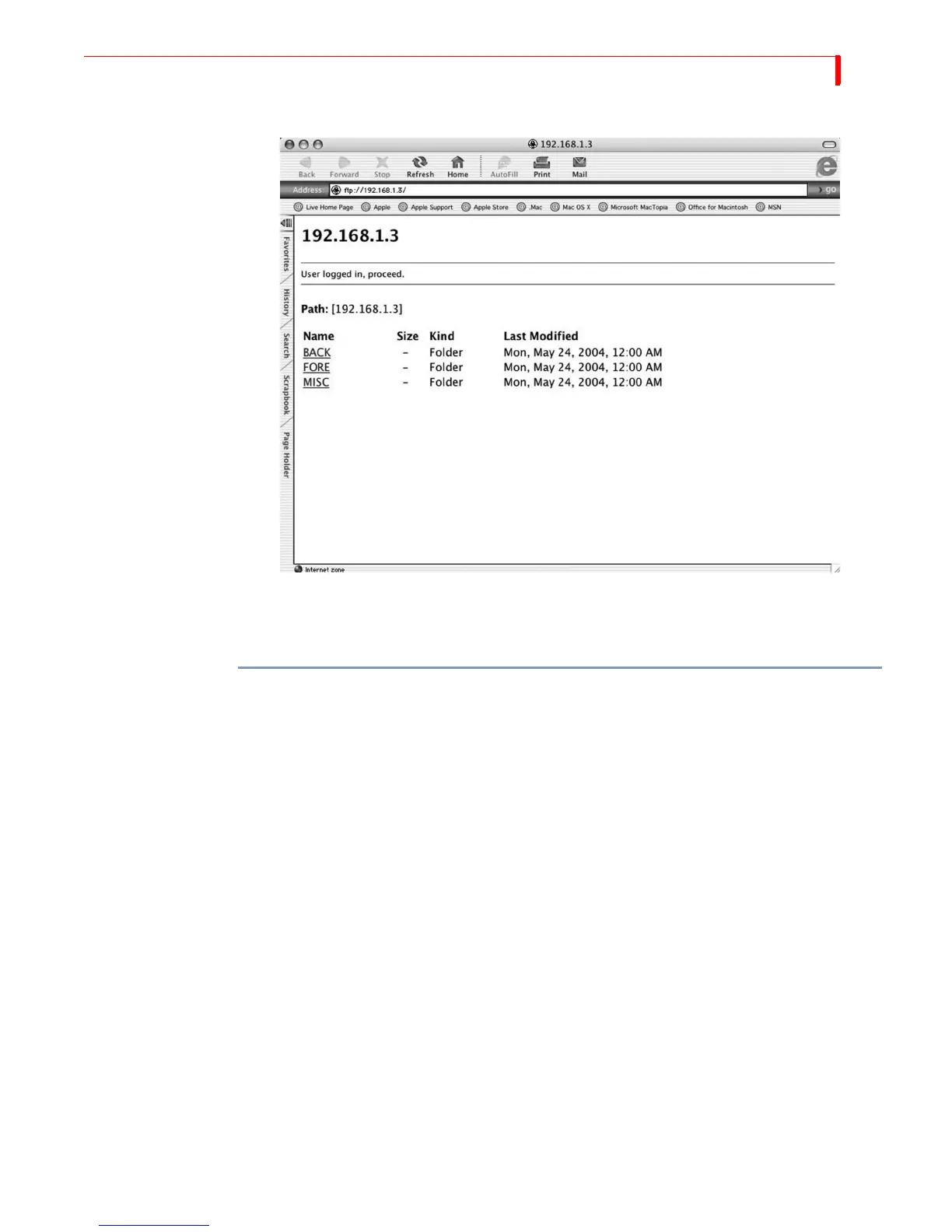
The MX-4 is now networked, and it should be visible as an FTP device.



 To Next Page