Step Action
3
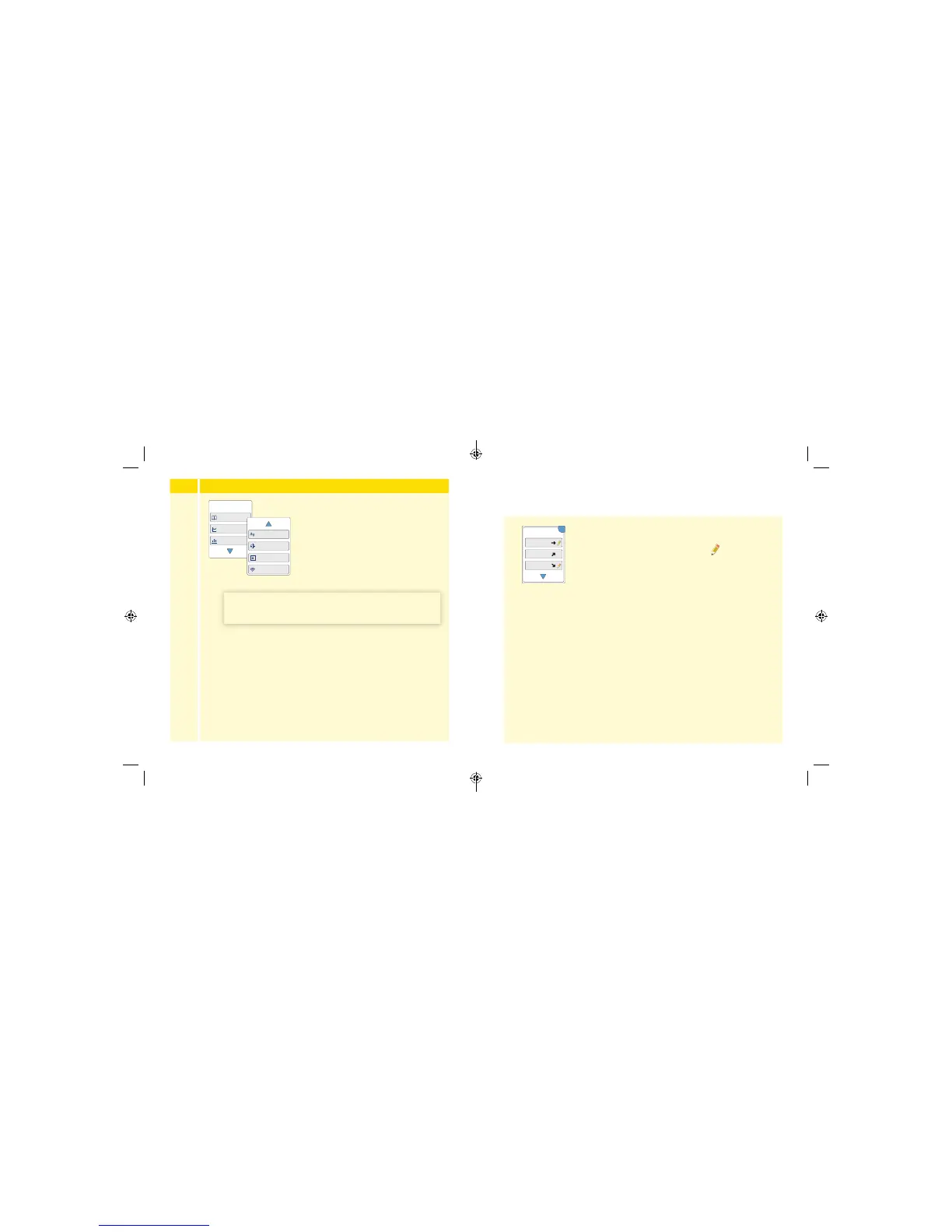
Use the arrows to view the available options.
Logbook
Daily Graph
Average Glucose
Review History
1 / 2
Daily Patterns
Time In Target
Low Glucose Events
Sensor Usage
IMPORTANT: Work with your health care professional
to understand your glucose history.
The Logbook and Daily Graph show detailed information, while other
history options show summaries of information over a number of days.
Logbook
Entries for each time you scanned your Sensor or
performed a blood glucose test. If you entered
Notes with a glucose reading, the
symbol
appears in that row. For more information about
the symbols, see Reader Symbols section.
Touch the entry to review the detailed information,
including any Notes you entered. You can add or
edit (change) Notes for the most recent Logbook
entry, provided your glucose reading was within
the last 15 minutes and you have not used
FreeStyle Libre software to create reports.
OK
Logbook
23 Feb
10:23am
23 Feb
6:37am
22 Feb
11:09pm
143
98
108
mg/dL
53 54
ART38553-101_rev-A_manual.indd 53-54 2/1/18 2:13 PM



 To Next Page