Using Your Sensor
CAUTIONS:
• The Sensor Pack and Sensor Applicator are packaged as a
set (separately from the Reader) and have the same Sensor
code. Check that the Sensor codes match
before using your Sensor Pack and Sensor
Applicator. Do not use Sensor Packs and
Sensor Applicators with dierent Sensor
codes together as this will result in
incorrect glucose readings.
• Intense exercise may cause your Sensor to loosen due to
sweat or movement of the Sensor. Remove and replace
your Sensor if it starts to loosen and follow the instructions
to select an appropriate application site.
Applying Your Sensor
Step
Action
1
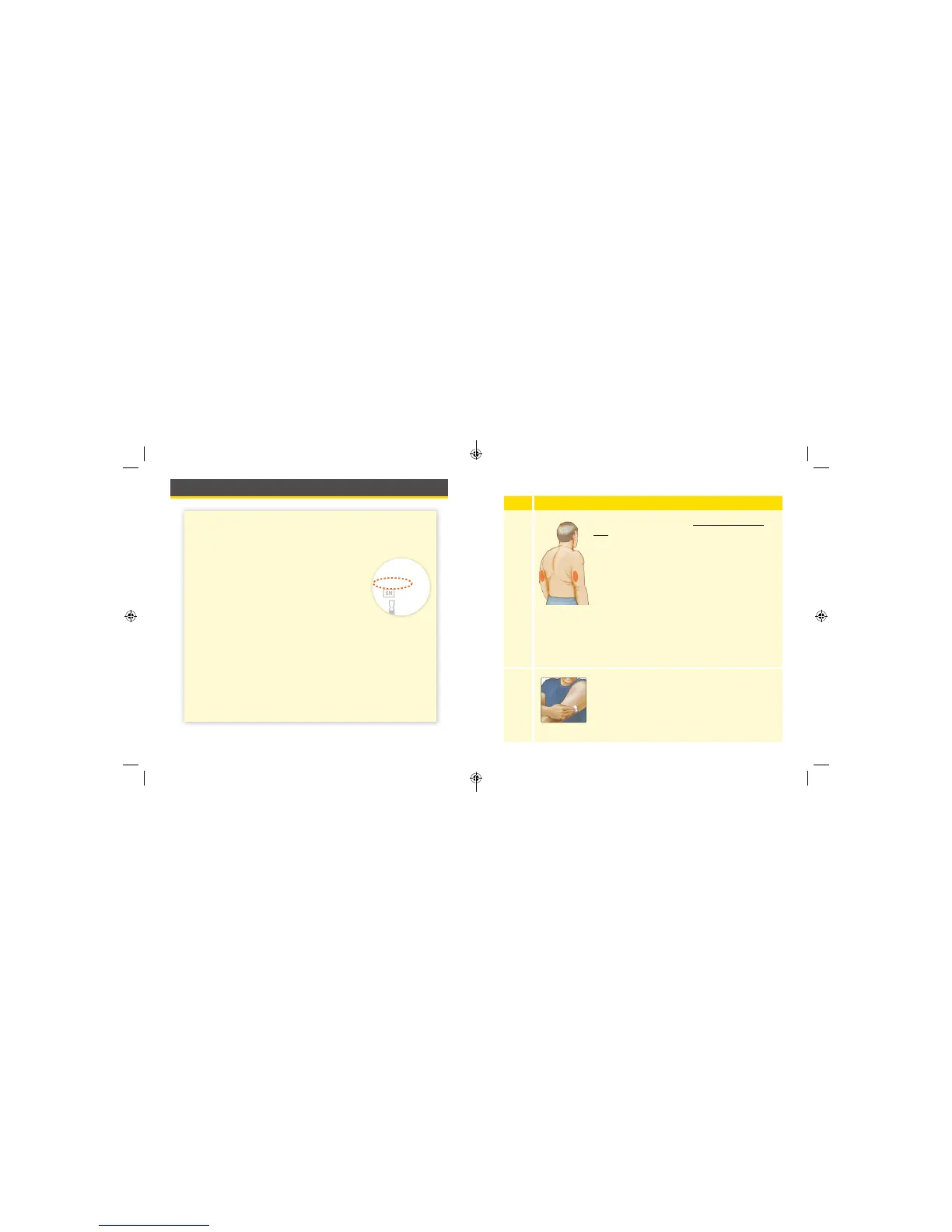
Apply Sensors only on the back of your upper
arm. If placed in other areas, the Sensor may
not function properly and could give inaccurate
readings. The application of the Sensor is not
approved for other sites. Avoid areas with scars,
moles, stretch marks, or lumps.
Select an area of skin that generally stays at
during your normal daily activities (no bending
or folding). Choose a site that is at least 1 inch
(2.5 cm) away from an insulin injection site. To
prevent discomfort or skin irritation, you should
select a dierent site other than the one most
recently used.
2
Clean application site with an alcohol wipe and
allow site to dry before proceeding. This helps
the Sensor stay attached to your body.
Note: The area MUST be clean and dry, or the
Sensor may not stick to the site.
21 22
ART38553-101_rev-A_manual.indd 21-22 2/1/18 2:13 PM



 To Next Page