Checking Your Glucose
Step Action
1
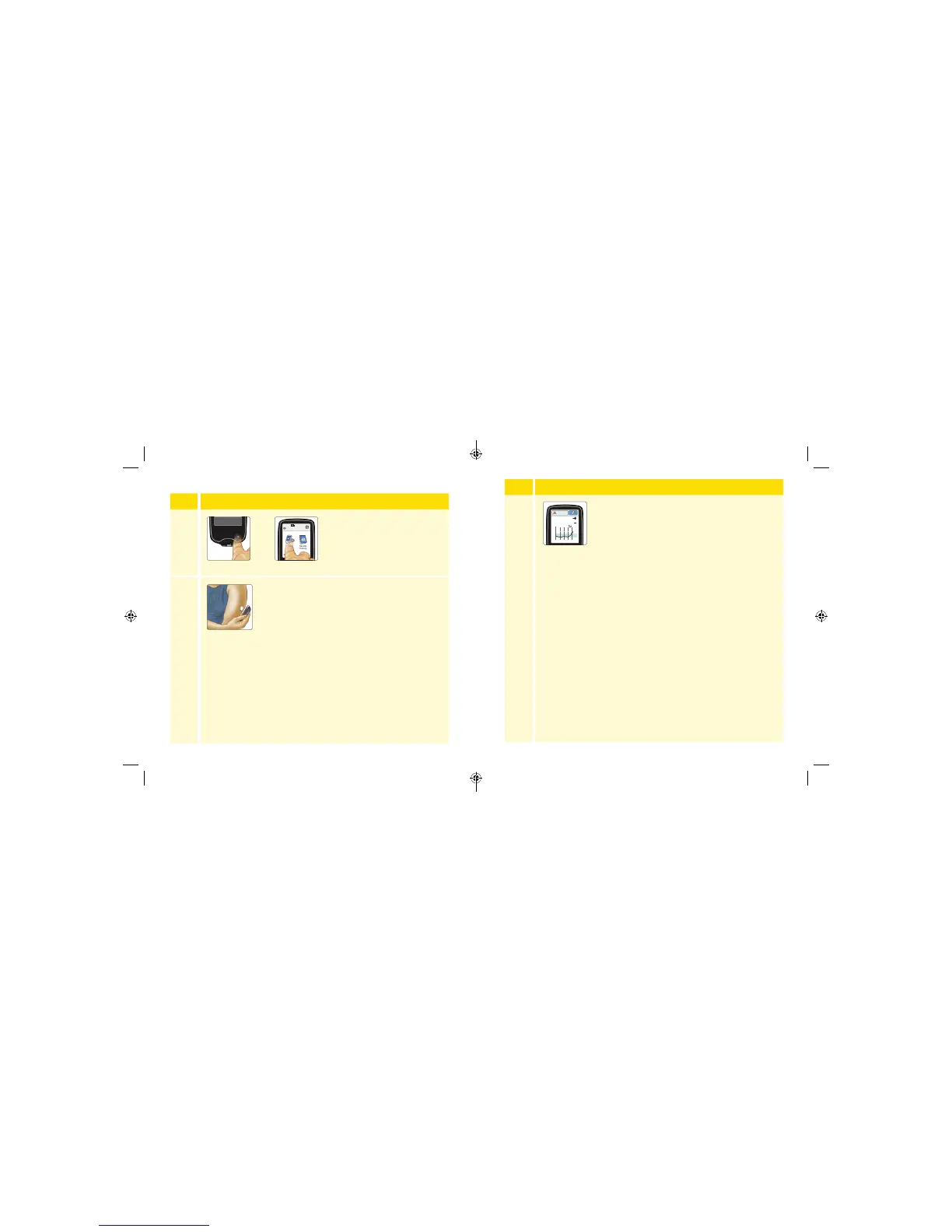
Turn the Reader on by pressing
the Home Button or touch
Check Glucose from the Home
Screen.
2
Hold the Reader within 1.5 inches (4 cm) of your
Sensor to scan it. Your Sensor wirelessly sends
glucose readings to the Reader. If sounds are
turned on, the Reader beeps when the Sensor
has been successfully scanned.
Note: If the Sensor is not successfully scanned within 15
seconds, the Reader displays a prompt to scan the Sensor
again. Touch OK to return to the Home Screen and touch
Check Glucose to scan your Sensor.
OR
Step Action
3
The Reader displays your current glucose reading
along with your glucose graph and an arrow
indicating the direction your glucose is going.
350
250
150
50
236
mg
dL
6am 10am 2pm
Glucose Going
High
27 28
ART38553-101_rev-A_manual.indd 27-28 2/1/18 2:13 PM



 To Next Page