Step
Action
4
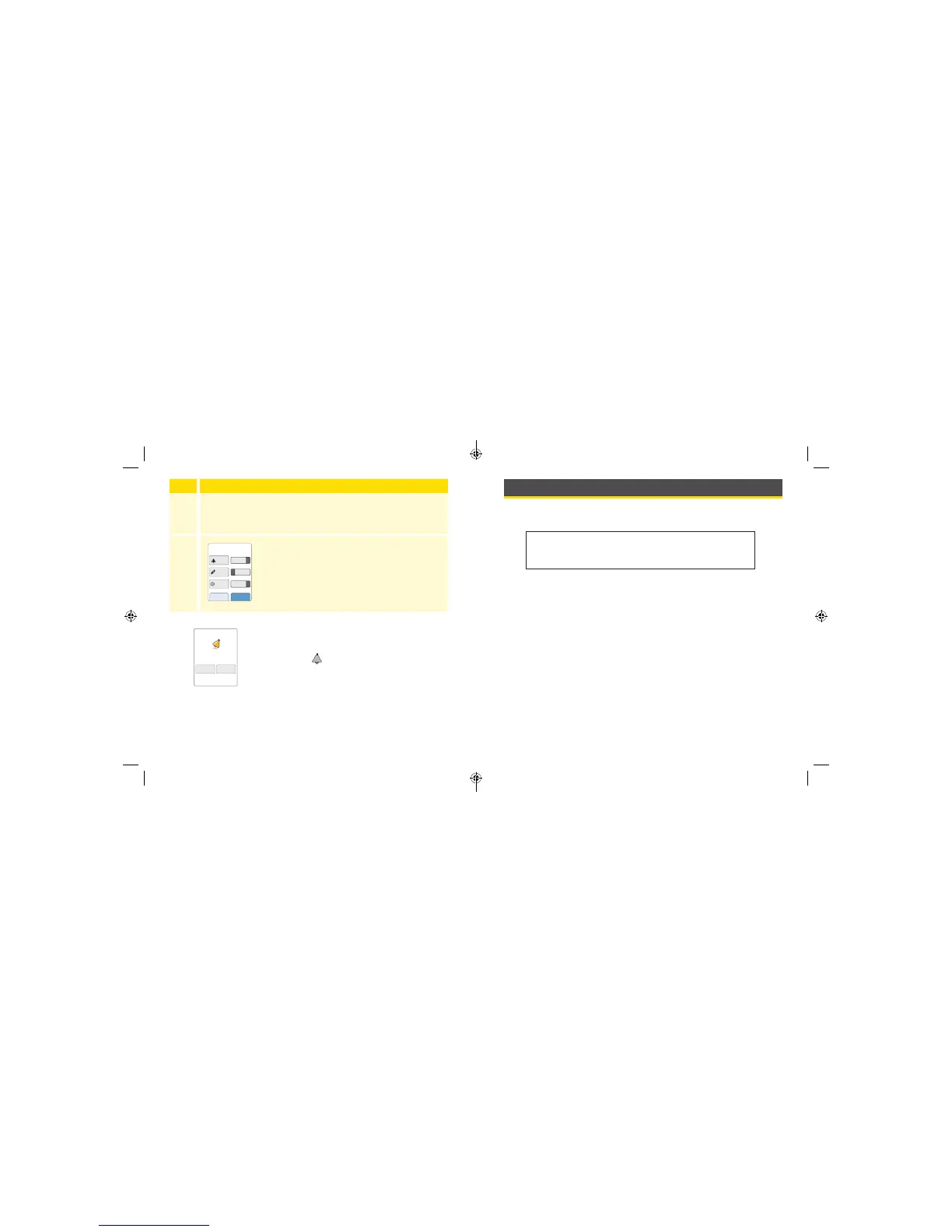
Set the reminder Time using the arrows on the touchscreen.
Touch save.
5
From the Reminders screen, you can turn the
reminder On/O or add new reminders.
Touch done to return to the Home Screen.
When reminders are On, the next reminder time
appears next to the reminder symbol on the
Home Screen.
For example,
8:30am
Your reminder comes on even if the Reader is
turned o. Touch OK to dismiss your reminder or
snooze to be reminded again in 15 minutes.
Note: Reminders will not appear if the Reader is
connected to a computer.
add new done
Reminders
8:30am
12:30pm
00:00:00
On
On
Off
8:30am
Alarm
Reminder
snooze
15 min
OK
Using the Reader’s Built-in Meter
The Reader has a built-in meter that can be used to test your blood
glucose, or to test the meter and strips with control solution.
Intended Use
The FreeStyle Libre Reader’s built-in meter is for use outside the body
only (in vitro diagnostic use) in the quantitative measurement of glucose
in fresh whole blood for self testing by lay users from the ngers. It is
not intended to be used for testing neonatal blood samples or for the
diagnosis or screening of diabetes.
The FreeStyle Libre Reader’s built-in meter is indicated for the home (lay)
user in the management of patients with diabetes. It is intended to be
used by a single person and should not be shared.
The FreeStyle Precision Neo Blood Glucose Test Strips are for use with the
FreeStyle Libre Reader’s built-in meter to quantitatively measure glucose
(sugar) in fresh capillary whole blood samples drawn from the ngertips.
WARNING: Do NOT use the built-in meter while the
Reader is connected to an electrical outlet or a computer
due to the potential risk of electrical shock.
61 62
ART38553-101_rev-A_manual.indd 61-62 2/1/18 2:13 PM



 To Next Page