Replacing Your Sensor
Your Sensor automatically stops working after 10 days of data and
must be replaced. You should also replace your Sensor if you notice any
irritation or discomfort at the application site or if the Reader reports a
problem with the Sensor currently in use. Taking action early can keep
small problems from turning into larger ones.
CAUTION: If the Sensor is becoming loose or if the Sensor tip is
coming out of your skin, you may get no readings or unreliable
readings, which may not match how you feel. Check to make
sure your Sensor has not come loose. If it has come loose,
remove it and apply a new one.
Using Reminders
You can use Reminders to help you remember to check your glucose, take
insulin, or as a general alarm.
Step
Action
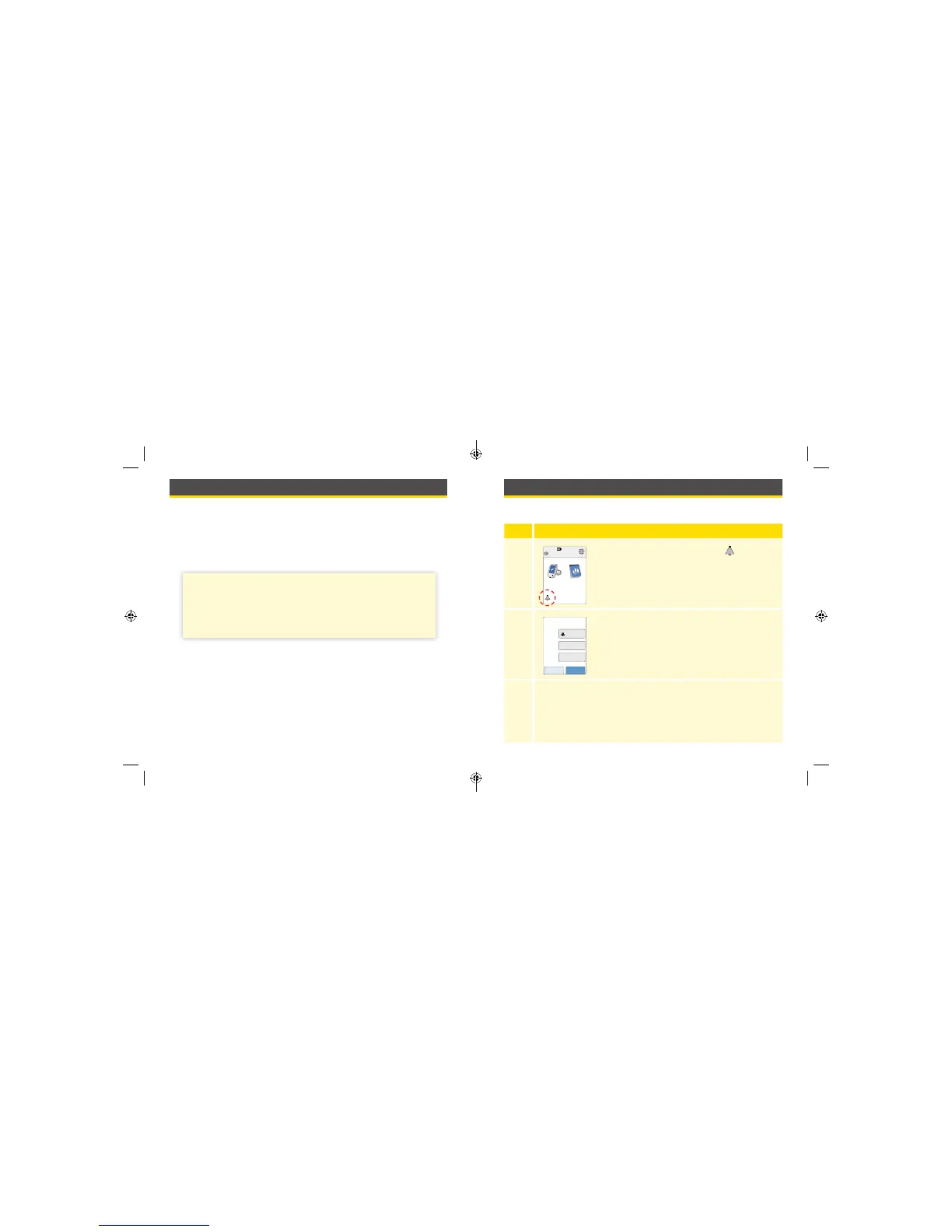
1
From the Home Screen, touch the symbol.
2
Touch to select which Type of reminder you want
to set: Check Glucose, Take Insulin, or Alarm.
3
Touch to select how often you want the reminder to Repeat:
Once, Daily, or Timer.
Note: You can set the reminders for a specic time (e.g. 8:30 am)
or as a timer (e.g. 3 hours from the current time).
Ends in 10 days
10:23pm
Check
Glucose
Review
History
cancel save
Set Reminder
Alarm
Daily
XX:XX
Type
Repeat
Time
59 60
ART38553-101_rev-A_manual.indd 59-60 2/1/18 2:13 PM



 To Next Page