FreeStyle Libre Software
FreeStyle Libre software can be used to view reports and change
Reader settings. The software is compatible with most Windows
and Mac operating systems. Go to www.FreeStyleLibre.com and
follow onscreen instructions to download and install the software.
INTENDED USE
FreeStyle Libre software is intended for use by individuals and
health care professionals to aid in the review, analysis, and
evaluation of information such as Sensor glucose readings,
blood glucose test results, and other data uploaded from the
FreeStyle Libre Flash Glucose Monitoring System, in support of
an eective diabetes health management program.
FreeStyle Libre software is not intended for the diagnosis of
or screening for diabetes mellitus. Users should be aware that
FreeStyle Libre software is merely an information management
tool and it is therefore not intended to substitute for the
support of a health care professional. Individuals should always
consult their health care professional if they have any queries or
concerns about diabetes management.
Setting up Your Reader for the First Time
Before using the System for the rst time, the Reader must be set up.
Step Action
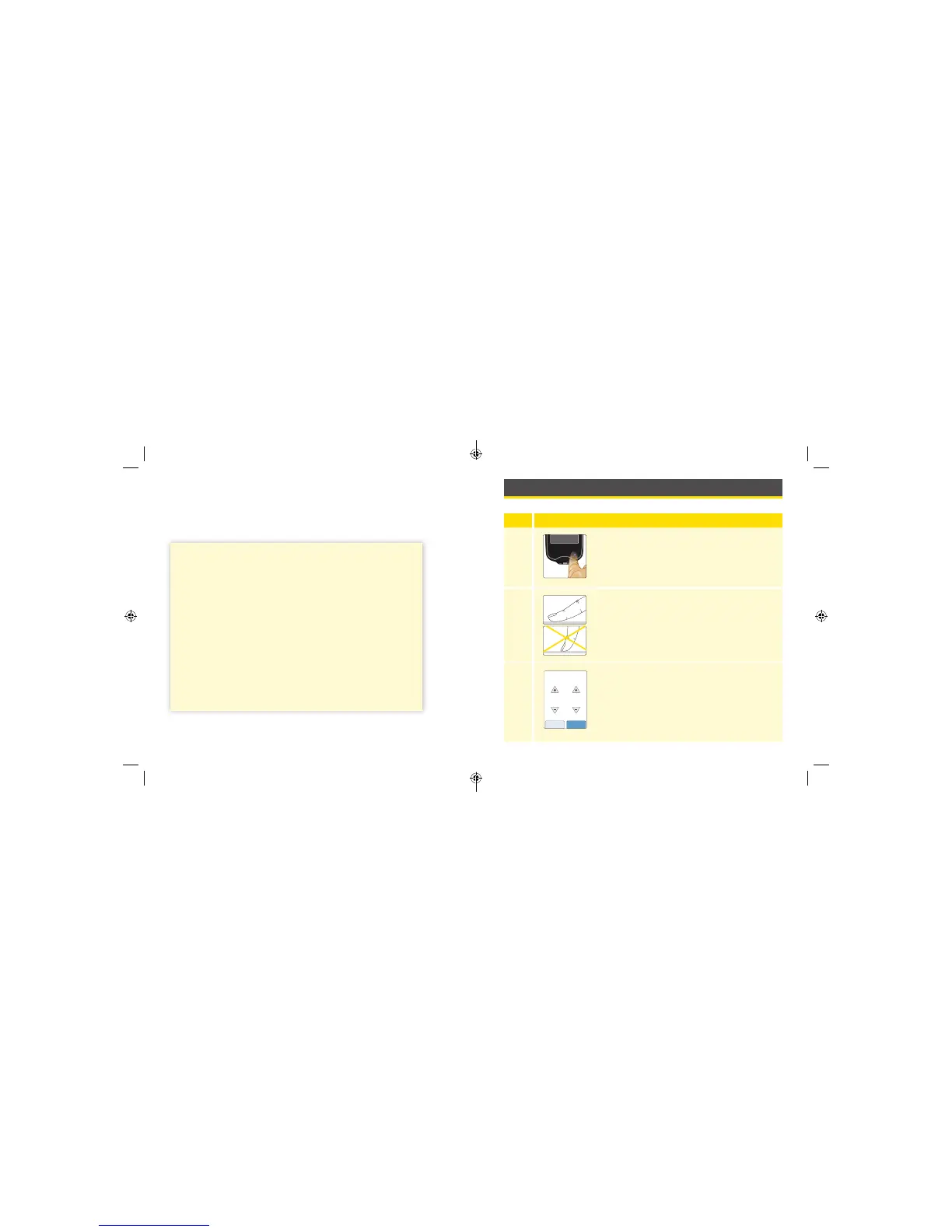
1
Press the Home Button to turn on the Reader.
2
If prompted, use the touchscreen to select your
preferred language for the Reader. Touch OK to
continue.
Note: Use the pad of your nger. Do NOT use
your ngernail or any other object on the screen.
3
Set the Current Date using the arrows on the
touchscreen. Touch next to continue.
14
back next
Current Date
June
2018
17 18
ART38553-101_rev-A_manual.indd 17-18 2/1/18 2:13 PM



 To Next Page