Changing the Reader Settings
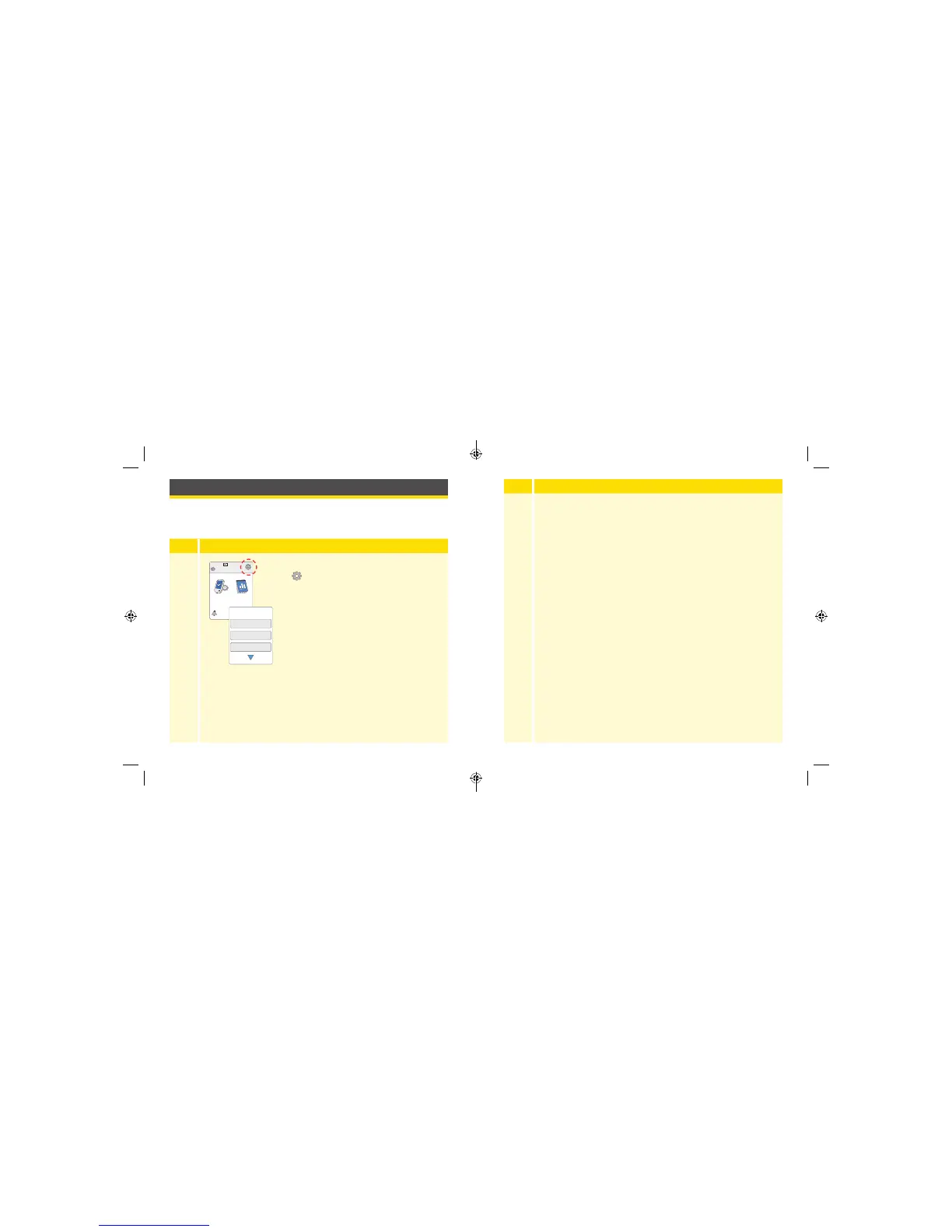
You can go to the Settings menu to change many settings on the Reader,
like Time & Date or Sounds. The Settings menu is also where you go to do
a Control Solution Test or to check the System Status.
Step
Action
1
To get to the Settings menu, touch the Settings
symbol
on the Home Screen.
Ends in 10 days
10:23pm
Check
Glucose
Review
History
Sounds
Target Range
Control Solution Test
Settings
1 / 3
Step
Action
2
Touch the setting you want to change:
Sounds – Set tones and vibrations
Target Range – Set range displayed on Reader
glucose graphs
Control Solution Test – Perform a Control Solution test
Time & Date – Change the Time or Date
Language – Change the language on the Reader
System Status – Check Reader information and performance
• View System Information: The Reader will display information
about your System including:
- Current Sensor end date and time
- Reader serial number and version number
- Serial numbers of most recent Sensors (up to three)
- Sensor version for most recent Sensor
- Number of Sensors that have been used with Reader
- Number of tests that have been performed using test strips
77 78
ART38553-101_rev-A_manual.indd 77-78 2/1/18 2:13 PM



 To Next Page